Discover the Power of Office 2019 Professional Plus
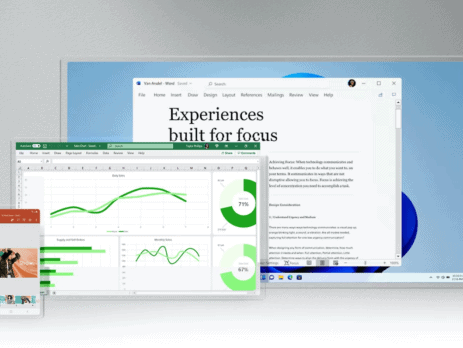
In today's fast-paced society, efficient and reliable software systems are essential for both individuals and organizations. Microsoft Office 2019 Professional Plus is a powerful application that meets various customer needs. With features like increased efficiency, innovative tools, and improved performance, this edition offers significant benefits. This discussion will describe the characteristics of Office 2019 Professional Plus, the advantages of installing this tool, and the reasons why it is essential to use. Main Characteristics of Office 2019 Professional Plus Advanced Office ApplicationsWord 2019 Excel 2019 PowerPoint 2019Outlook 2019 Access 2019Publisher 2019 Word being one of the MS Office applications offers accessible inking, learning, and other enhancements to documents. Rich editing and reviewing tools mean that your documents will be perfect and clear to the readers. Excel has been equipped with data analysis tools, some of which are new charts as well as the formulas. The new features – Power Query and Power Pivot make manipulation...