

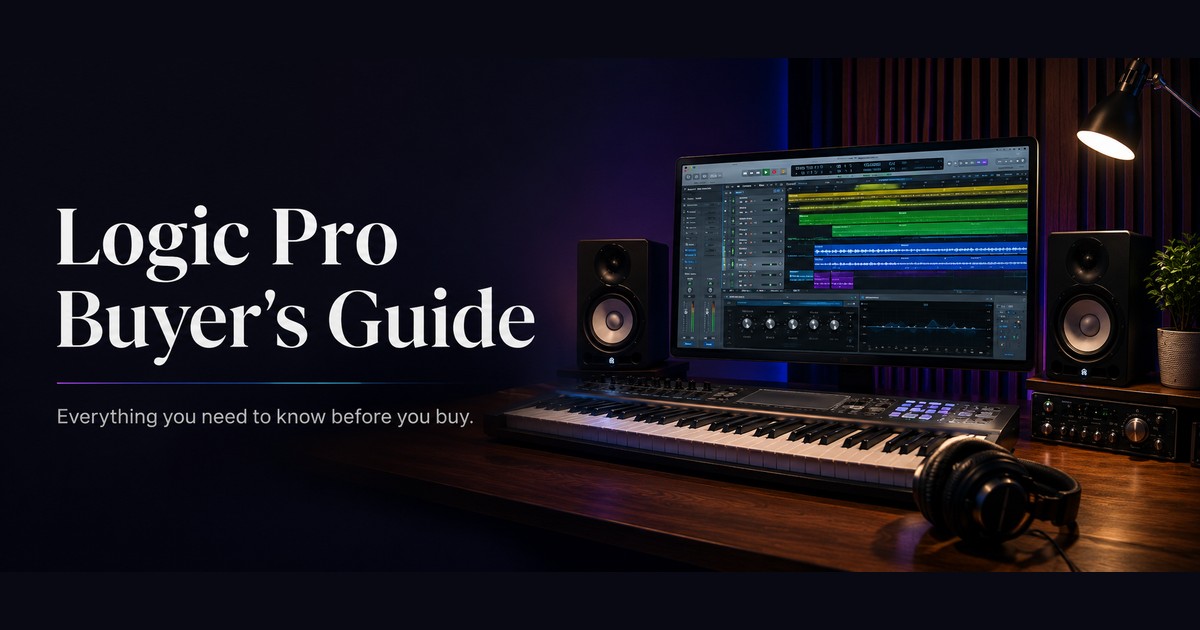
Logic Pro: Is It the Right DAW for You? (2026 Buyer's Guide)
If you make music on a Mac, Logic Pro is on most shortlists. It’s Apple’s professional digital audio workstation, the full-featured step up from GarageBand, and it does something almost no other pro DAW still does: it’s a one-time purchase. Whether it’s the right buy for you comes down to your setup and the kind of work you do, and there are a few specific questions that settle it.
The short version
- Logic Pro is for Mac users who want a complete music-production environment without a recurring bill. Songwriters, producers, beatmakers, and anyone graduating from GarageBand are its core audience.
- It’s a one-time purchase. You pay once and own it, and Apple has a long track record of giving major updates to existing owners at no extra cost.
- It does not run on Windows. That’s the hard limit. If you’re on a PC, Logic Pro is off the table, and no workaround changes that.
What you’re actually getting
Logic Pro is a full production suite. Recording, MIDI sequencing, mixing and mastering all live in one place, alongside a sound library that runs into tens of gigabytes of instruments, loops and samples.
The instrument and effect set runs deep. Alchemy is a serious synth in its own right. The Sampler and Quick Sampler turn any audio into a playable instrument. Drummer generates convincing drum tracks, and the more recent Session Players extend that to bass and keyboards, so a solo songwriter can build a full arrangement without hiring anyone. Flex Time and Flex Pitch handle timing and tuning correction. Live Loops gives you a non-linear, clip-based way to build tracks, familiar territory if you’ve used Ableton.
Newer additions lean on Apple’s on-device processing: a Mastering Assistant that finishes a mix, a Stem Splitter that pulls vocals and instruments out of a single recording, and Dolby Atmos tools for spatial audio. On Apple Silicon Macs all of this runs fast and quiet, because Logic is tuned for Apple’s own hardware rather than written to work everywhere.
Where Logic Pro fits, and where it doesn’t
Logic is the natural upgrade. It opens GarageBand projects directly, the interface will feel familiar, and you get the professional depth GarageBand leaves out on purpose. If you’ve outgrown the free app, this is where you go next.
Pro Tools is the standard in commercial recording studios and post-production, it’s cross-platform, and it runs on a subscription. If you exchange sessions with studios that run Pro Tools, or you work in film and broadcast audio, that interoperability may matter more than Logic’s price. For self-contained music production, most people don’t need it.
Both are strong for electronic music and live performance, and both run on Windows as well as Mac. If cross-platform freedom or a specific live-performance workflow is central to what you do, compare them directly. Logic’s advantage is the all-in-one package at a one-time price, on Mac.
If your work is really about editing spoken audio rather than composing music (podcasts, voiceover, cleanup and restoration), a dedicated audio editor like Adobe Audition is a better-shaped tool than a full DAW, and it runs on Windows too.
For more on this, see how to run Windows 11 on a Mac with Parallels Desktop 20.
Who should buy it
Buy Logic Pro if you work on a Mac, you want professional production tools, and you’d rather pay once than subscribe indefinitely. It’s an easy call if you already use GarageBand and have hit its limits. Bedroom producers, songwriters and electronic musicians on Apple hardware get the most out of it.
Think twice if you’re on Windows (it simply won’t run), if your studio or collaborators are standardized on Pro Tools, or if live performance is your main use and another tool fits that better. None of these are knocks on Logic. They’re just cases where the fit isn’t there.
Practical notes before you buy
Logic Pro is Mac-only and wants a reasonably current version of macOS. It runs well on Apple Silicon (M-series) Macs and stays comfortable there even with large projects. Older Intel Macs can still run it, but heavy sessions with many tracks and plugins will lean on the machine harder, so factor your hardware into the decision.
If you want to go further, read the Terminal commands every Mac user should know.
The full sound library is a large download, though you can install it selectively rather than all at once. Budget the disk space if you plan to pull in the complete collection.
Frequently asked questions
Does Logic Pro run on Windows?
No. Logic Pro is Mac-only and has no Windows version. If you’re on a PC, you’ll need a different DAW such as Ableton Live, FL Studio, or Pro Tools.
Is Logic Pro a subscription?
No. The Mac version is a one-time purchase. You pay once, and Apple has historically provided major updates to existing owners without an additional charge.
Is Logic Pro good for beginners?
It’s approachable, particularly if you come from GarageBand, but it’s a professional tool with real depth. Complete beginners often start with GarageBand (which is free) and move up to Logic when they need more.
Do I need a powerful Mac to run it?
It runs very well on Apple Silicon Macs. On older Intel machines it still works, but large projects with many tracks and plugins are more demanding, so a more capable Mac helps.
Logic Pro or Pro Tools?
Pro Tools is the standard for commercial studios and post-production and runs on a subscription across Mac and Windows. Logic is a one-time purchase, Mac-only, and covers most music-production needs on its own. For self-contained production, Logic usually wins on value. For studio interoperability, Pro Tools has the edge.
Buying your license
At Instant-Key we’re an independent reseller of software licenses. The Logic Pro for Mac license is available as a one-time purchase, with digital delivery and activation instructions included, so you can get set up without waiting on a shipment. Prices and current details are always on the product page.
If you’re on a Mac and tired of subscriptions, Logic Pro is one of the few professional tools that still lets you pay once and own it. If you’re not on a Mac, the question answers itself.
Products in this article
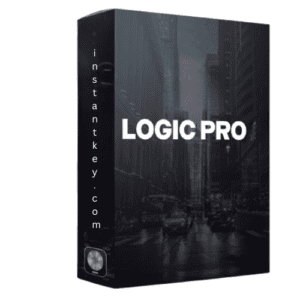
Digital delivery by email · Secure payment by card, Apple Pay and Google Pay
Leave a Reply