


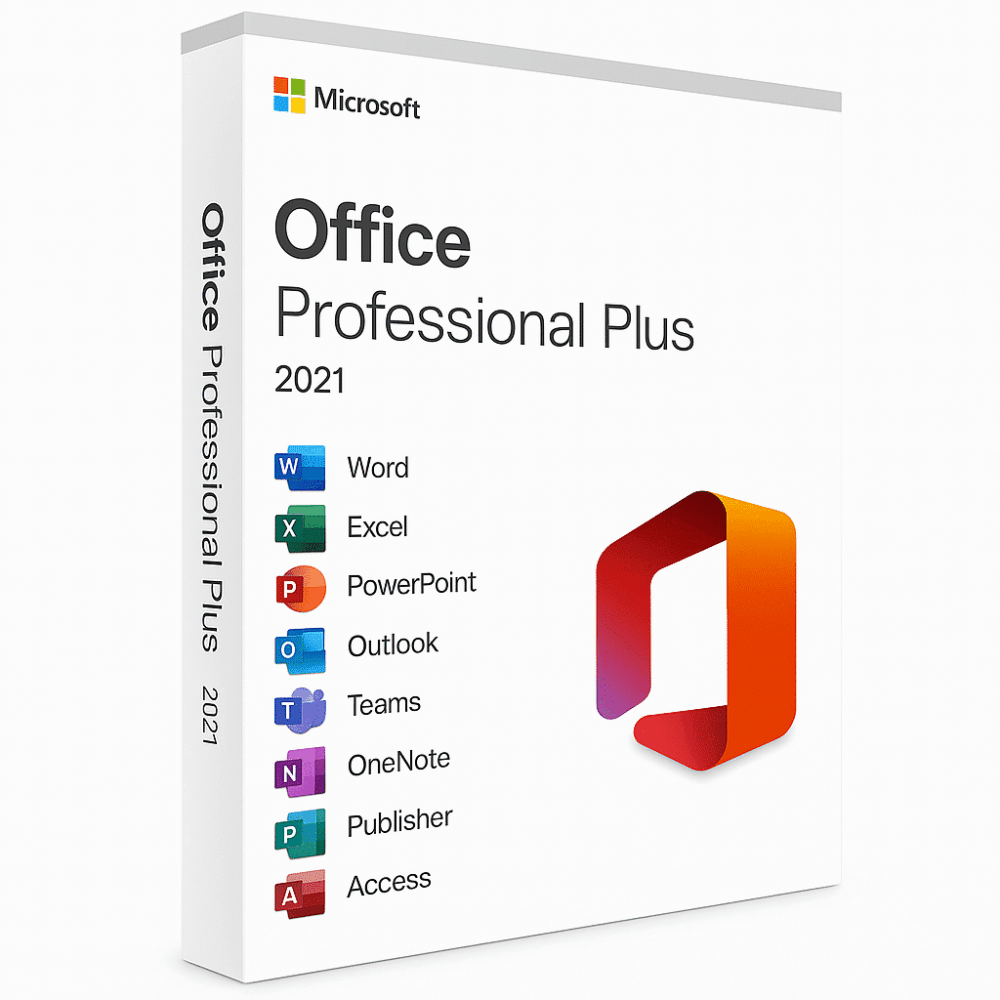
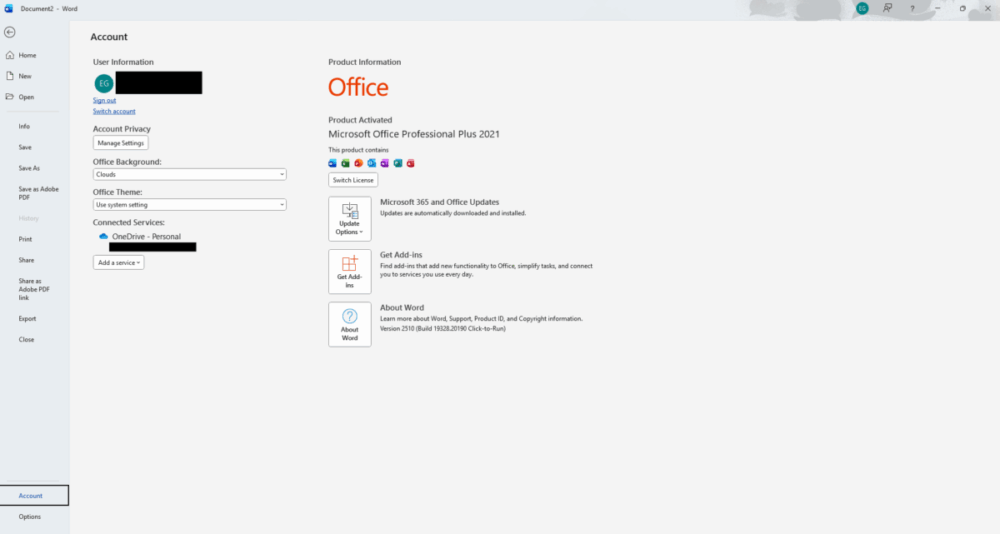
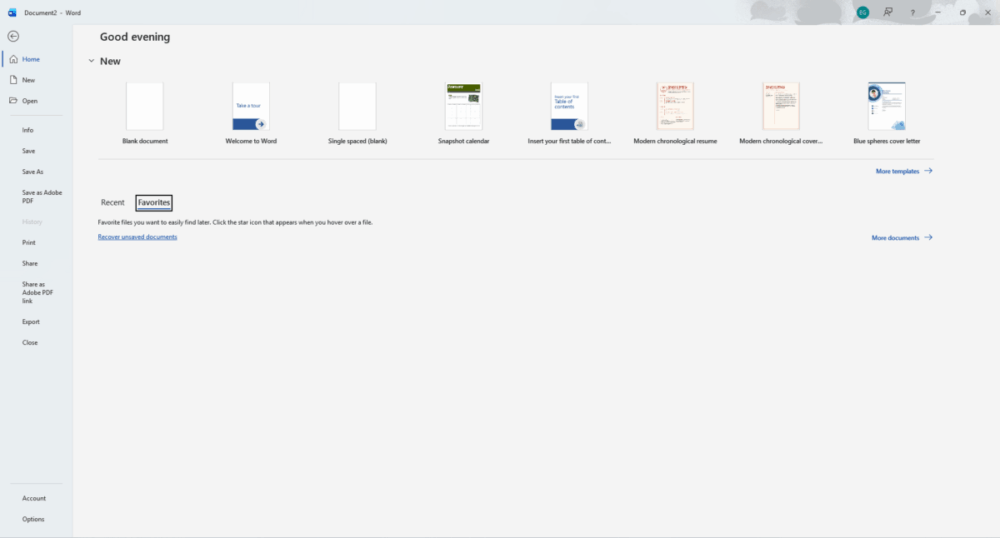
Microsoft Office 2021 - One-time Purchase
Price range: 39.00 $ through 60.00 $
- ✔One-Time License — pay once
- ✔Works on Windows
- ✔All languages included
- ✔Sent by email after checkout
- ✔Free setup support
- Description
- Reviews (46)
- Installation Guide
- Why buy from instant-key.com ?
Description
Microsoft Office 2021 Product Key
Get ready to revolutionize your productivity with Microsoft Office 2021— One-time Purchase- the latest and greatest version of the world’s leading productivity suite! Say hello to Word, Excel, PowerPoint, Outlook, OneNote, Publisher, and Access- all your favorite Office applications, now with even more amazing features.
With Office 2021— One-time Purchase, you’ll never be tied down to one device again. Considering the newer release? Compare in our Office 2021 vs Office 2024 guide. Whether you’re using it for personal or professional use, this software is perfect for any purpose.
Create stunning presentations, spreadsheets, and documents that will blow your audience away. Stay on top of your emails, contacts, and calendar with ease. Collaborate with your colleagues in real-time, no matter where they are in the world. And with the latest security features, you can rest assured that your data is safe and sound.
Overall, Microsoft Office 2021— One-time Purchase is the ultimate package for anyone looking to take their productivity to the next level. Get ready to experience the best of Microsoft Office with a one-time purchase subscription- it’s the gift that keeps on giving!
Key Features of Microsoft office 2021 one-time purchase
- Core Applications: Includes classic applications like Word, Excel, PowerPoint, and Outlook. Some versions also include Access and Publisher (mainly in the Professional edition).
- One-time Purchase: Unlike Microsoft 365, which requires a subscription, Office 2021 is a one-time purchase with no additional costs after the initial payment.
- One-time License: You receive a one-time purchase perpetual license for Microsoft Office, allowing indefinite use without subscription renewals.
- No Feature Updates: While you’ll receive security updates, Office 2021 won’t get new features or updates beyond its initial release. If you want the latest features, you’d need to upgrade to a future version or switch to Microsoft 365.
- Offline Access: Office 2021 can be used offline, although you need an internet connection for activation and updates.
- Compatibility: Office 2021 is compatible with Windows 10 and Windows 11. For macOS, see our separate Office 2021 for Mac licence.
Transferable License
This Office 2021 license is transferable, meaning it will instantly be linked to your Microsoft account after you purchase it. As a result, you won’t have to renew it if you want to reinstall it on another machine.
| Product | Description |
|---|---|
 |
Microsoft Word 2021Your Ultimate Writing Companion Boost your productivity with Microsoft Word 2021, the ultimate writing companion. With enhanced efficiency and an improved Draw tab, you’ll easily create stunning documents. Plus, with OpenDocument format (ODF) 1.3 support, you can easily open and edit XML spreadsheets, charts, presentations, and word-processing documents. |
 |
Microsoft Excel 2021Power Up Your Spreadsheets: Take your data analysis to the next level with Microsoft Excel 2021. With new functionality like the XLOOKUP function, dynamic arrays, and improved support for ODF 1.3, you’ll be able to work smarter, not harder. And with the LET Function, you can designate independent calculation outputs for even more flexibility. |
 |
Microsoft PowerPoint 2021Create Stunning Presentations Make a lasting impression with Microsoft Word Excel PowerPoint 2021. With performance improvements and features like slide show recording and replaying ink strokes, you can create stunning presentations that captivate your audience. With support for ODF 1.3 and an improved draw tab, you can easily add visual elements that make your presentations stand out. |
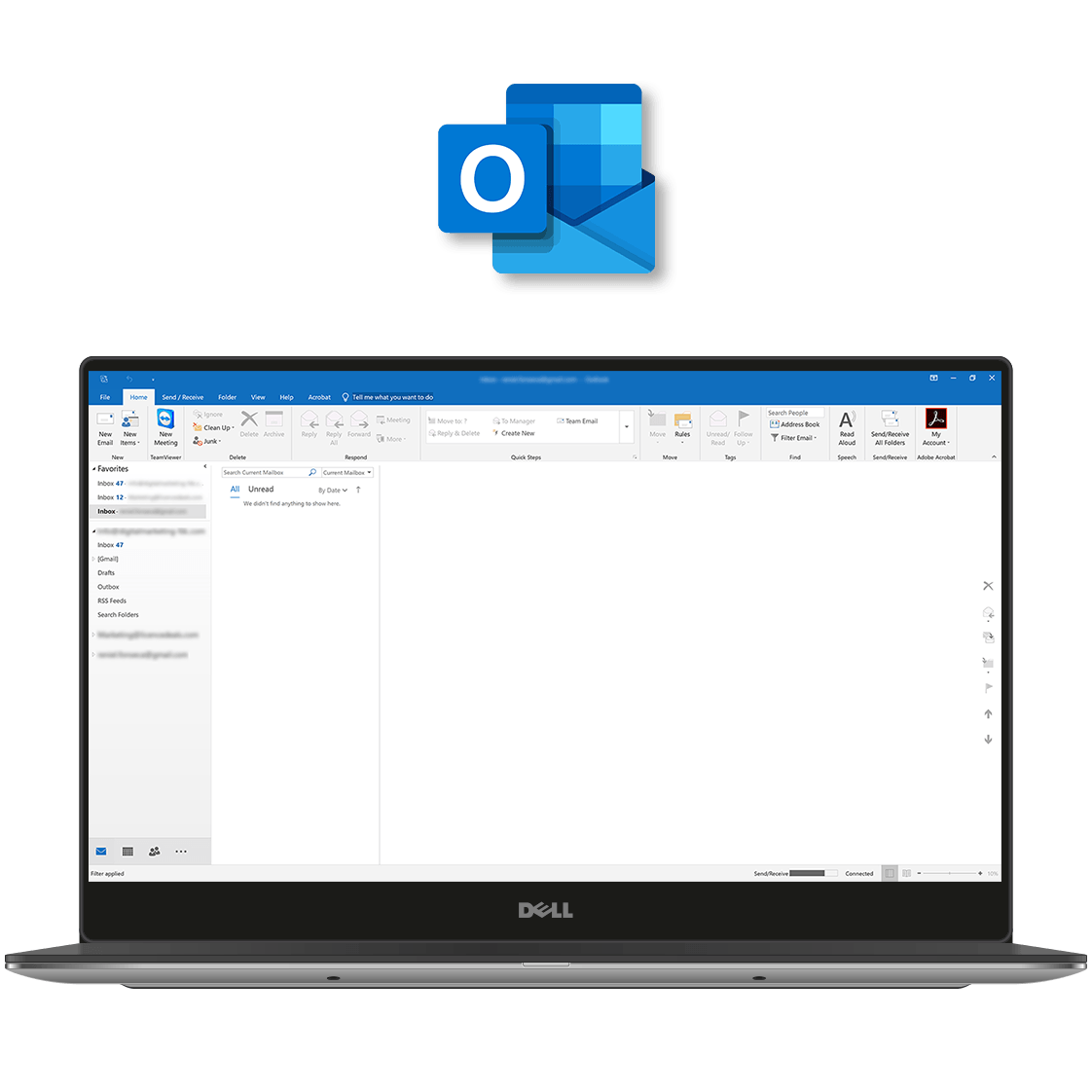 |
Microsoft Outlook 2021Stay Connected and Productive Stay connected and productive with Microsoft Outlook 2021. With instant email translation in more than 70 languages, improved search filters, and increased productivity, you can stay on top of your inbox and get more done in less time. Compatible with Windows 11 and Windows 10. |
Microsoft Office 2021 system requirements:
- CPU: 1GHz dual-core processor.
- GPYU: DirectX 9 or higher with WDDM 2.0 or higher.
- Memory: 4GB RAM.
- Storage: 4GB of available space.
- Display: 1280×768 screen resolution.
- Browser: Current version of Internet Explorer, Microsoft Edge, Safari, Chrome, or Firefox.
FAQ’s
Is this a subscription or a one-time purchase?
– This is a one-time purchase. Once you activate Microsoft Office 2021, you can use it for a one-time purchase on the licensed device.
Can I install Microsoft Office 2021 on multiple devices?
– This licence is valid for 1 PC. If you need multiple installations, you must purchase additional licenses.
Does Microsoft Office 2021 require internet access?
– Internet is required for initial download and activation of Microsoft Office 2021. After that, you can use the apps offline.
Is Microsoft Office 2021 compatible with Windows and Mac?
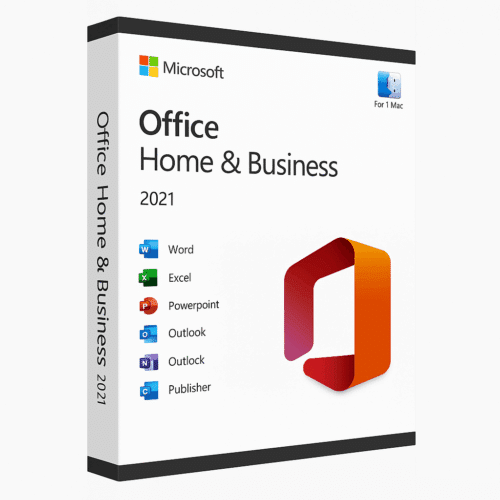
– This licence is for Windows only. For macOS, we sell Office 2021 Home & Business for Mac separately.
What is the difference between Office 2021 and Microsoft 365?
– Microsoft Office 2021 is a one-time purchase with no upgrades included, while Microsoft 365 is a subscription that includes regular updates, cloud storage, and additional features.
Will I receive updates with Office 2021 — One-time Purchase?
– You will receive security updates and bug fixes, but not major feature upgrades. For new features, you would need to upgrade to a newer version.
Can I transfer my Office 2021 license to another device?
– In most cases, one-time licenses are tied to one device. Transferability depends on the license type and Microsoft’s terms.
Is Microsoft Office 2021 suitable for business use?
– Yes. Microsoft Office 2021 is suitable for both personal and business use, especially for users who prefer a one-time purchase over subscriptions.
Does Office 2021 support cloud storage?
– Microsoft Office 2021 supports integration with cloud services like OneDrive, but cloud storage is not included by default.
How to Activate Microsoft Office 2021
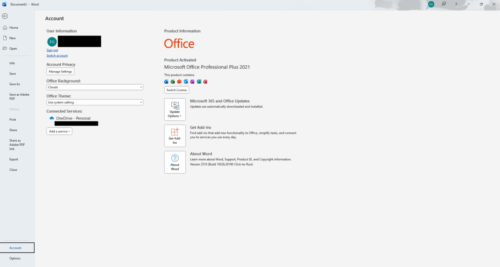
- 1Your activation code is sent by email, available on your account page, and shown on the order confirmation screen.
- 2Go to setup.office.com and sign in with your Microsoft account (or create a free one if needed).
- 3Click Redeem a product key and enter your 25-character activation code.
- 4Follow the on-screen instructions to download and install Microsoft Office on your device.
- 5Launch any Office application — it activates automatically through your signed-in Microsoft account.
Frequently asked questions — Microsoft Office 2021 — One-time Purchase
How will I receive my license?
Is this a valid license?
Is payment secure?
Can I get an invoice?
46 reviews for Microsoft Office 2021 - One-time Purchase
How to Install Microsoft Office 2021 Professional Plus (1 PC)
Activation Instruction:
Product: Microsoft Office 2021 Professional Plus (PC)
Download Link:
Click here to download
License Key: You will receive your activation key immediately after purchase.
Installation Steps
- Download the Office 2021 setup file using the link above.
- After download, right-click the .img file and select “Mount”.
- Open the mounted folder and run setup.exe.
- Wait for Microsoft Office to finish installing.
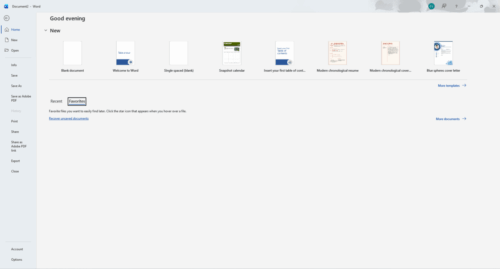
- Launch any Office app (Word, Excel, etc.).
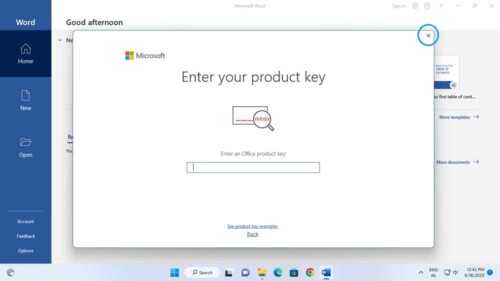
- Enter the activation key received after purchase.
- Sign in with your Microsoft account if prompted.
- Office will automatically activate once the key is validated.
Need Help?
If you experience any installation or activation issues, simply reply to your order email.
Our support team is available and can assist you remotely via AnyDesk for quick problem resolution.




I am very satisfied with the service.
This was a great purchase! I am so happy I’ve got a lifetime option. Download and installation was very easy as well. Couple of clicks and everything works! Thank you very much.
great price and good de;ivery