

What’s New in AutoCAD 2027: Features & License Options
The 2027 edition of AutoCAD isn’t just another yearly update—it’s a smarter, faster, and more connected CAD experience. With deeper AI integration, seamless cloud workflows, and powerful automation tools, AutoCAD 2027 is built for modern designers who want speed and precision.
Whether you’re a beginner or a professional, this version helps you design more efficiently with less manual effort.
AutoCAD 2027
AutoCAD 2027 is the latest version of Autodesk’s advanced CAD software, built to deliver a smarter and more efficient design experience for professionals. It introduces AI-powered tools that automate repetitive tasks and provide real-time guidance directly within the workspace, helping users work faster and with greater accuracy. With enhanced cloud integration, users can easily access, edit, and share drawings from anywhere, while improved multi-user collaboration allows teams to work on the same project simultaneously without conflicts. The software also features advanced geometry cleanup tools that automatically detect and fix design errors, along with a powerful performance engine that ensures smoother navigation and faster rendering. Combined with expanded web and mobile capabilities and specialized industry toolsets, AutoCAD 2027 offers a modern, connected, and highly productive environment for creating precise 2D and 3D designs.
New and Enhanced Feature in Autodesk 2027
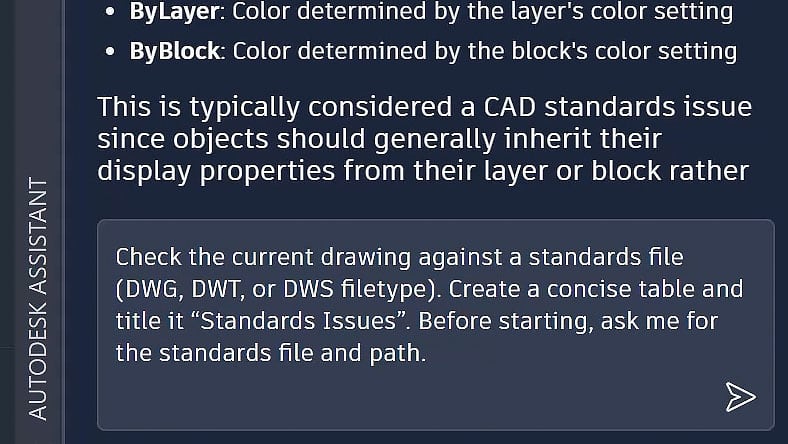
Autodesk Assistant
The Autodesk Assistant delivers intelligent, in-context guidance powered by Autodesk AI. With the introduction of Model Context Protocol (MCP), it now interprets drawing context and user intent, enabling CAD standards checking and allowing you to leverage enhanced AI chat and prompt-driven workflows.
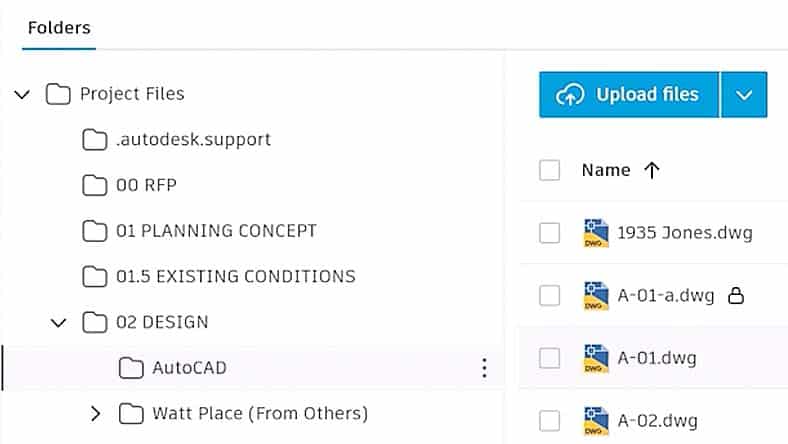
Forma Data Management Essentials
Forma Data Management Essentials is now included with standalone subscriptions of AutoCAD, bringing cloud-based project data management directly into the tools you already use. Leverage advanced collaboration features like Checkout to support parallel work, improved coordination, and secure cloud-managed drawings.
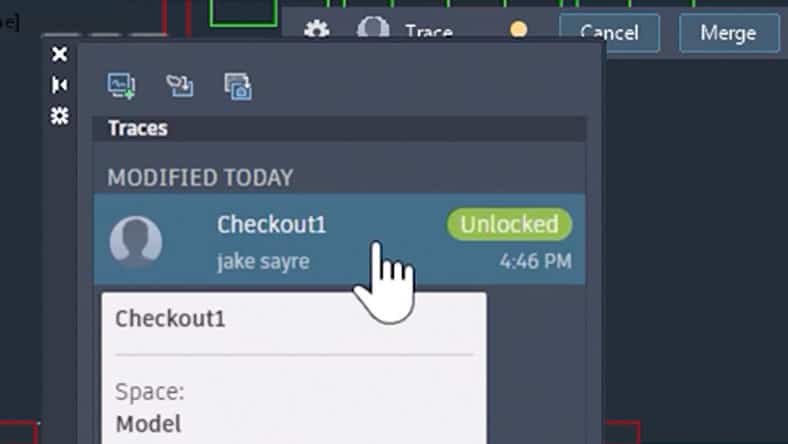
Forma Data Management Essentials
Checkout introduces a new way of collaborating on shared DWG files by reserving only the geometry you need, allowing you to work in parallel within isolated editing environments and safely apply changes back to the source drawing via Forma Data Management, keeping you in control.
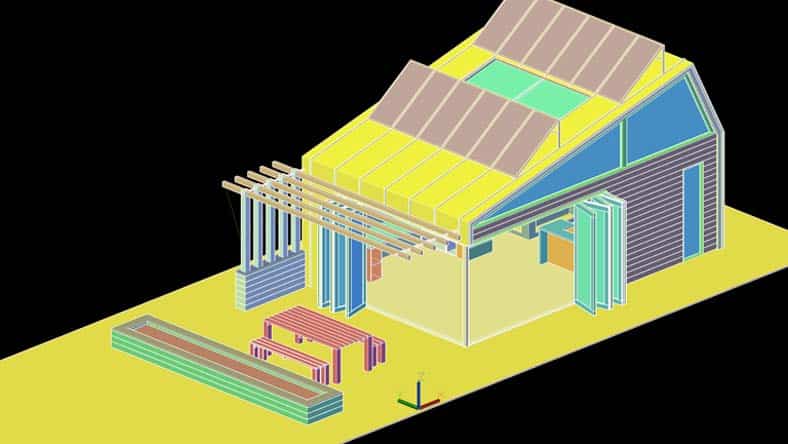
3D visualization with GSF enhancements
Expanded Graphics System Framework (GSF) support improves performance and reliability across AutoCAD’s 3D workflows, delivering smoother navigation, broader 3D coverage, and support for Realistic visual styles, materials, and lighting.
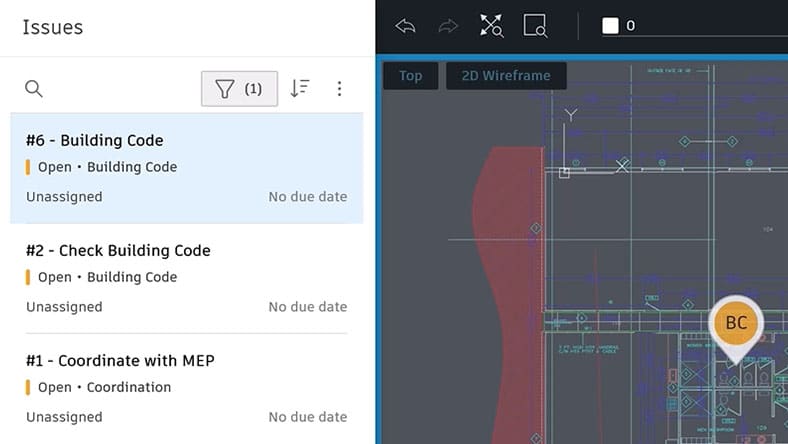
AutoCAD on the web: Forma Data Management Issues
Create, view, and resolve Forma Data Management Issues directly in AutoCAD on the web to improve communication and keep teams aligned.
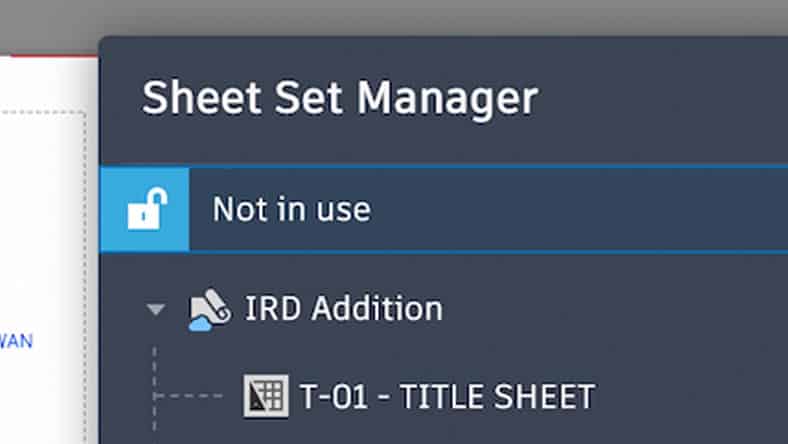
AutoCAD on the web: Sheet Set Manager improvements
Sheet Set Manager on the web now fully adopts Connected Support Files, with improvements to templates, workflows, and reliability.
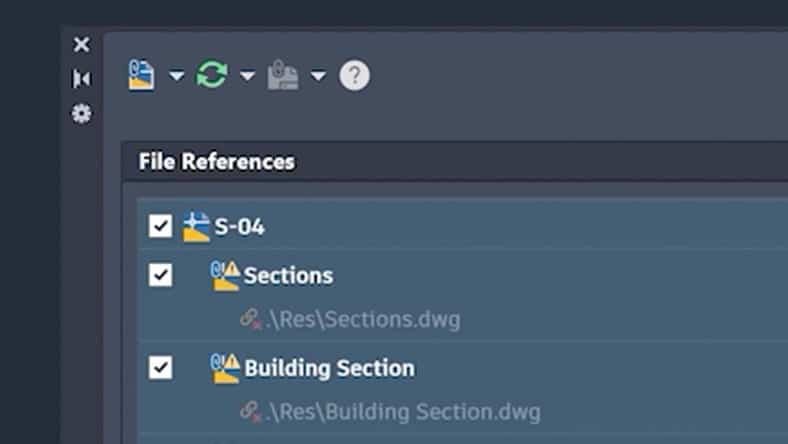
Connected References
Preserve Xref integrity for drawings stored in Forma Data Management by detecting moved or renamed references and suggesting automatic repairs.
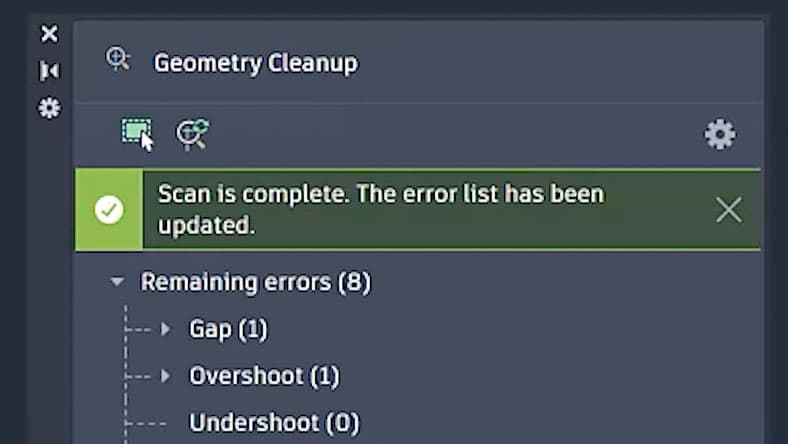
Geometry Cleanup
Geometry Cleanup identifies common geometry errors such as gaps, overshoots, undershoots, and misaligned angles and suggests targeted fixes. By streamlining error detection and correction in DWG files, it reduces manual cleanup, improves drawing quality and boosts drafting productivity.
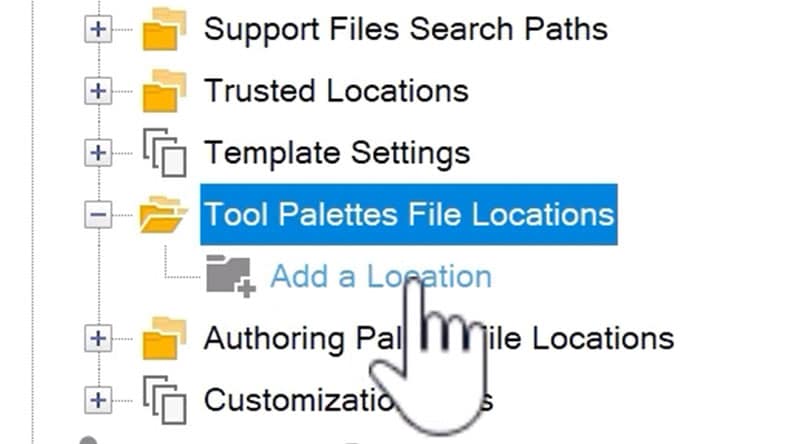
Connected Support Files
Get centralized control over cloud-based support files. Project-aware tool palettes and CUI ensure the correct resources load automatically.
License Options for AutoCAD 2027
AutoCAD 2027 follows Autodesk’s subscription-based licensing model.
Available License Types
| License Type | Details | Best For |
| Monthly Subscription | Pay per month | Short-term users |
| Annual Subscription | Lower yearly cost | Professionals & firms |
| 3-Year Plan | Maximum savings | Businesses |
| Student License | Free (limited use) | Students & learners |
| AEC Collection | Includes multiple Autodesk tools | Large projects |
Why You Need AutoCAD 2027
- AI Saves Time – Built-in AI tools help automate repetitive tasks and give smart suggestions, reducing manual work and improving efficiency.
- Real-Time Collaboration – You can work with your team on the same drawing simultaneously without file conflicts or delays.
- Cloud-Based Workflow – Access, edit, and share your designs from anywhere using cloud integration across desktop, web, and mobile.
- Faster Performance – Improved graphics and system performance make navigation smoother, even for large and complex files.
- Automatic Error Detection – Geometry cleanup tools automatically find and fix drawing errors, improving accuracy.
- Multi-User Editing – The new checkout system allows multiple users to edit different parts of the same file safely.
- Better File Management – Cloud version control and permissions make it easier to organize and secure project files.
- Improved Design Quality – AI and automation help maintain CAD standards and reduce mistakes early in the design process.
- Work Anywhere Flexibility – With web and mobile access, you’re no longer limited to one device or location.
- Future-Ready Technology – AutoCAD 2027 brings modern tools like AI and cloud integration, helping you stay competitive in the evolving design industry.
AutoCAD 2027 vs Previous Versions (Comparison Table)
| Feature / Capability | AutoCAD 2027 | Previous Versions (2026 & Earlier) |
| AI Assistant | Built-in AI guidance & smart suggestions | Not available |
| Cloud Collaboration | Advanced (Forma integration, real-time sharing) | Limited cloud features |
| Multi-User Editing | Parallel editing with Checkout system | Single-user editing (file locking) |
| Geometry Cleanup | Automatic error detection & fixes | Mostly manual correction |
| Connected References | Auto-detect & fix Xref issues | Manual fixing required |
| Performance | Faster, smoother 3D & navigation | Slower with large files |
| Web & Mobile Access | Strong integration (edit anywhere) | Basic access only |
| File Management | Cloud-based version control & permissions | Local file-based workflow |
| Workflow Automation | AI-driven automation & smart workflows | Limited automation |
| Team Collaboration | Real-time teamwork & markup tools | Basic sh |
Final Thoughts
AutoCAD 2027 represents a new generation of CAD software where AI, cloud technology, and collaboration come together to transform the design process. While older versions still offer basic functionality, they simply cannot match the speed, efficiency, and flexibility of this latest release.
Need a license? Get your Autodesk AutoCAD license at the best price — instant digital delivery.
Products in this article

Digital delivery by email · Secure payment by card, Apple Pay and Google Pay







Leave a Reply