


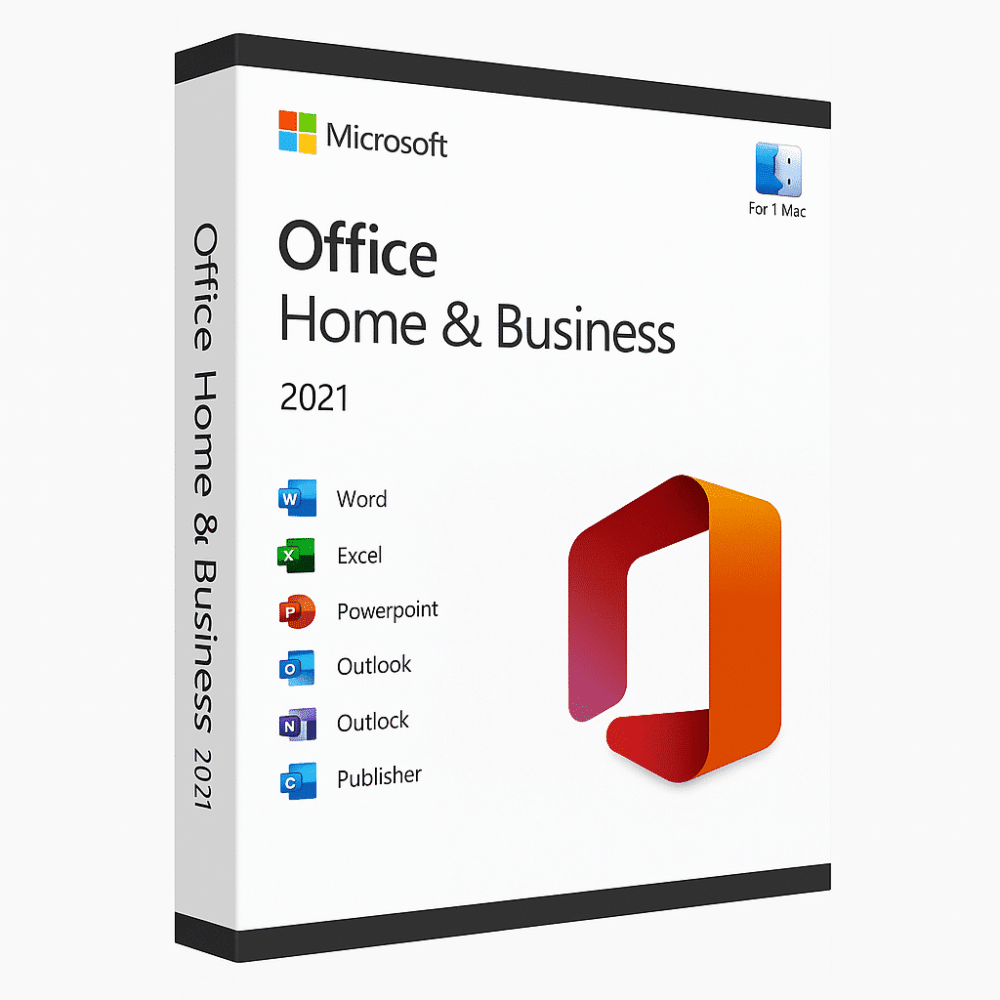
Office 2021 Home & Business For Mac
149.00 $
- ✔One-Time License — pay once
- ✔Works on Mac · 1 Mac
- ✔All languages included
- ✔Sent by email after checkout
- ✔Free setup support
- Description
- Installation Guide
- Reviews (9)
- Why buy from instant-key.com ?
Description
Important: Microsoft Office 2021 reached its end of support on October 13, 2026. It may continue to function, but Microsoft no longer provides security updates or technical support.
Microsoft Office 2021 Home & Business for Mac incorporates novel and improved features including co-authoring tools, inking capabilities, enhanced data types and functions, translation tools, and motion graphics. The suite includes Word, Excel, PowerPoint, and Outlook for Mac with improved performance and faster response times. This one-time purchase provides traditional Office applications ideal for families and small businesses requiring professional productivity software.
Key features
System requirements
| OS | macOS 10.15 or later |
| Processor | Intel processor or Apple Silicon |
| RAM | 4 GB RAM |
| Storage | 10 GB available disk space |
How to Activate Microsoft Office 2021
- 1Your activation code is sent by email, available on your account page, and shown on the order confirmation screen.
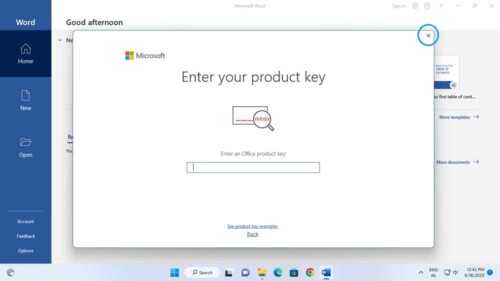
- 2Go to setup.office.com and sign in with your Microsoft account (or create a free one if needed).
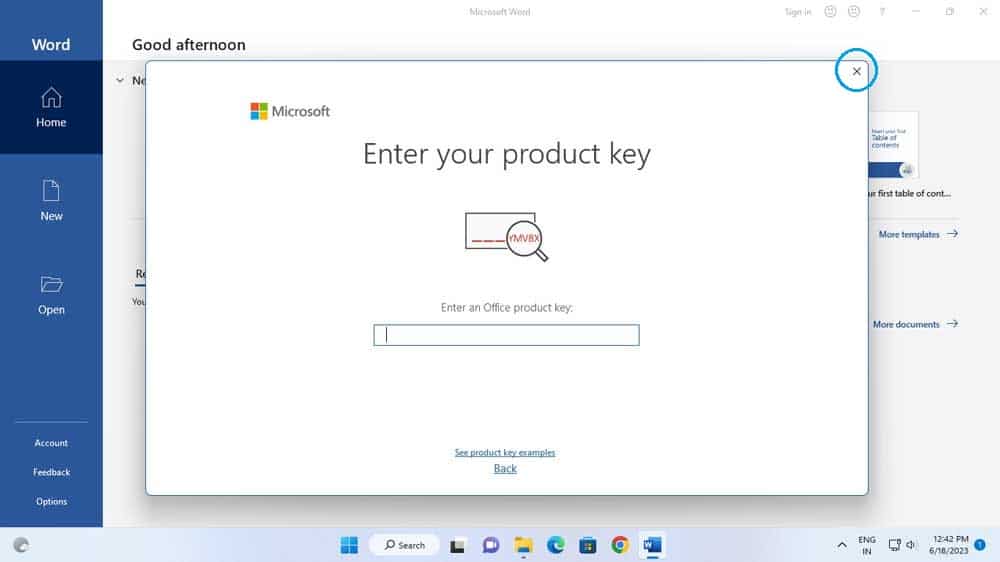
- 3Click Redeem a product key and enter your 25-character activation code.
- 4Follow the on-screen instructions to download and install Microsoft Office on your device.
- 5Launch any Office application — it activates automatically through your signed-in Microsoft account.
Frequently asked questions — Office 2021 Home & Business For Mac
How will I receive my license?
Is this a valid license?
Is payment secure?
Can I get an invoice?
Can I use Office 2021 Home & Business on multiple Macs?
What’s the difference between Office 2021 and Office 365 for Mac?
How to Install Office 2021 Home and Business for Mac
Activation Instructions
Product: Office 2021 Home and Business (Mac)
Download Link: https://setup.office.com
License Key: Sent immediately after purchase
Step-by-Step Installation Guide
- Go to setup.office.com
- Sign in with your Microsoft account (or create a new one).
- Enter the Office 2021 Home and Business license key sent to your email.
- Select your product and choose Mac as your device.
- Download the installer and open the file once it finishes downloading.
- Follow the on-screen instructions to complete installation.
- Open any Office app (Word, Excel, PowerPoint) and sign in again to activate.
Need Help?
If you experience any issues during installation or activation, reply to your order email.
Our support team is available 24/7, and we can also assist you remotely via AnyDesk.
9 reviews for Office 2021 Home & Business For Mac
Customer photos and videos

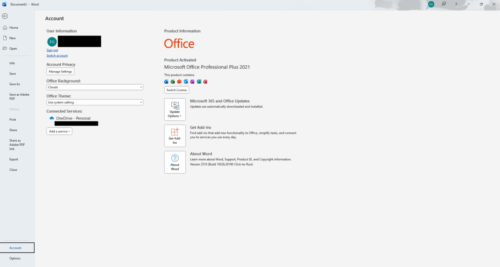





Excellent and quickly respond if you some help with the access key.
the first key sent did not work so they changed the key then it all worked perfectly.
Efficient
I got my Office 2021 for mac in 2 min !