


Most sold
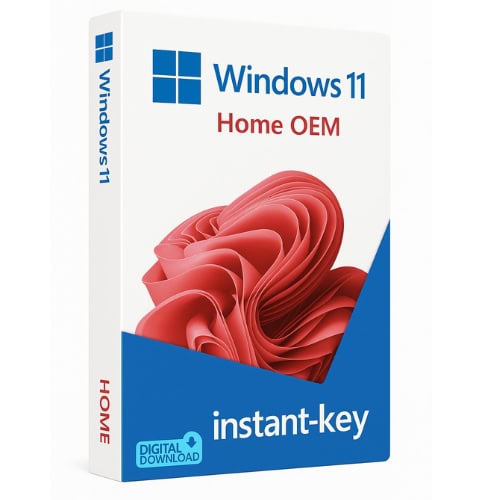
Windows 11 Home 32/64 bits
32.00 $
- ✔Lifetime license — pay once
- ✔Works on Windows 11 · 1 PC
- ✔All languages included
- ✔Sent by email after checkout
- ✔Free setup support
Delivered in minutes by email
- Description
- Reviews (0)
- Why buy from instant-key.com ?
Description
Windows 11 Home 32/64 bits brings Microsoft’s latest operating system to your PC with enhanced productivity tools and modern interface design. Features improved multitasking capabilities, integrated Microsoft Teams communication, and enhanced gaming performance through Auto HDR and DirectStorage technology. This perpetual license provides lifetime access to Windows 11 Home with automatic updates and security patches for ongoing system protection.
License
Perpetual
Duration
Lifetime
Platforms
Windows 11 (64-bit)
Devices
1 PC
Delivery
By email
Key features
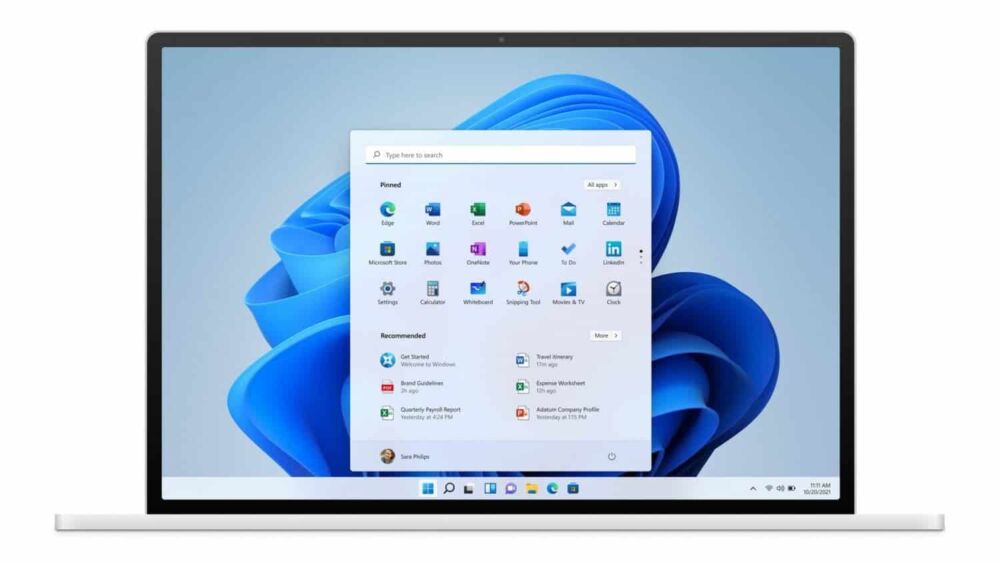
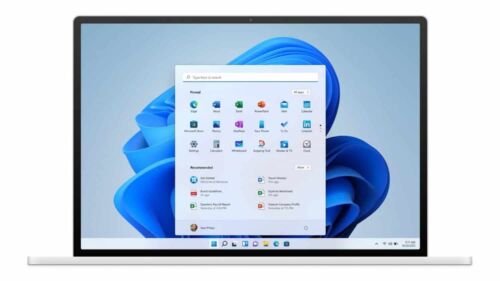
✔Start Menu
Redesigned Start menu with pinned apps and personalized recommendations for quick access
✔Snap Layouts
Organize open windows into predefined layouts to multitask efficiently
✔Microsoft Teams integration
Built-in Teams chat and video for fast communication without extra installs
✔Auto HDR
Automatically enhances compatible games with high dynamic range visuals
✔DirectStorage
Reduces game load times by streaming assets directly to the GPU
✔Windows Update
Automatic security and feature updates keep the system current and protected
System requirements
| OS | Windows 10 (upgrade) or fresh install |
| Processor | 1 GHz dual-core 64-bit processor |
| RAM | 4 GB |
| Storage | 64 GB |
How to Activate Windows 11
- 1Your product key is sent by email, available on your account page, and shown on the order confirmation screen.
- 2If you need to install or reinstall Windows, download the official ISO from microsoft.com/software-download/windows11.
- 3Install Windows on your PC, or skip this step if Windows is already installed on your device.
- 4Go to Settings → System → Activation and click Change product key, then enter your 25-character key.
- 5Click Activate to complete online activation. No Microsoft account required.
Frequently asked questions — Windows 11 Home 32/64 bits
How will I receive my license?
Your license is delivered after purchase — by email, on your account page, and on the order confirmation screen.
Is this a valid license?
Yes. You receive a license that activates the full version of the software directly through the publisher’s activation system.
Is payment secure?
Yes. All payments are processed through secure, encrypted checkout — we never store your payment details.
Can I get an invoice?
Yes. An invoice is available on your account page and sent by email after purchase.
Can I upgrade from Windows 10 to Windows 11 Home with this key?
Yes. Windows 11 Home accepts a product key for a clean install or an in-place upgrade from Windows 10. Your device must meet the minimum hardware requirements, including TPM 2.0, Secure Boot, and a compatible 64-bit processor.
Does Windows 11 Home support 32-bit applications?
Windows 11 Home runs 32-bit applications but requires a 64-bit processor. The 32-bit version of Windows 11 was never released; the key activates the 64-bit edition only.
Any technical question or hesitation?
Speak with our team via live chat — an expert will guide you and help you resolve any issue before or after your purchase. Our chat is available at the bottom right of every page.
Add a review
You must be logged in to post a review
Log In





Reviews
There are no reviews yet