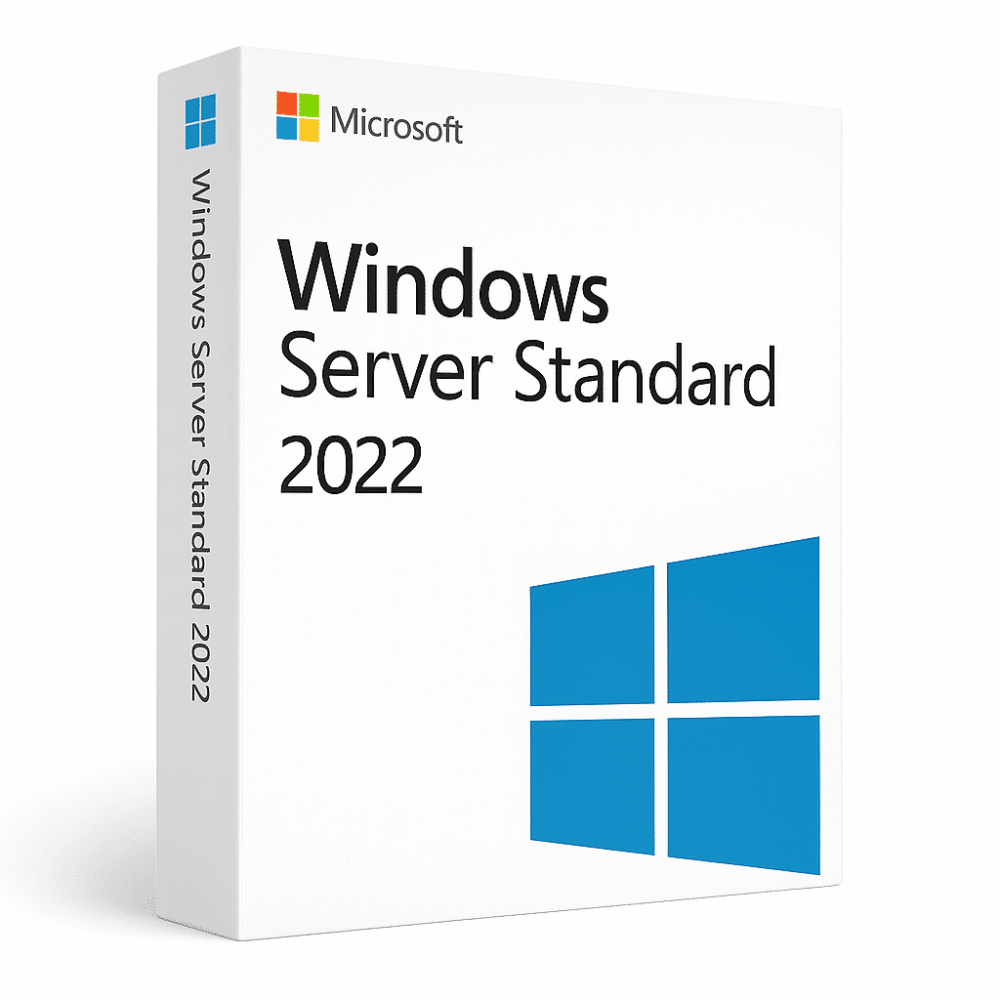
Windows Server 2022 Standard + 50 CAL user/ Device

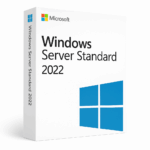
Windows Server 2022 Standard

Windows Server 2022 Standard + 50 CAL user/ Device
300.00 $

In stock

300.00 $

  • Lifetime license — pay once
  • Works on Windows Server compatible hardware · 1 server + 50 user/device CALs
  • All languages included
  • Sent by email after checkout
  • Free setup support
INSTANT
DELIVERY
Delivered in minutes by email
  Ask a Question

Description

Windows Server 2022 Standard with 50 CAL User/Device licenses combines Microsoft’s server operating system with client access licensing for fifty users or devices. This package includes the complete server platform alongside Remote Desktop Services licensing capabilities. The solution features multi-level security enhancements, hybrid Azure integration, and application platform functionality designed for contemporary business infrastructure needs. Organizations receive both server software and necessary user access permissions in one comprehensive licensing bundle.

License
Perpetual
Duration
Lifetime
Platforms
Windows Server 2022
Devices
1 server + 50 user/device CALs
Delivery
By email

Key features

Enhanced multi-level security
Secured-Core Server and Secured Connectivity provide advanced protection across hardware and virtualization layers
Hybrid functionality with Azure
Connect on-premises Windows Server 2022 to Azure Arc for cloud service integration
Flexible application platform
Support for various workloads and scenarios in modern business environments
50 Remote Desktop Services CALs
Each user can connect from unlimited devices to RD session host server
AES-256 encryption support
Industry-standard encryption with faster HTTPS connections and SMB protocol support

System requirements

OS Compatible server hardware
Processor 1.4 GHz 64-bit processor
RAM 512 MB minimum, 2 GB recommended
Storage 32 GB available disk space

How to Activate Windows Server 2022

  1. 1Your product key is sent by email, available on your account page, and shown on the order confirmation screen.
  2. 2Download the official Windows Server ISO from microsoft.com/evalcenter — select your Server edition. Your retail key activates the full version, not only the evaluation period.
  3. 3Install Windows Server on your server hardware or virtual machine (Hyper-V, VMware, etc.).
  4. 4After installation, go to Settings → System → Activation and click Change product key, then enter your 25-character key.
  5. 5Click Activate to complete online activation. No Microsoft account required — an internet connection is sufficient.

Frequently asked questions — Windows Server 2022 Standard + 50 CAL user/ Device

How will I receive my license?
Your license is delivered after purchase — by email, on your account page, and on the order confirmation screen.
Is this an authentic license?
Yes. You receive an authentic license that activates the full version of the software directly through the publisher’s official activation system.
Is payment secure?
Yes. All payments are processed through secure, encrypted checkout — we never store your payment details.
Can I get an invoice?
Yes. An invoice is available on your account page and sent by email after purchase.
Can I choose between User CAL or Device CAL licensing?
Yes, you can specify your preference for either User CAL or Device CAL licensing in the order notes. User CALs allow unlimited device connections per user, while Device CALs license specific devices for multiple users.
What remote desktop capabilities are included with the CALs?
The 50 CALs provide Remote Desktop Services access, allowing users to connect remotely to the server and access company files, systems, and programs as if using their own computer through RD Session Host.
Any technical question or hesitation?
Speak with our team via live chat — an expert will guide you and help you resolve any issue before or after your purchase. Our chat is available at the bottom right of every page.

Convert Windows Server Evaluation Editions to Standard

If you, like me, have quickly built a new server or VM using the Evaluation download from Microsoft, you will find that when you get your license key and try to plug it in, it won’t work.  You cannot simply use an otherwise valid key on an evaluation copy of Windows Server. 

But fret not, the solution is quite simple.  You merely need to run this command from an elevated command prompt: 

DISM /online /Set-Edition:<edition ID> /ProductKey:XXXXX-XXXXX-XXXXX-XXXXX-XXXXX /AcceptEula 

The Edition ID will be ServerStandard and then insert your product key.  The server will run through the image conversion process, then restart twice. 

After the server has restarted, you will need to re-activate the server and enter the Key in again.

It is important to note that if you’ve used an evaluation edition to build a domain controller, you cannot change the edition.  You will need to either build a new domain controller, or demote the evaluation edition domain controller, set the version id, and then promote it again.

This key can activate ONE windows device, only ONE time. After the activation process is done, you will NOT be able to use the same key again. Formatting the hard drive will effectively erase the key. You can NOT transfer the license to another computer.
Reviews

There are no reviews yet

Add a review
You must be logged in to post a review Log In

Why Buy From Instant-Key?

Choosing Instant-Key.com means choosing a trusted global platform for fast, secure, and affordable digital software licenses. Every purchase is backed by genuine products and reliable customer support.

100% Genuine Software Keys

All license keys are authentic, verified, and sourced from trusted suppliers. No cracks, no illegal activations — only legitimate, secure software.

Instant Delivery

After successful payment, your license key and download link are delivered instantly to your email and user dashboard so you can start installing right away.

Multiple Payment Methods

We support a wide range of payment options including Skrill, Mollie, MasterCard, Visa, Apple Pay, Google Pay, Stripe and other major cards and wallets for a smooth and secure checkout.

Reliable Customer Support

Our team is available through WhatsApp, Email, and Live Chat to assist with installation, activation, or any questions you may have.

Affordable Pricing

Get premium software like Microsoft Office, Windows OS, Adobe, Autodesk, CorelDRAW, antivirus tools, servers and more at competitive prices to help you save on essential digital tools.

Easy Installation Guides

Every order includes a clear step-by-step PDF installation guide so even first-time users can install and activate their software with ease.

Warranty and Replacement Guarantee

All keys come with an activation warranty. In case of any activation issue, we provide a quick replacement, ensuring a smooth and worry-free experience.

Trusted by Customers Worldwide

Individuals, businesses, students, and professionals around the world rely on Instant-Key.com for genuine digital licenses that support productivity, creativity, and business growth.
" tracking="option-product-tab-block"]

General Inquiries

There are no inquiries yet.