


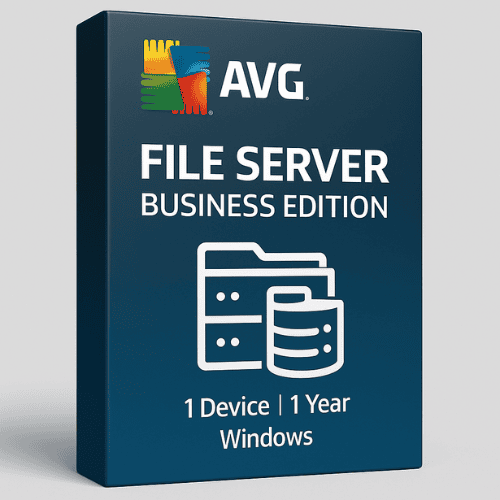
AVG File Server Business Edition for Windows (1 Device 1 Year)
49.00 $
- ✔1 year subscription · Renewable
- ✔Works on Windows Server · 1 device
- ✔Real-time protection
- ✔Sent by email after checkout
- ✔Free setup support
Delivered in minutes by email
- Description
- Reviews (0)
- Why buy from instant-key.com ?
Description
AVG File Server Business Edition provides comprehensive antivirus protection specifically designed for Windows-based file servers in small to medium-sized businesses. This security solution shields your critical business and customer data from hackers, ransomware, malware, rootkits, infected email attachments, and unsafe web links through real-time network virus scanning. The current edition includes intelligent scanning capabilities that minimize performance impact while ensuring continuous protection of shared network drives and business operations.
Key Features
File Server Security
Protects files and business data with constant, full-time scanning of shared network drives
Smart Scanner & Turbo Scan
Runs scans during idle times to minimize performance impact, speeds up scanning by processing files in logical order
Remote Management
Centralized deployment, configuration, updating, and monitoring across devices via on-premises console or cloud
Email Scanning
Inspects incoming and outgoing email attachments via plugins or POP3, SMTP, and IMAP protocols to block infected files
Malware & Rootkit Defense
Includes resident shield for real-time malware detection and rootkit protection to uncover hidden threats
LinkScanner Surf-Shield
Blocks unsafe websites and phishing attempts by verifying links immediately before access
System Requirements
| Operating System | 64-bit Windows Server 2008 R2 or later (excludes Server Core) |
| Processor | Intel Pentium 4 or AMD Athlon 64 with SSE2 support |
| RAM | 1024 MB minimum |
| Storage | 2 GB free disk space |
How to Activate AVG File Server Business Edition
- Complete your purchase — your license key is sent by email and displayed on the confirmation screen.
- Download the latest installer from the vendor’s official website.
- Run the installer and follow the on-screen setup wizard.
- Enter your license key when prompted to activate the software.
- Allow the initial scan to complete — your device is now fully protected.
Frequently Asked Questions
How will I receive my license?
Is this a valid license?
Is payment secure?
Can I get an invoice?
Does this license work with SharePoint servers?
How does the Smart Scanner minimize server performance impact?
Need help? Our support team is available 7 days a week. Contact us via live chat or email for activation assistance, compatibility questions, or any other inquiry.
Add a review
You must be logged in to post a review
Log In
Reviews
There are no reviews yet