


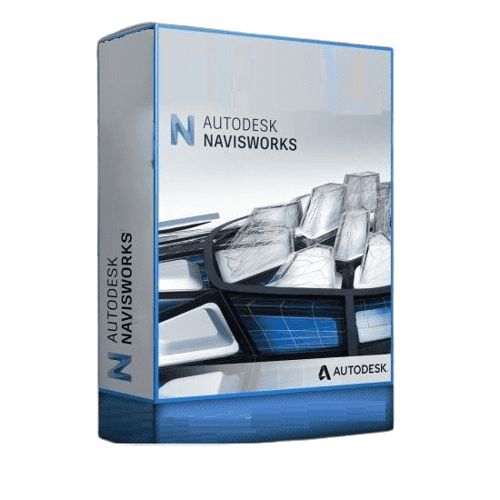
Autodesk Navisworks
Price range: 145.00 $ through 245.00 $
- ✔1 year subscription · Includes all versions during term
- ✔Works on Windows · 1 user / 2 devices
- ✔Professional design & engineering
- ✔Access is linked to your checkout email and confirmed by Autodesk.
- ✔Free setup support
Delivered within 15 min – 1 hour by email
- Description
- Reviews (0)
- Why buy from instant-key.com ?
Description
Autodesk Navisworks is a comprehensive project review software designed for architecture, engineering, and construction professionals. This 1-year subscription enables clash detection, model coordination, and design review across federated 3D models. Navisworks integrates data from AutoCAD, Revit, and Civil 3D into unified project models, supporting construction sequencing, quantity takeoff, and BIM collaboration. The software features 4D construction simulation capabilities and provides visualization tools for stakeholder presentations and facility management workflows.
Key Features
Clash Detection and Resolution
Import 3D models from AutoCAD, Revit, and Civil 3D to detect and resolve conflicts between building components early in design and construction phases
Federated Model Coordination
Consolidate architectural, structural, and MEP discipline models into single coordinated project views for enhanced visualization and collaboration
4D Construction Sequencing
Integrate project schedules from Primavera or Microsoft Project with 3D models to create construction simulations and identify scheduling conflicts
Quantity Takeoff and Analysis
Extract measurements and quantities directly from 3D models for accurate estimating, cost control, and quality assurance workflows
BIM Collaboration Hub
Provides centralized platform for multi-disciplinary teams to collaborate on Building Information Modeling projects across different locations
System Requirements
| Operating System | Windows |
| Processor | Multicore 64-bit processor |
| RAM | 8 GB |
| Storage | 15 GB |
How to Activate Autodesk Navisworks
- After purchase, Autodesk sends you a confirmation email.
- The email contains your access link tied to your purchase email.
- Sign in to autodesk.com with the same email address used at checkout.
- Navigate to your Account → Products & Services.
- Download and install the application from the Autodesk Desktop App.
Frequently Asked Questions
How will I receive access?
Is payment secure?
Can I get an invoice?
Can I use my Navisworks subscription on multiple devices?
Does Navisworks run on Mac?
Which Autodesk file formats does Navisworks support for model integration?
Need help? Our support team is available 7 days a week. Contact us via live chat or email for activation assistance, compatibility questions, or any other inquiry.
Add a review
You must be logged in to post a review
Log In





Reviews
There are no reviews yet