






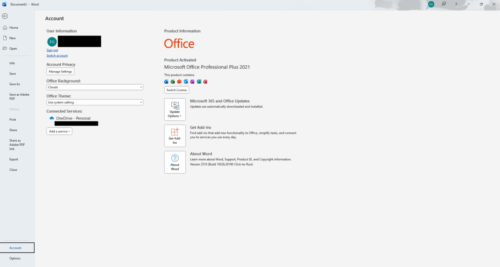
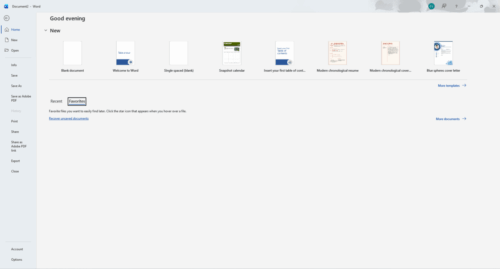
Office 2021 Professional Plus (5user)
180.00$
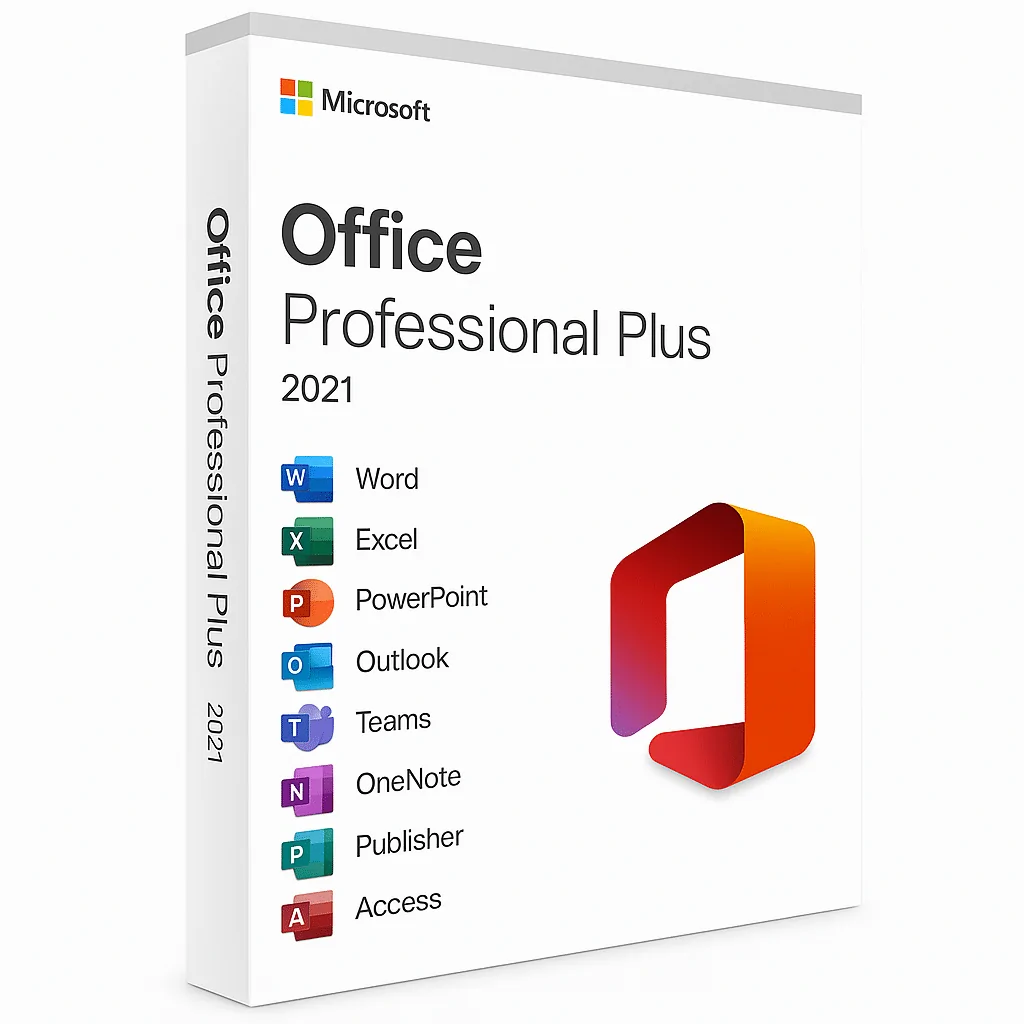
Microsoft office 2021 professional plus
- One-time purchase
- Classic 2021 versions of Word, Excel, PowerPoint, OneNote and Outlook, plus Access.
- Compatible with Windows 11 and Windows 10
What you will get?
✔️ 100% Genuine.
✔️ Both 32/64 bit version support
✔️ All languages version support.
✔️Online update support.
✔️Lifetime effective
✔️Microsoft Office 2021 Professional plus License Key
✔️PDF – Activation & Download Guide

- Description
- Reviews (11)
- Installation Guide
- Q & A
- Why buy from instant-key.com ?
Description
Office 2021 Professional Plus
Microsoft Office 2021 Professional Plus is the most up-to-date standalone version of the Microsoft Office suite, specifically designed for professionals and businesses who prefer a one-time purchase license rather than a subscription-based model like Microsoft 365.
Microsoft Office Professional Plus 2021 may also include other features and improvements that cater to the needs of business users, such as security and compliance tools, collaboration features, and IT management capabilities. It provides perpetual licensing, which means that you only need to purchase it once and own it indefinitely without needing to make any ongoing subscription payments.
Microsoft Office 2021 Professional Plus key benefits
To get it all done, you’ll need the following items. Office Professional Plus 2021 is designed for small organizations that require classic Office applications as well as Outlook, OneNote, and Access. A one-time purchase product key for usage at work on a Windows PC.

Office 2021 Professional Plus Features And Benefits
Microsoft Word 2021
- Choose the ideal color.
- Add icons, pictures, and other things to your page.
- You may be able to discover what you’re searching for with Microsoft Search.
- Improve your physical attractiveness
- Performance enhancements
- An update was made to the draw tab.
- Save your changes as you make them.
- Support for OpenDocument format (ODF) 1.3
Microsoft Excel 2021
- Pick the perfect color
- Add photos, icons, and more to your page.
- Microsoft Search can help you find what you’re looking for.
- Revitalize your appearance
- Improvements in performance
- The draw tab has been updated.
- As you make modifications, save them.
- OpenDocument format (ODF) 1.3 support is available.
- Outline with a hand-drawn look
- The LET function is a function that allows you to communicate
- Arrays that change with the environment
- Function XMATCH
- Find out what’s in your workbook in a nutshell.
PowerPoint 2021
- Pick the perfect color
- Add photos, icons, and more to your page.
- Microsoft Search can help you find what you’re looking for.
- Revitalize your appearance
- Improvements in performance
- The draw tab has been updated.
- As you make modifications, save them.
- OpenDocument format (ODF) 1.3 support
- Outline in the style of a sketch
- Record Slide Show has been updated and improved.
- Rehearse your pen strokes.
- Arrange items on your presentations to make them accessible to screen readers.
Microsoft Outlook 2021
- Pick the perfect color
- Add photos, icons, and more to your page.
- Microsoft Search can help you find what you’re looking for.
- Revitalize your appearance
- Improvements in performance
- Performance improvements
- Use Instant Search to quickly find emails
- Translator and ink in Outlook
Microsoft Access 2021
- Pick the perfect color
- Add photos, icons, and more to your page.
- Microsoft Search can help you find what you’re looking for.
- Revitalize your appearance
- Improvements in performance
- Add tables with fewer clicks
- Keep tabs on your database objects
- Dark theme support
- Refresh, relink, or remove linked tables
- The Date/Time Extended data type has better precision
OneNote 2021
- Pick the perfect color
- Find what you need with Microsoft Search
11 reviews for Office 2021 Professional Plus (5user)
How to Install Microsoft Office 2021 Professional Plus (5 PC)
Activation Instruction:
Product: Microsoft Office 2021 Professional Plus (PC)
Download Link:
Click here to download
License Key: You will receive your activation key immediately after purchase.
Installation Steps
- Download the Office 2021 setup file using the link above.
- After download, right-click the .img file and select “Mount”.
- Open the mounted folder and run setup.exe.
- Wait for Microsoft Office to finish installing.
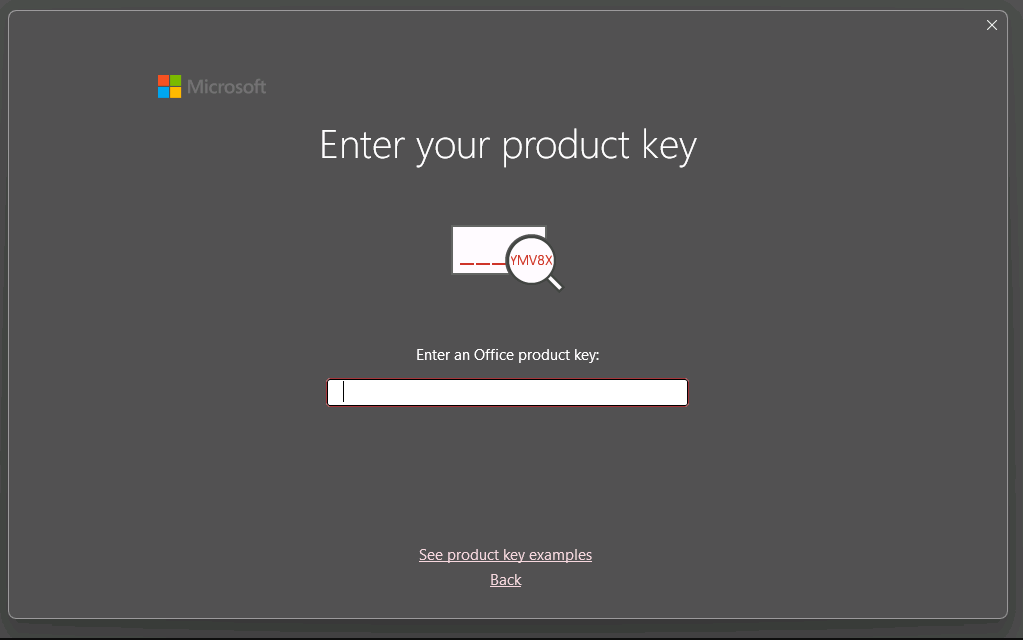
- Launch any Office app (Word, Excel, etc.).
- Enter the activation key received after purchase.

- Sign in with your Microsoft account if prompted.
- Office will automatically activate once the key is validated.
Need Help?
If you experience any installation or activation issues, simply reply to your order email.
Our support team is available and can assist you remotely via AnyDesk for quick problem resolution.

Great
excellent service
Great service
No issues, instant delivery