


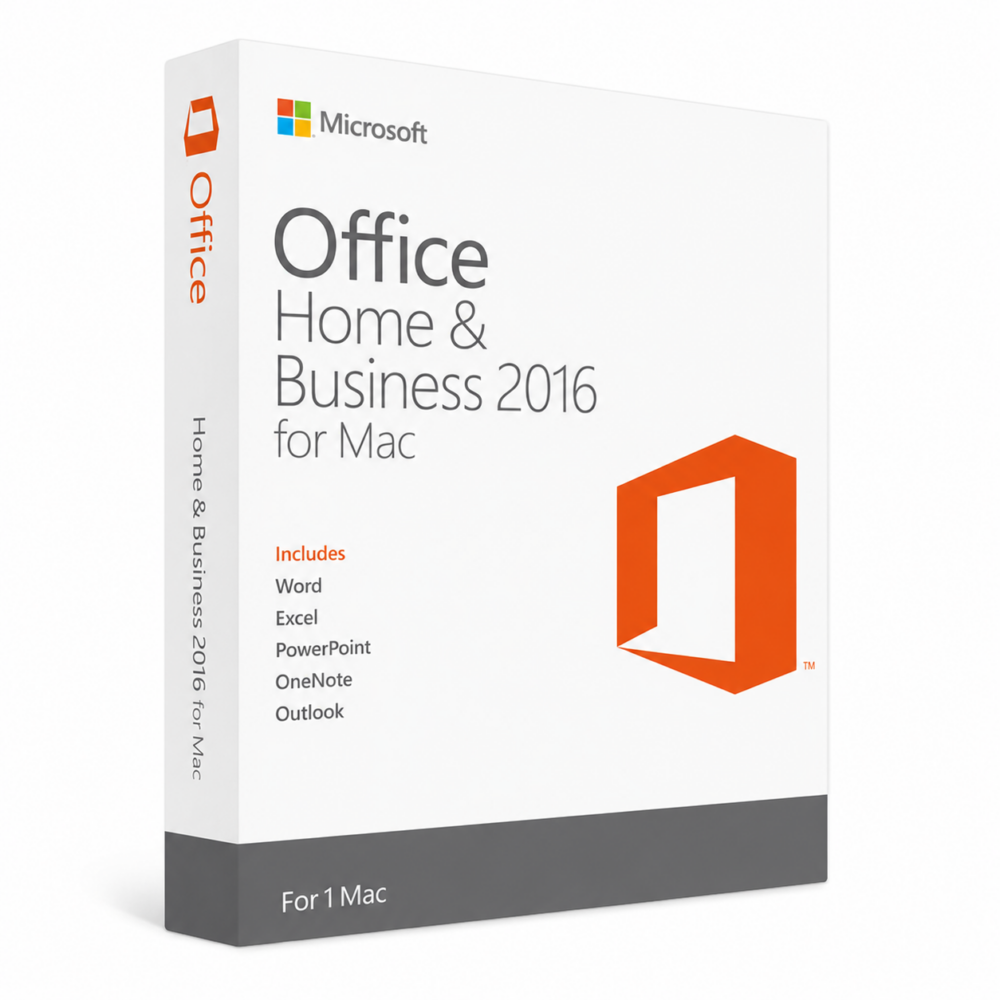
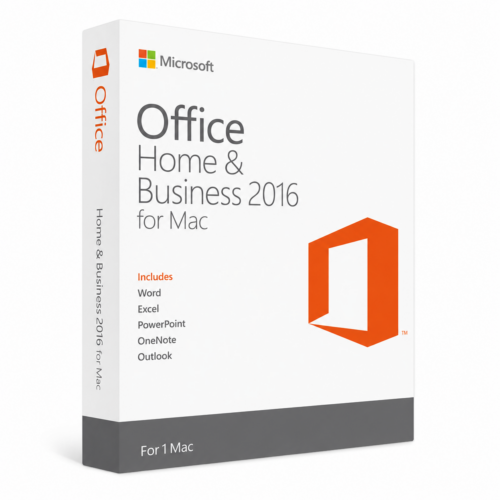
Office 2016 Home and Business for Mac
45.00 $
- ✔One-Time License — pay once
- ✔Works on Mac OS X · 1 Mac
- ✔All languages included
- ✔Sent by email after checkout
- ✔Free setup support
Delivered in minutes by email
- Description
- Reviews (5)
- Why buy from instant-key.com ?
Description
Office 2016 Home and Business for Mac brings Microsoft’s complete desktop productivity suite to macOS with five essential applications. This overhauled version includes Word, Excel, PowerPoint, Outlook, and OneNote, optimized for Mac users with Retina display support and translucent ribbon interface. The suite integrates OneDrive cloud storage for accessing documents across multiple devices and enhances team collaboration capabilities from small to large organizations.
This product no longer receives security updates from Microsoft (end of support: 14 October 2025).
License
One-time purchase
Duration
One-Time
Platforms
macOS
Devices
1 Mac
Delivery
By email
Key features
✔Word 2016
Create, edit and format text documents with modern features and useful interface functions
✔Excel 2016
Build professional spreadsheets with powerful tools and formulas for segments and analysis
✔PowerPoint 2016
Create dynamic presentations with integrated motion graphics, videos and sound files
✔Outlook 2016
Manage emails, appointments, contacts and notes efficiently to master important daily tasks
✔OneNote 2016
Collect thoughts and ideas in digital notebooks with easy note-sharing capabilities
✔OneDrive Integration
Access documents from anywhere with cloud storage and multi-device synchronization support
System requirements
| OS | Mac OS X version 10.10 or later |
| Processor | Intel processor |
| RAM | 4 GB RAM minimum |
| Storage | 6 GB available disk space |
How to Activate Microsoft Office 2016
- 1Your activation code is sent by email, available on your account page, and shown on the order confirmation screen.
- 2Go to setup.office.com and sign in with your Microsoft account (or create a free one if needed).
- 3Click Redeem a product key and enter your 25-character activation code.
- 4Follow the on-screen instructions to download and install Microsoft Office on your device.
- 5Launch any Office application — it activates automatically through your signed-in Microsoft account.
Frequently asked questions — Office 2016 Home and Business for Mac
How will I receive my license?
Your license is delivered after purchase — by email, on your account page, and on the order confirmation screen.
Is this a valid license?
Yes. You receive a license that activates the full version of the software directly through the publisher’s activation system.
Is payment secure?
Yes. All payments are processed through secure, encrypted checkout — we never store your payment details.
Can I get an invoice?
Yes. An invoice is available on your account page and sent by email after purchase.
Can I share files created in Office 2016 for Mac with Windows Office users?
Yes, Office 2016 for Mac maintains full compatibility with Windows Office versions, allowing seamless file sharing and collaboration across different platforms without formatting issues.
Does this version include cloud storage and how much space is provided?
Yes, Office 2016 for Mac includes OneDrive integration for cloud storage. The amount of OneDrive storage depends on your Microsoft account type and any additional subscriptions you may have.
Any technical question or hesitation?
Speak with our team via live chat — an expert will guide you and help you resolve any issue before or after your purchase. Our chat is available at the bottom right of every page.
5 reviews for Office 2016 Home and Business for Mac
1-5 of 5 reviews
Add a review
You must be logged in to post a review
Log In





Satisfait
EXCELENTE SUPER RAPIDO EL PROCESO Y SIN NINGUN PROBLEMA LOS RECOMIENDO
Everything working perfect. I had a small problem but the service working it out in a few hours. I really recommend this website.
I received my key after 2 min.
I bought Two Programs from you last night thank you they worked right from the start. It was fast and easy.Great service and easy to complete and very clear directions. Thank you for all the help and service