Description
Ideal Use Cases for SQL Server 2025 Standard
- Small Business Operations — Power ERP and CRM systems like Dynamics 365 or custom solutions
- E-commerce Platforms — Handle transactional workloads with high reliability and failover support
- Development & Testing — Full-featured environment for application development teams
- Data Analytics — Native JSON and improved query processing for BI reporting needs
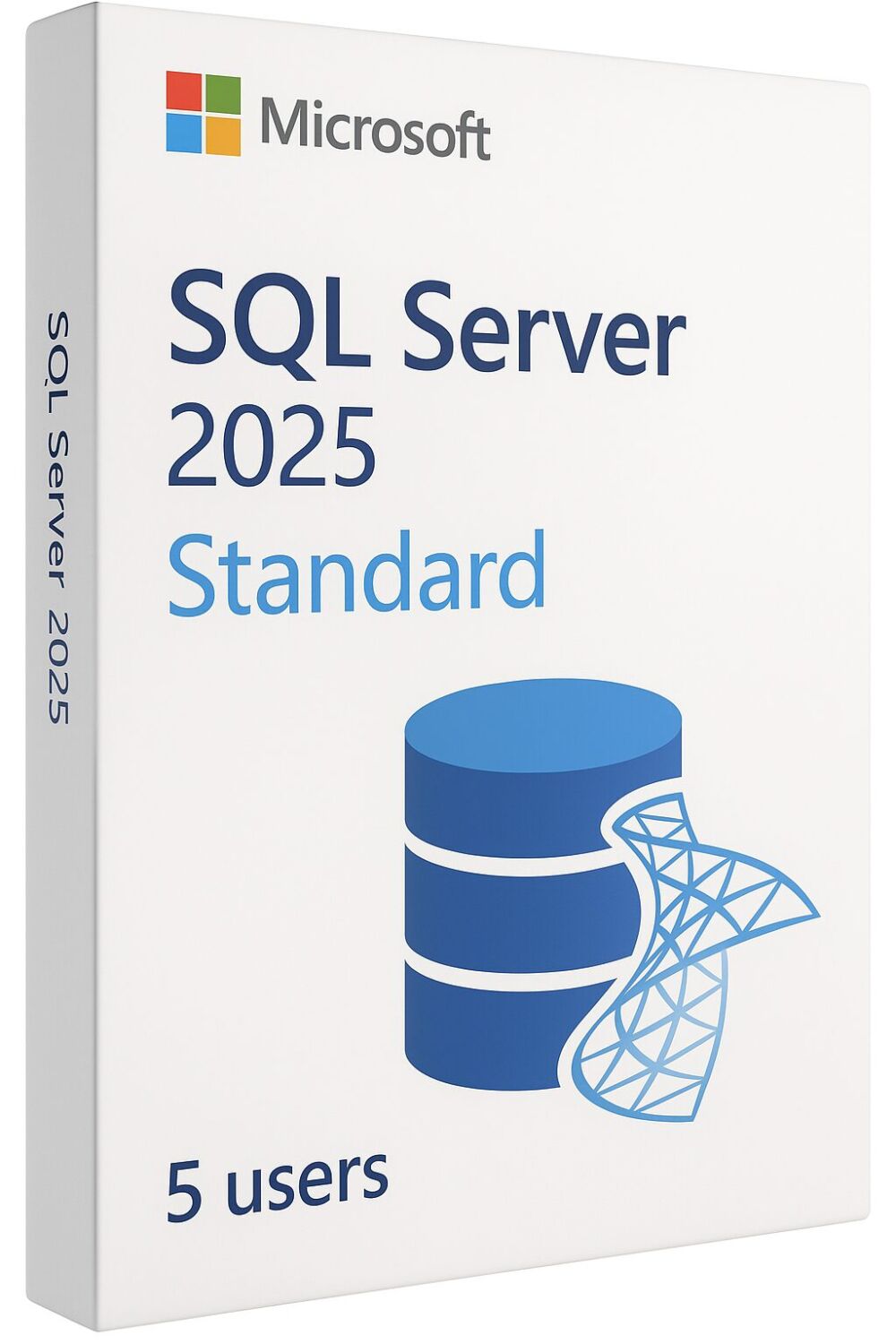
Microsoft SQL Server 2025 Standard provides a secure and scalable relational database platform for small to medium-sized businesses. This edition supports up to 32 CPU cores and 256 GB RAM per instance, incorporating AI-driven performance tuning, enhanced security protocols, and improved failover support. The platform manages business-critical applications, ERP systems, CRM systems, and transactional workloads with native JSON support and Resource Governor capabilities previously available only in Enterprise editions.
License
One-time purchase
Key features
✔Higher resource limits
Supports up to 32 CPU cores and 256 GB RAM per instance for enhanced performance
✔Resource Governor support
Control CPU, memory, I/O and workload management to prevent runaway queries effectively
✔Native JSON data support
Built-in JSON data types and operations with better semi-structured data handling capabilities
✔AI-driven performance tuning
Automated query processing optimization with improved locking and faster backup operations using ZSTD
✔Always On availability groups
Basic high availability support with failover clustering for business continuity requirements
System requirements
| OS |
Windows Server with x64 architecture |
| Processor |
1.4 GHz or faster 64-bit with AVX2 instruction set support |
| RAM |
4 GB minimum, 8 GB for SSRS/SSIS workloads, 16 GB recommended |
| Storage |
6 GB for installation, SSD recommended with additional space for databases |
How to Activate SQL Server 2025
- 1Your product key is sent by email, available on your account page, and shown on the order confirmation screen.
- 2Download the SQL Server installer from microsoft.com/sql-server/sql-server-downloads — choose your edition (Standard, Enterprise, etc.).
- 3Run the installer and select Enter the product key in the Edition field — do not choose the free Developer or Evaluation option.
- 4Enter your 25-character product key and complete the SQL Server installation wizard.
- 5Connect via SQL Server Management Studio (SSMS) — download free at aka.ms/ssms — to verify your installation and licensing status.
Frequently asked questions — SQL Server 2025 Standard for 5 users
How will I receive my license?
Your license is delivered after purchase — by email, on your account page, and on the order confirmation screen.
Is this a valid license?
Yes. You receive a license that activates the full version of the software directly through the publisher’s activation system.
Is payment secure?
Yes. All payments are processed through secure, encrypted checkout — we never store your payment details.
Can I get an invoice?
Yes. An invoice is available on your account page and sent by email after purchase.
Can I upgrade from previous SQL Server versions to 2025 Standard?
Yes, in-place upgrades are supported from SQL Server 2016, 2017, 2019, and 2022 versions. The upgrade process maintains your existing databases and configurations while providing access to new 2025 features.
What is the maximum database size limit for SQL Server 2025 Standard?
SQL Server 2025 Standard supports databases up to 524 petabytes in size, making it suitable for most enterprise data storage requirements and large-scale business applications.
💬
Any technical question or hesitation?
Speak with our team via live chat — an expert will guide you and help you resolve any issue before or after your purchase. Our chat is available at the bottom right of every page.
Why Buy From Instant-Key?
Instant-Key.com is an independent software reseller. We deliver license keys digitally, with activation support included on every order.
Digital License Keys
Every key is delivered by email after payment, with the download link to the publisher's own website.
Instant Delivery
After successful payment, your license key and download link are delivered
instantly to your email and user dashboard so you can start installing right away.
Card Payment
We accept Visa, MasterCard and American Express through an encrypted card checkout.
Reliable Customer Support
Our team is available through WhatsApp, Email, and Live Chat
to assist with installation, activation, or any questions you may have.
Affordable Pricing
Get premium software like Microsoft Office, Windows OS, Adobe,
Autodesk, CorelDRAW, antivirus tools, servers and more at
competitive prices to help you save on essential digital tools.
Easy Installation Guides
Every order includes a clear step-by-step PDF installation guide
so even first-time users can install and activate their software with ease.
Activation Support
If a key does not activate, our team assists you until it does, or replaces it.
Trusted by Customers Worldwide
Individuals, businesses, students, and professionals around the world rely on
Instant-Key.com for digital licenses that support
productivity, creativity, and business growth.


Reviews
There are no reviews yet