


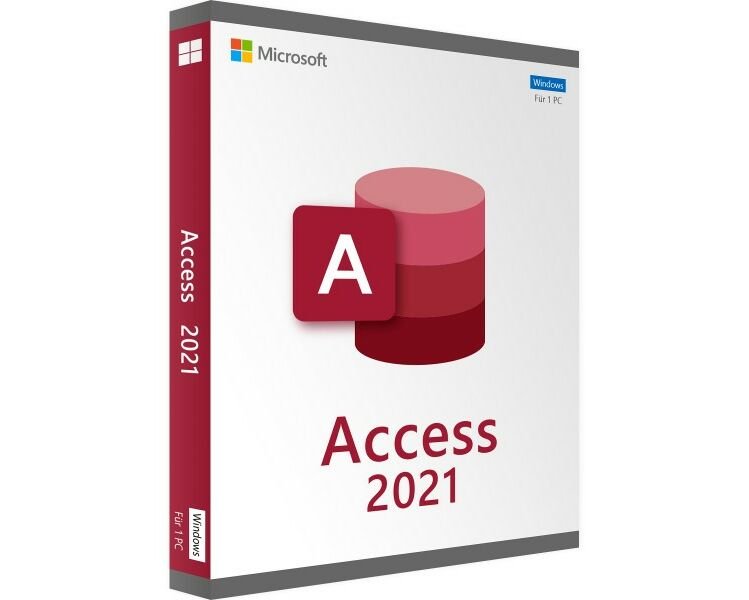
Microsoft Access Professional 2021
39.00 $
- ✔one-time purchase license — pay once
- ✔Works on Windows 10, Windows 11, Windows Server 2019, Windows Server 2022 · 1 PC
- ✔All languages included
- ✔Sent by email after checkout
- ✔Free setup support
Delivered in minutes by email
- Description
- Reviews (2)
- Why buy from instant-key.com ?
Description
Important: Microsoft Access 2021 reached its end of support on October 13, 2026. It may continue to function, but Microsoft no longer provides security updates or technical support.
Microsoft Access Professional 2021 provides comprehensive database management capabilities with enhanced functionality for creating and organizing data efficiently. This standalone version includes improved table management, advanced query tools, and better SQL compatibility. New features include the Add Tables task pane, enhanced Linked Table Manager, DateTime2 data type support, and dark theme options for professional database development.
License
One-time purchase
Duration
One-time
Platforms
Windows 10/11
Devices
1 PC
Delivery
By email
Key features
✔Add Tables task pane
Streamlined workflow with persistent pane for adding tables to relationships and queries
✔Enhanced Linked Table Manager
Centralized location for viewing and managing all data sources and linked tables
✔DateTime2 data type support
Improved SQL compatibility with nanosecond precision and extended date range coverage
✔Dark theme support
Comfortable dark gray and black themes for reduced eye strain during development
✔Improved Query Designer
Time-saving options with right-click shortcuts for Open, Design View, and Size to Fit
✔Hex color value input
Direct Hex color entry without RGB conversion for precise color property definitions
System requirements
| OS | Windows 10, Windows 11, Windows Server 2019, or Windows Server 2022 |
| Processor | 1.6 GHz or faster |
| RAM | 4 GB |
| Storage | 4 GB available space |
| Graphics | 1280 x 768, DirectX 9 or higher with WDDM 2.0 or higher for Windows 10 |
How to activate Microsoft Access Professional 2021
- 1Receive your product key after purchase — by email, on your account page, and on the order confirmation screen.
- 2Go to the official Microsoft setup page (office.com/setup for Office products, or microsoft.com/setup for Windows).
- 3Sign in with your Microsoft account, or create a free one if you don’t have one.
- 4Enter your 25-character product key when prompted.
- 5Download and install — your license is automatically linked to your Microsoft account.
Frequently asked questions — Microsoft Access Professional 2021
How will I receive my license?
Your license is delivered after purchase — by email, on your account page, and on the order confirmation screen.
Is this a valid license?
Yes. You receive a license that activates the full version of the software directly through the publisher’s activation system.
Is payment secure?
Yes. All payments are processed through secure, encrypted checkout — we never store your payment details.
Can I get an invoice?
Yes. An invoice is available on your account page and sent by email after purchase.
What are the main improvements from Access 2019 to Access 2021?
Access 2021 includes the Add Tables task pane, enhanced Linked Table Manager, DateTime2 data type support, dark theme options, improved SQL View with Find and Replace, and better Query Designer functionality with new time-saving shortcuts.
Can I use Hex color values directly in Access 2021?
Yes, Access 2021 includes a new Hex input field in the Colors dialog, allowing you to enter Hex color values like #0F4C81 directly without converting to RGB values for any color property.
Any technical question or hesitation?
Speak with our team via live chat — an expert will guide you and help you resolve any issue before or after your purchase. Our chat is available at the bottom right of every page.
Add a review
You must be logged in to post a review
Log In
2 reviews for Microsoft Access Professional 2021