


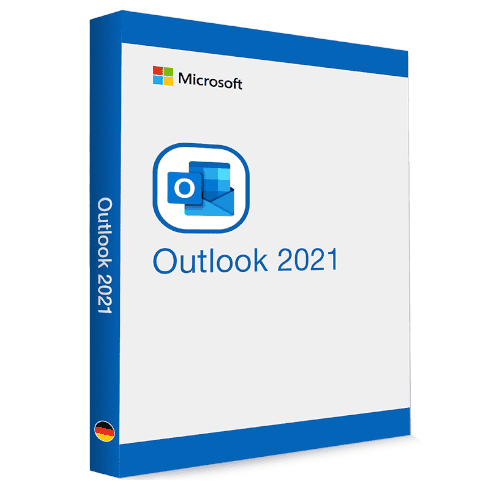
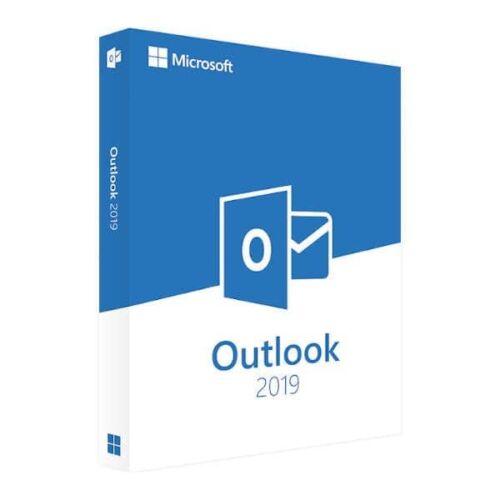
Microsoft Outlook 2021
39.00 $
- ✔one-time purchase license — pay once
- ✔Works on Windows & macOS · 1 PC
- ✔All languages included
- ✔Sent by email after checkout
- ✔Free setup support
Delivered in minutes by email
- Description
- Reviews (0)
- Why buy from instant-key.com ?
Description
Important: Microsoft Outlook 2021 reached its end of support on October 13, 2026. It may continue to function, but Microsoft no longer provides security updates or technical support.
Microsoft Outlook 2021 provides enhanced email management with new Search at Top functionality and built-in translator supporting over 70 languages. This productivity-focused application features improved Microsoft 365 integration, advanced security protections, and Ink annotation tools for marking up email images. The streamlined interface includes cleaner layouts and updated navigation for better usability.
License
One-time purchase
Duration
One-time
Platforms
Windows 10/11
Devices
1 PC
Delivery
By email
Key features
✔Search at Top
Instantly search through previous emails to minimize browsing time and maximize productivity
✔Built-in Translator
Connect fluently across over 70 languages for global business and remote collaboration
✔Ink Annotation Tools
Annotate email images directly or draw on canvas using finger, pen, or mouse
✔Enhanced Microsoft 365 Integration
Streamlined workflows with Word, Excel, and Teams for improved collaboration capabilities
✔Advanced Security Updates
Protection from malware, phishing attacks, and other security threats with improved defenses
System requirements
| OS | Windows 10 or later / macOS 10.14 Mojave or later |
| Processor | 1.6 GHz or faster, 2-core processor (2.0 GHz 4-core recommended) |
| RAM | 4 GB minimum (8 GB recommended) |
| Storage | 4 GB available disk space (Windows) / 10 GB (macOS) |
| Graphics | DirectX 9 or later with WDDM 2.0 or higher (Windows only) |
How to Activate Microsoft Outlook 2021
- 1Your activation code is sent by email, available on your account page, and shown on the order confirmation screen.
- 2Go to setup.office.com and sign in with your Microsoft account (or create a free one if needed).
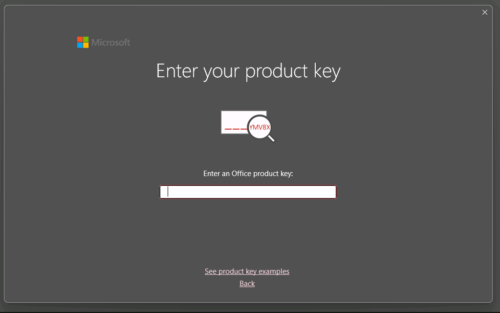
- 3Click Redeem a product key and enter your 25-character activation code.
- 4Follow the on-screen instructions to download and install Microsoft Office on your device.
- 5Launch any Office application — it activates automatically through your signed-in Microsoft account.
Frequently asked questions — Microsoft Outlook 2021
How will I receive my license?
Your license is delivered after purchase — by email, on your account page, and on the order confirmation screen.
Is this a valid license?
Yes. You receive a license that activates the full version of the software directly through the publisher’s activation system.
Is payment secure?
Yes. All payments are processed through secure, encrypted checkout — we never store your payment details.
Can I get an invoice?
Yes. An invoice is available on your account page and sent by email after purchase.
Does Outlook 2021 work offline without an internet connection?
Yes, Outlook 2021 works offline for reading and composing emails. However, internet connectivity is required for syncing emails, using the translator feature, and accessing cloud-based Microsoft 365 integration features.
Can I use the built-in translator for all my email communications?
The translator supports over 70 languages and works on-the-fly for business communications. It’s particularly useful for remote collaboration and international correspondence, helping bridge language barriers in professional email exchanges.
Any technical question or hesitation?
Speak with our team via live chat — an expert will guide you and help you resolve any issue before or after your purchase. Our chat is available at the bottom right of every page.
Add a review
You must be logged in to post a review
Log In

Reviews
There are no reviews yet