


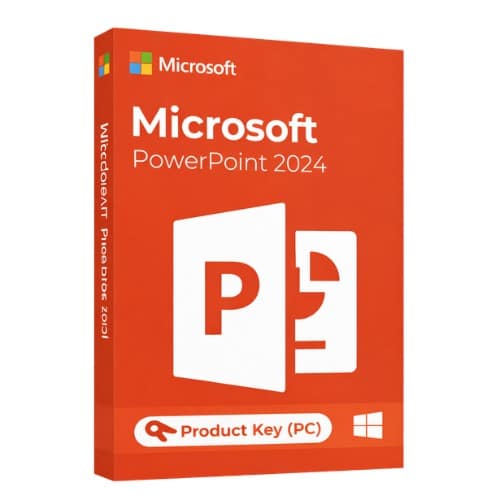
Microsoft PowerPoint 2024
45.00 $
✔ Brand: Microsoft
✔ Version: PowerPoint 2024 (Standalone)
✔ License: Lifetime — One-Time Purchase
✔ Platform: Windows 10 / Windows 11
✔ Format: Digital Download + Product Key
✔ Delivery: Instant via Email
✔ Support: 24/7 Live Chat Assistance
- Description
- Reviews (0)
- Why buy from instant-key.com ?
Description
What’s New in PowerPoint 2024?
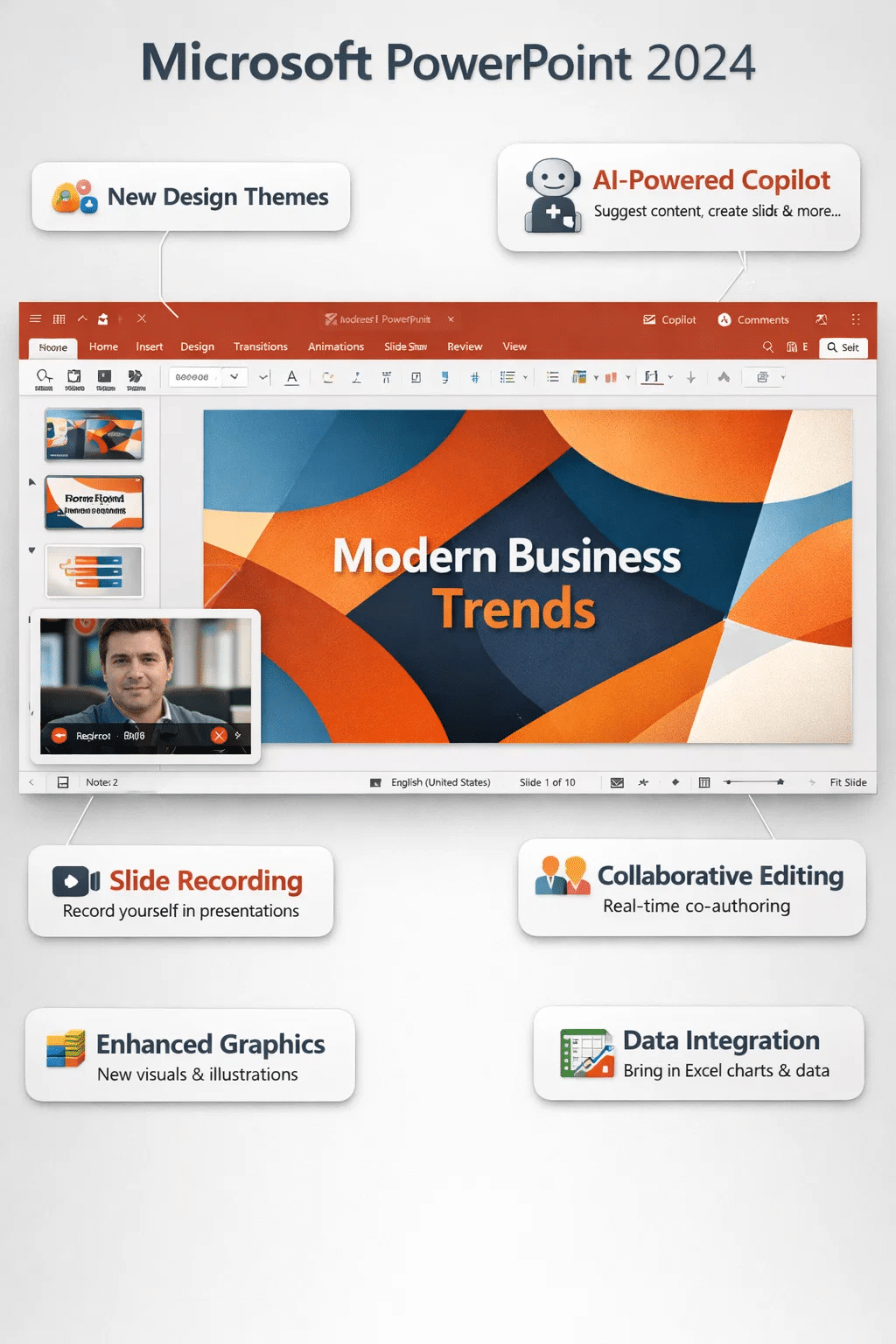
- Cameo Integration — Embed your live camera feed directly into slides for engaging video presentations.
- Enhanced Morph Transitions — Create cinematic animations with improved object tracking and fluid motion.
- Recording Studio — Record narrated presentations with ink gestures, laser pointer, and camera overlay.
- Accessibility Improvements — Better screen reader support and automatic alt-text suggestions for inclusive design.
- Modern Media Support — Native compatibility with newer video codecs and enhanced PDF export quality.
What’s New in PowerPoint 2024?
- Cameo Integration — Embed your live camera feed directly into slides for more engaging presentations.
- Enhanced Morph Transitions — Create cinematic slide animations with improved object tracking.
- Recording Studio — Record narrated presentations with ink gestures, laser pointer, and camera overlay.
- Accessibility Improvements — Better screen reader support and automatic alt-text suggestions.
- Modern File Formats — Native support for newer media codecs and improved PDF export quality.
Microsoft PowerPoint 2024
Microsoft PowerPoint 2024 is a state-of-the-art presentation tool that enables users to easily create slides that are impactful, clear, and professional. It is the best option for both beginners and seasoned pros due to its user-friendly interface, strong design, animation, and data visualization features. Whether you’re creating a marketing pitch, academic project, or business presentation, PowerPoint 2024 gives you all the tools you need to present your ideas clearly and professionally.
Product Specifications
 Software Name- Microsoft PowerPoint 2024
License Type- One-time purchase (one-time)
Supported Platform- Windows
Usage- Personal & Commercial
Activation- Online activation required
Updates- Security updates included
Key Features
- Professional Slide Design: With the help of PowerPoint 2024’s many templates and design tools, users can produce eye-catching presentations without the need for sophisticated design knowledge.
- Advanced Transitions and Animations: You can make dynamic presentations with the software’s enhanced animation effects and seamless transitions, like Zoom and Morph.
- Tools for Data Visualization: Charts, graphs, and SmartArt can be inserted by users to display complicated data in an easy-to-understand manner.
- Tools for Presenters: During presentations, you can control timing, notes, and slide navigation with the built-in Presenter View.
- Options for File Export: Sharing presentations is simple and adaptable because they can be exported to PDF, video, and other formats.
System Requirements
| Component | Requirement |
| Operating System | Windows 10 / Windows 11 |
| Processor | 1.1 GHz or faster, 2-core |
| RAM | 4 GB or higher |
| Storage | 4 GB available space |
| Display | 1280 × 768 resolution |
| Graphics | DirectX 9 or later |
| Internet | Required for activation |
Compare with Similar Items
| Feature | PowerPoint 2024 | PowerPoint 2021 |
| License Type | One-Time | One-Time |
| Offline Access | Yes | Yes |
| Advanced Animations | Yes | Moderate |
| AI Design Features | Improved | Limited |
| Performance | High | Medium |
FAQs
Q: Can I use PowerPoint 2024 offline?
Yes, after activation, most features work offline.
Q: Is it included in Office 2024?
Yes, it is included in certain Office 2024 packages or available separately.
Q: Can I export presentations as videos?
Yes, you can export presentations as video files or PDFs.
Q: Is PowerPoint 2024 suitable for beginners?
Absolutely, it is very user-friendly with templates and AI assistance.





Reviews
There are no reviews yet