


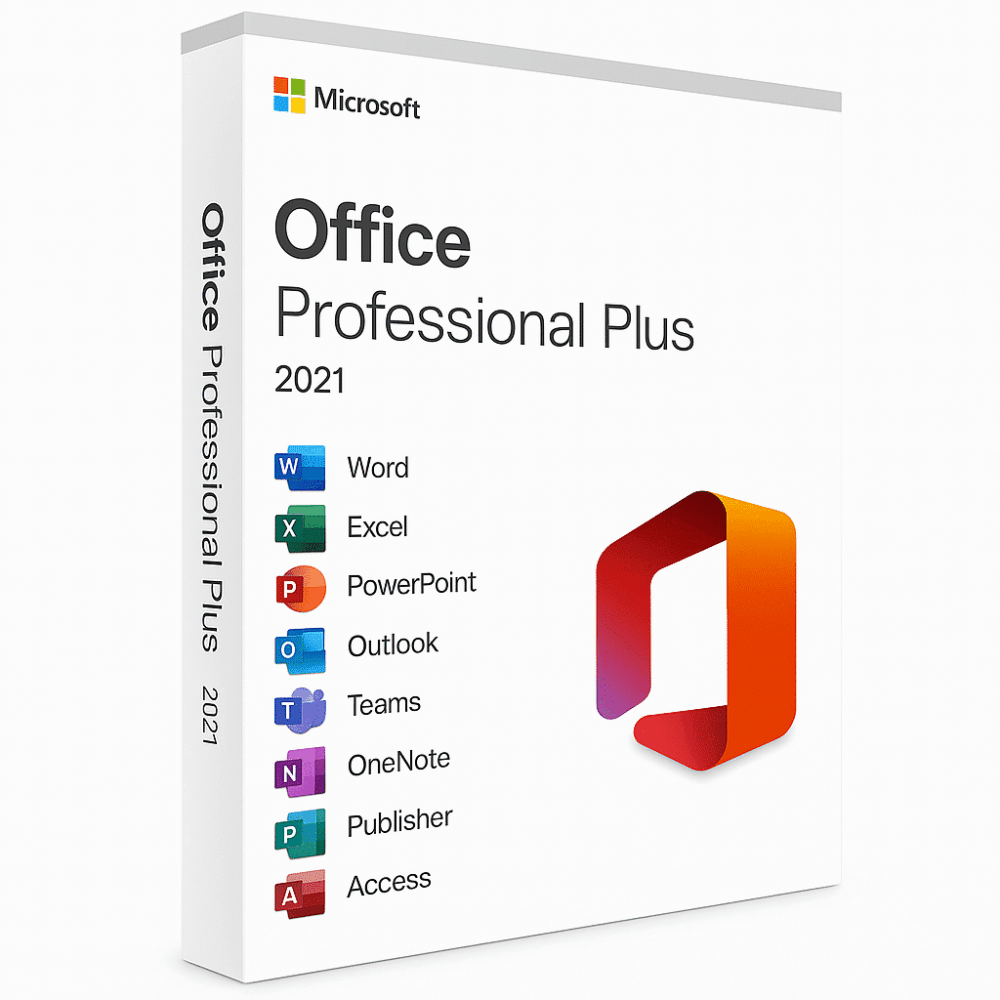
Microsoft Office 2021 - Einmalkauf
Preisspanne: 39,00 € bis 60,00 €
- ✔Einmallizenz – einmal bezahlen
- ✔Funktioniert unter Windows
- ✔Alle Sprachen enthalten
- ✔Versand per E-Mail nach dem Kauf
- ✔Kostenlose Einrichtungshilfe
- Beschreibung
- Rezensionen (0)
- Installationsanleitung
- Why buy from instant-key.com ?
Beschreibung
Wichtiger Hinweis: Der Support für Microsoft Office 2021 endete am 13. Oktober 2026. Die Software kann weiterhin funktionieren, erhält jedoch keine Sicherheitsupdates oder technische Unterstützung mehr von Microsoft.
Microsoft Office 2021 Produktschlüssel
Microsoft Office 2021 als Einmalkauf umfasst Word, Excel, PowerPoint, Outlook, OneNote, Publisher und Access. Sie zahlen einmal und nutzen die Anwendungen ohne Abonnement weiter.
Die Lizenz wird mit Ihrem Microsoft-Konto verknüpft, sodass Sie Office bei Bedarf auf einem anderen Rechner neu installieren können. Sie überlegen, die neuere Version zu nehmen? Der Vergleich steht in unserem Leitfaden Office 2021 und Office 2024. Die Anwendungen eignen sich privat wie beruflich.
Erstellen Sie Präsentationen, Tabellen und Dokumente, verwalten Sie E-Mails, Kontakte und Kalender und arbeiten Sie mit Kollegen gleichzeitig am selben Dokument. Die aktuellen Sicherheitsfunktionen schützen Ihre Daten.
Office 2021 als Einmalkauf richtet sich an alle, die eine vollständige Office-Ausstattung ohne laufende Kosten suchen.
Das bietet Microsoft Office 2021 als Einmalkauf
- Anwendungen: Word, Excel, PowerPoint und Outlook. Manche Editionen enthalten zusätzlich Access und Publisher, vor allem die Professional-Edition.
- Einmalkauf: Anders als Microsoft 365, das ein Abonnement voraussetzt, ist Office 2021 ein Einmalkauf ohne weitere Kosten nach der Zahlung.
- Lizenz: Sie erhalten eine Einmalkauf-Lizenz für Microsoft Office, ohne Verlängerung eines Abonnements.
- Keine neuen Funktionen: Office 2021 erhielt nach der Veröffentlichung keine neuen Funktionen, und seit dem 13. Oktober 2026 auch keine Sicherheitsupdates mehr. Wer eine unterstützte Version möchte, wechselt zu Office 2024 oder zu Microsoft 365.
- Offline nutzbar: Office 2021 läuft offline. Für Aktivierung und Updates ist eine Internetverbindung nötig.
- Kompatibilität: Office 2021 läuft unter Windows 10 und Windows 11. Für macOS gibt es die eigene Lizenz Office 2021 für Mac.
Uebertragbare Lizenz
Diese Office-2021-Lizenz ist übertragbar: Sie wird nach dem Kauf mit Ihrem Microsoft-Konto verknüpft. Für eine Neuinstallation auf einem anderen Rechner brauchen Sie keine neue Lizenz.
| Produkt | Beschreibung |
|---|---|
 |
Microsoft Word 2021Word 2021 arbeitet schneller und bringt eine überarbeitete Registerkarte Zeichnen mit. Dank Unterstützung für OpenDocument (ODF) 1.3 öffnen und bearbeiten Sie XML-Tabellen, Diagramme, Präsentationen und Textdokumente. |
 |
Microsoft Excel 2021Excel 2021 bringt die Funktion XVERWEIS, dynamische Arrays und eine bessere Unterstützung von ODF 1.3. Mit der Funktion LET legen Sie eigene Zwischenergebnisse für Ihre Berechnungen fest. |
 |
Microsoft PowerPoint 2021PowerPoint 2021 läuft flüssiger und bietet Präsentationsaufzeichnung sowie das Abspielen von Freihandeingaben. Mit ODF-1.3-Unterstützung und der überarbeiteten Registerkarte Zeichnen ergänzen Sie visuelle Elemente. |
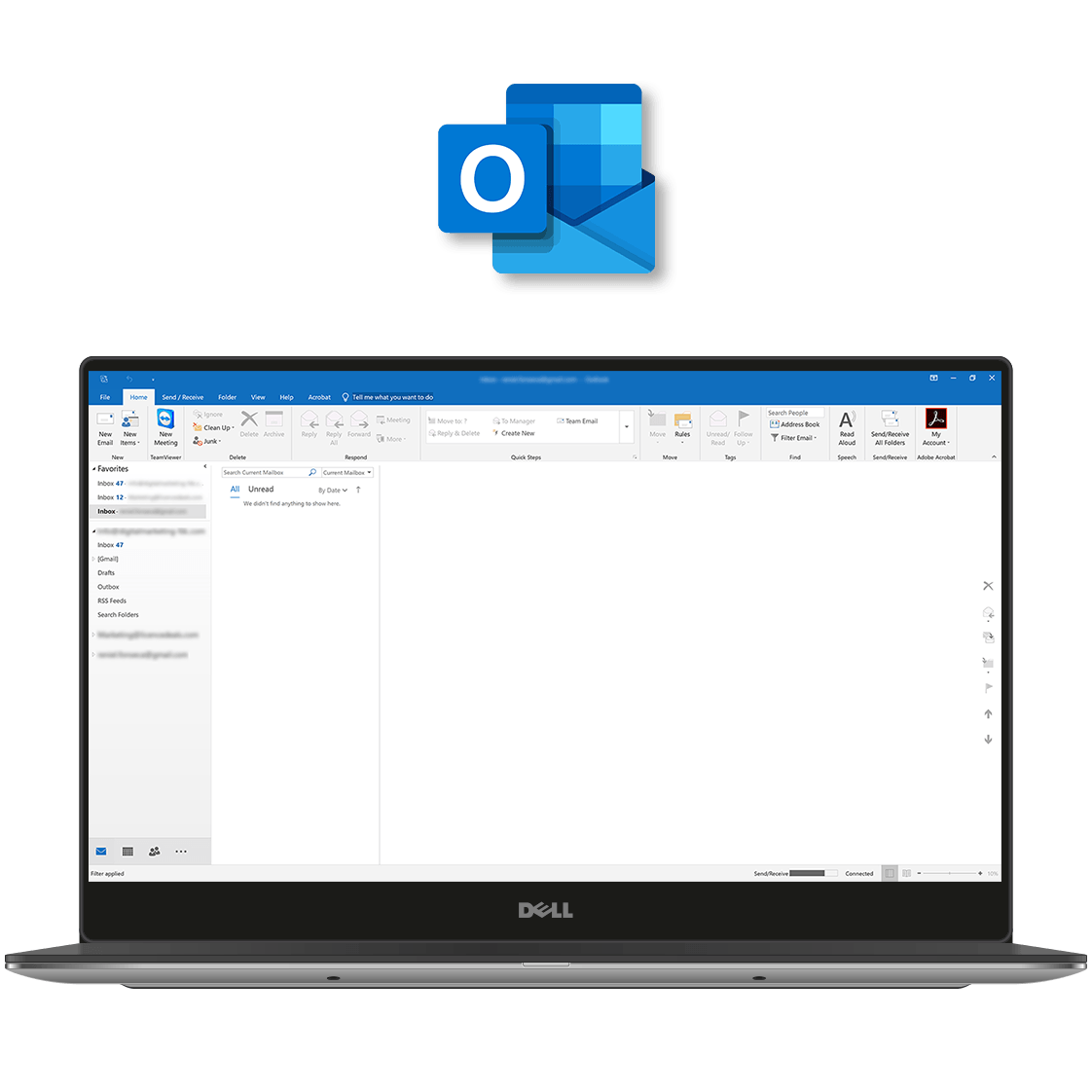 |
Microsoft Outlook 2021Microsoft Outlook 2021 übersetzt E-Mails direkt in mehr als 70 Sprachen und bietet bessere Suchfilter, um den Posteingang im Griff zu behalten. Läuft unter Windows 11 und Windows 10. |
Systemanforderungen für Microsoft Office 2021:
- Prozessor: 1 GHz, Dual-Core.
- Grafik: DirectX 9 oder höher mit WDDM 2.0 oder höher.
- Arbeitsspeicher: 4 GB RAM.
- Speicherplatz: 4 GB frei.
- Anzeige: Auflösung 1280 x 768.
- Browser: aktuelle Version von Microsoft Edge, Safari, Chrome oder Firefox.
Häufige Fragen
Ist das ein Abonnement oder ein Einmalkauf?
– Ein Einmalkauf. Nach der Aktivierung nutzen Sie Microsoft Office 2021 auf dem lizenzierten Gerät weiter.
Kann ich Microsoft Office 2021 auf mehreren Geräten installieren?
– Diese Lizenz gilt für 1 PC. Für weitere Installationen brauchen Sie zusätzliche Lizenzen.
Braucht Microsoft Office 2021 eine Internetverbindung?
– Für den ersten Download und die Aktivierung ja. Danach nutzen Sie die Anwendungen offline.
Läuft Microsoft Office 2021 unter Windows und Mac?
– Diese Lizenz gilt nur für Windows. Für macOS verkaufen wir Office 2021 Home & Business für Mac gesondert.
Was unterscheidet Office 2021 von Microsoft 365?
– Office 2021 ist ein Einmalkauf ohne Versionswechsel. Microsoft 365 ist ein Abonnement mit regelmäßigen Updates, Cloud-Speicher und weiteren Funktionen.
Bekomme ich Updates für Office 2021 als Einmalkauf?
– Nein. Microsoft hat den Support am 13. Oktober 2026 beendet, Office 2021 erhält keine Sicherheitsupdates und keine Fehlerbehebungen mehr. Eine unterstützte Version wie Office 2024 erhält sie weiterhin.
Kann ich meine Office-2021-Lizenz auf ein anderes Gerät übertragen?
– Einmalkauf-Lizenzen sind in der Regel an ein Gerät gebunden. Die Übertragbarkeit hängt vom Lizenztyp und den Bedingungen von Microsoft ab.
Eignet sich Microsoft Office 2021 für den geschäftlichen Einsatz?
– Ja, privat wie geschäftlich, besonders wenn ein Einmalkauf einem Abonnement vorgezogen wird.
Unterstützt Office 2021 Cloud-Speicher?
– Office 2021 lässt sich mit Cloud-Diensten wie OneDrive verbinden. Cloud-Speicher ist nicht im Lieferumfang enthalten.
So aktivieren Sie Microsoft Office 2021
- 1Ihr Aktivierungscode wird per E-Mail gesendet, ist auf Ihrer Kontoseite verfügbar und wird auf dem Bestellbestätigungsbildschirm angezeigt.
- 2Gehen Sie zu setup.office.com und melden Sie sich mit Ihrem Microsoft-Konto an (oder erstellen Sie bei Bedarf ein kostenloses Konto).
- 3Klicken Sie auf Produktschlüssel einlösen und geben Sie Ihren 25-stelligen Aktivierungscode ein.
- 4Folgen Sie den Anweisungen auf dem Bildschirm, um Microsoft Office auf Ihr Gerät herunterzuladen und zu installieren.
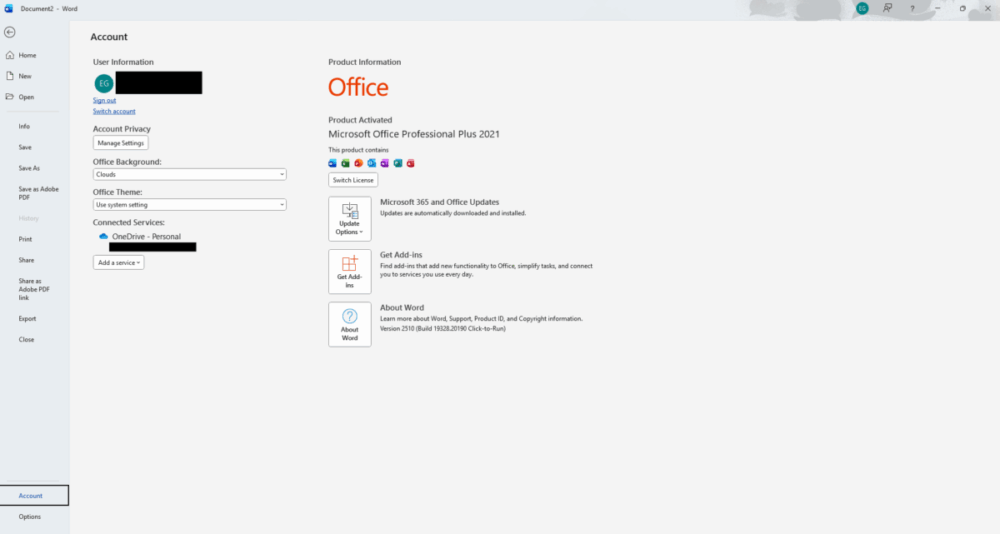
- 5Starten Sie eine beliebige Office-Anwendung – sie wird automatisch über Ihr angemeldetes Microsoft-Konto aktiviert.
Häufig gestellte Fragen – Microsoft Office 2021 – Einmalkauf
Wie erhalte ich meine Lizenz?
Ist dies eine gültige Lizenz?
Ist die Zahlung sicher?
Kann ich eine Rechnung erhalten?
So installieren Sie Microsoft Office 2021 Professional Plus (1 PC)
Aktivierungsanleitung:
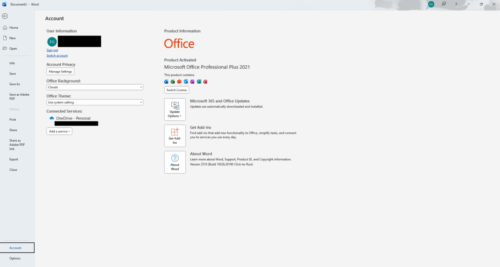
Produkt: Microsoft Office 2021 Professional Plus (PC)
Download-Link:
Hier klicken zum Herunterladen
Lizenzschlüssel: Sie erhalten Ihren Aktivierungsschlüssel sofort nach dem Kauf.
Installationsschritte
- Laden Sie die Office 2021 Setup-Datei über den obigen Link herunter.
- Klicken Sie nach dem Download mit der rechten Maustaste auf die .img-Datei und wählen Sie „Bereitstellen“.
- Öffnen Sie den bereitgestellten Ordner und führen Sie setup.exe aus.
- Warten Sie, bis die Installation von Microsoft Office abgeschlossen ist.
- Starten Sie eine beliebige Office-Anwendung (Word, Excel usw.).
- Geben Sie den nach dem Kauf erhaltenen Aktivierungsschlüssel ein.
- Melden Sie sich mit Ihrem Microsoft-Konto an, falls Sie dazu aufgefordert werden.
- Office wird automatisch aktiviert, sobald der Schlüssel validiert wurde.
Benötigen Sie Hilfe?
Wenn Sie Installations- oder Aktivierungsprobleme haben, antworten Sie einfach auf Ihre Bestellbestätigungs-E-Mail.
Unser Support-Team steht zur Verfügung und kann Sie per Fernzugriff über AnyDesk unterstützen, um Probleme schnell zu lösen.
Rezensionen
Es gibt noch keine Rezensionen