


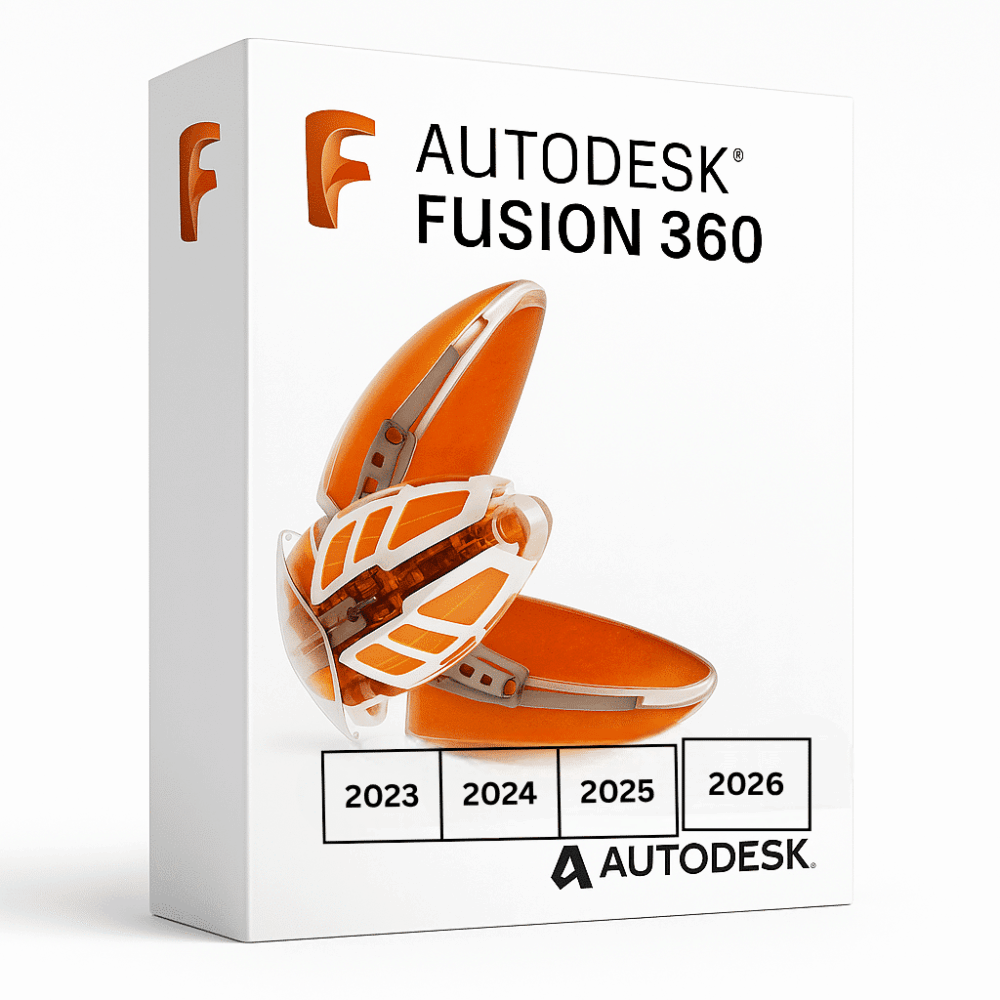
Autodesk Fusion 360 (Windows/Mac)
Price range: 145.00 $ through 245.00 $
- ✔1 year subscription · Includes all versions during term
- ✔Works on Windows & macOS · 1 user / 2 devices
- ✔Cloud-connected 3D design
- ✔Access linked to your checkout email — Autodesk sends the activation email directly to that address
- ✔Free setup support
Delivered within 15 min – 1 hour by email
- Description
- Reviews (0)
- Why buy from instant-key.com ?
Description
Autodesk Fusion 360 brings comprehensive cloud-based CAD, CAM, and CAE capabilities into a unified platform for product design and manufacturing. This 1-year subscription provides parametric modeling, simulation analysis, CNC machining toolpaths, and collaborative workflows. Supporting both Windows and macOS environments, Fusion 360 enables engineers to transition fluidly from conceptual design through engineering analysis to manufacturing preparation, offering tight integration between mechanical, electrical, and electronic design components within a single collaborative environment.
Key Features
Integrated Parametric Modeling
Create complex 3D designs and assemblies with robust parametric capabilities that support mechanical, electrical, and electronic component integration
Advanced Simulation Suite
Validate designs with stress analysis, thermal analysis, and fluid flow simulation tools before prototyping to optimize performance and identify potential issues
Integrated CAM Functionality
Generate CNC toolpaths directly from 3D models for 3-axis and multi-axis machining, reducing production time and manufacturing costs
Cloud-Based Collaboration
Enable real-time team collaboration with version control and secure project access across Windows and macOS platforms
Comprehensive Extension Portfolio
Access specialized capabilities including generative design, additive manufacturing, nesting fabrication, and signal integrity analysis through Flex Access extensions
System Requirements
| Operating System | Windows & macOS |
| Processor | Multicore 64-bit processor |
| RAM | 4 GB |
| Storage | 3 GB |
How to Activate Autodesk Fusion 360
- After purchase, Autodesk sends an activation email directly to the email address used at checkout.
- The email contains your access link tied to your purchase email.
- Sign in to autodesk.com with the same email address used at checkout.
- Navigate to your Account → Products & Services.
- Download and install the application from the Autodesk Desktop App.
Frequently Asked Questions
How will I receive access?
Is payment secure?
Can I get an invoice?
How many devices can I install Fusion 360 on with one license?
What file formats does Fusion 360 support for CAD interoperability?
Need help? Our support team is available 7 days a week. Contact us via live chat or email for activation assistance, compatibility questions, or any other inquiry.
Add a review
You must be logged in to post a review
Log In







Reviews
There are no reviews yet