


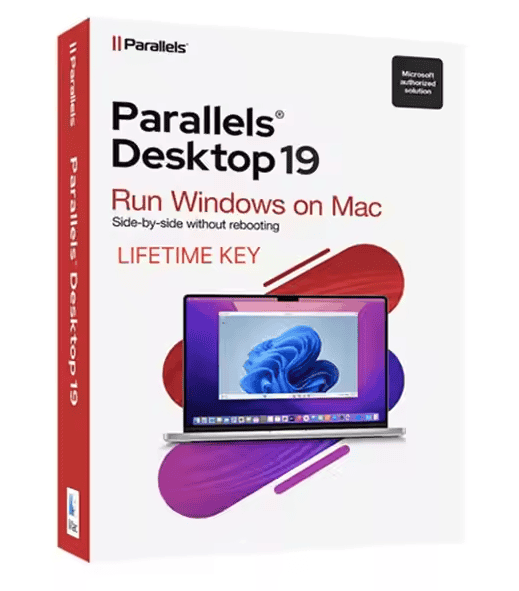
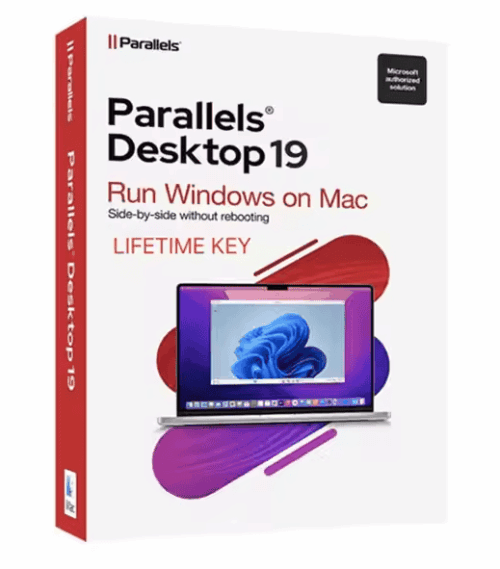
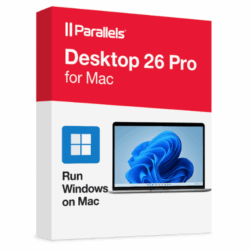
Parallels Desktop 19 for Mac
Price range: 69.00 $ through 89.00 $
- ✔Annual subscription · 1 Mac
- ✔macOS only (host) · 1 device
- ✔Run Windows & other OS on your Mac
- ✔Sent by email after checkout
- ✔Free setup support
- Description
- Reviews (0)
- Why buy from instant-key.com ?
Description
Parallels Desktop 19 for Mac is an annual subscription licence for macOS that lets you run Windows, Linux, and other operating systems as virtual machines alongside your Mac applications. Compatible with Apple Silicon (M-series) Macs, it includes Coherence mode for a unified desktop experience, DirectX 11 support, shared clipboard, drag-and-drop, USB and Thunderbolt device sharing, snapshot and rollback functionality, and the Parallels Toolbox suite. Your activation key is sent by email.
What platform does Parallels Desktop 19 for Mac run on?
Parallels Desktop 19 for Mac runs on macOS, including Macs with Apple Silicon (M-series) chips. It allows you to run Windows, Linux, and other guest operating systems within virtual machines on your Mac.
Is this a subscription or a one-time purchase?
This is an annual subscription licence with a 1-year term, so it will require renewal to continue using the software after that period. It is not a one-time purchase, one-time purchase.
How many devices can I use with this license?
This licence covers one Mac. If you need to use Parallels Desktop on additional Macs, you would need to purchase separate licences.
How to Activate Parallels Desktop 19
- 1Your activation key is delivered by email, available on your account page and order confirmation.
- 2Download Parallels Desktop from parallels.com/directdownload or use the direct link in your confirmation email.
- 3Install Parallels Desktop on your Mac and follow the setup assistant.
- 4When prompted, click “Enter License Key” and enter your activation key.
- 5Sign in or create a free Parallels account to complete activation.





Reviews
There are no reviews yet