


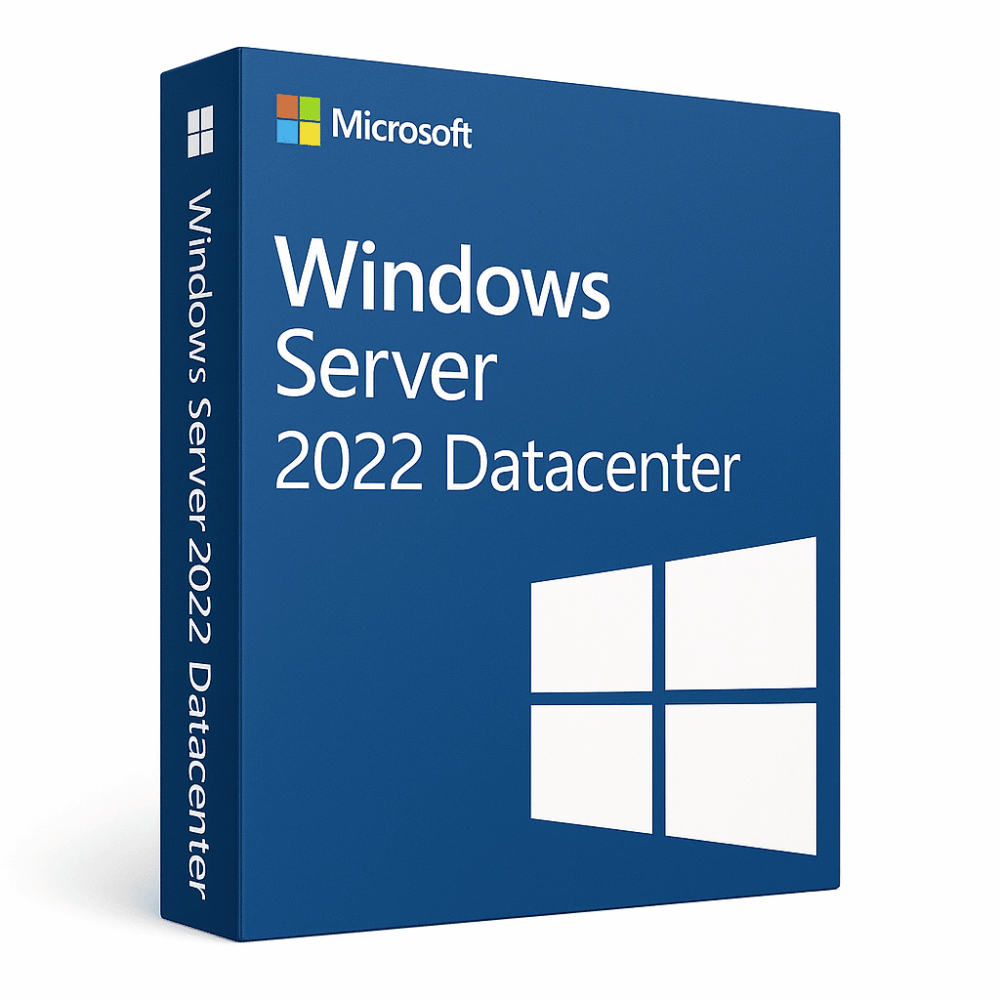
Windows Server 2022 Datacenter
99.00 $
- ✔Lifetime license — pay once
- ✔Works on Windows Server hardware · 1 server with unlimited virtualization
- ✔All languages included
- ✔Sent by email after checkout
- ✔Free setup support
- Description
- Product Activation
- Reviews (0)
- Why buy from instant-key.com ?
Description
Windows Server 2022 Datacenter provides industry-leading multi-layer security with Secured-core server capabilities, unlimited virtualization rights, and powerful Azure hybrid integration. Features advanced encryption, Storage Spaces Direct, and support for unlimited virtual machines and Hyper-V containers, making it ideal for enterprise-scale operations requiring maximum flexibility and security.
Key features
System requirements
| OS | Supports installation on server hardware |
| Processor | 64-bit CPU, 1.4 GHz minimum, x64 instruction set, DEP and NX Bit support |
| RAM | 512 MB minimum |
| Storage | Minimum disk space for installation |
How to Activate Windows Server 2022
- 1Your product key is sent by email, available on your account page, and shown on the order confirmation screen.
- 2Download the official Windows Server ISO from microsoft.com/evalcenter — select your Server edition. Your retail key activates the full version, not only the evaluation period.
- 3Install Windows Server on your server hardware or virtual machine (Hyper-V, VMware, etc.).
- 4After installation, go to Settings → System → Activation and click Change product key, then enter your 25-character key.
- 5Click Activate to complete online activation. No Microsoft account required — an internet connection is sufficient.
Frequently asked questions — Windows Server 2022 Datacenter
How will I receive my license?
Is this a valid license?
Is payment secure?
Can I get an invoice?
What’s the difference between Standard and Datacenter editions of Windows Server 2022?
How long is Microsoft support provided for Windows Server 2022 Datacenter?
Convert Windows Server Evaluation Editions to Standard
If you, like me, have quickly built a new server or VM using the Evaluation download from Microsoft, you will find that when you get your license key and try to plug it in, it won’t work. You cannot simply use an otherwise valid key on an evaluation copy of Windows Server.
But fret not, the solution is quite simple. You merely need to run this command from an elevated command prompt:
DISM /online /Set-Edition:<edition ID> /ProductKey:XXXXX-XXXXX-XXXXX-XXXXX-XXXXX /AcceptEula
The Edition ID will be ServerStandard and then insert your product key. The server will run through the image conversion process, then restart twice.
After the server has restarted, you will need to re-activate the server and enter the Key in again.
It is important to note that if you’ve used an evaluation edition to build a domain controller, you cannot change the edition. You will need to either build a new domain controller, or demote the evaluation edition domain controller, set the version id, and then promote it again.
This key can activate ONE windows device, only ONE time. After the activation process is done, you will NOT be able to use the same key again. Formatting the hard drive will effectively erase the key. You can NOT transfer the license to another computer.





Reviews
There are no reviews yet