Maximizing Your Investment in Autodesk AutoCAD LT
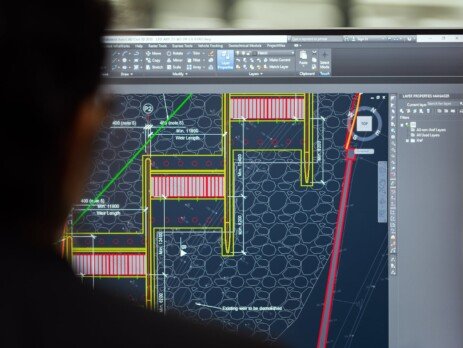
One of the best ways to maximize your investment in AutoCAD LT is to stay updated with the latest software updates and enhancements. Autodesk regularly releases updates that not only address any bugs or issues but also introduce new features and improvements. By installing these updates, you ensure that you are utilizing the most advanced tools that AutoCAD LT has to offer. Investing in Autodesk AutoCAD LT can significantly enhance your design and drafting capabilities, but to truly maximize this investment, it's essential to fully leverage its features and integrate it seamlessly into your workflow. Here are some strategic tips to help you get the most out of AutoCAD LT. Take Advantage of Customization Custom Commands and Shortcuts: Customize your commands and keyboard shortcuts to suit your workflow. This can significantly reduce the time spent navigating menus and executing commands.Macros and Scripts: Develop macros and scripts to automate...