


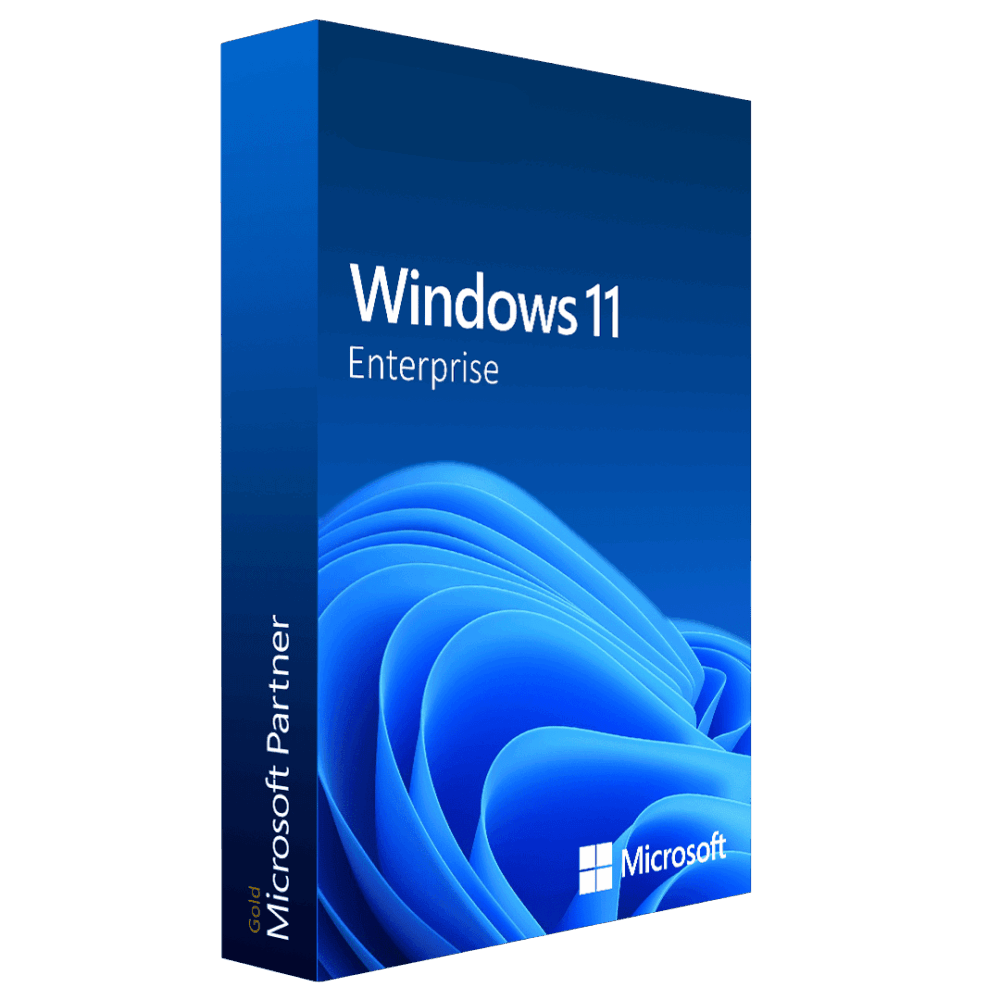
Windows 11 Enterprise (5pc)
99.00 $
- ✔Lifetime license — pay once
- ✔Works on Windows compatible PCs · 5 PCs
- ✔All languages included
- ✔Sent by email after checkout
- ✔Free setup support
Delivered in minutes by email
- Description
- Reviews (0)
- Why buy from instant-key.com ?
Description
Windows 11 Enterprise (5PC) brings advanced security and management capabilities to organizations managing multiple workstations. This volume license edition includes BitLocker encryption, AppLocker application control, and Windows Defender Application Guard for comprehensive threat protection. Designed for IT administrators requiring centralized device management through Microsoft Intune and Group Policy, this license covers five devices with enterprise-grade features beyond standard Pro edition functionality.
License
Perpetual
Duration
Lifetime
Platforms
Windows 11 (64-bit)
Devices
5 PCs
Delivery
By email
Key features
✔BitLocker Drive Encryption
Encrypts entire drives protecting sensitive data from unauthorized access and theft
✔AppLocker Application Control
Restricts which applications users can run preventing malware and unauthorized software
✔Windows Defender Application Guard
Isolates Microsoft Edge browsing sessions protecting against web-based security threats
✔Microsoft Intune Integration
Centrally manages device policies updates and security settings across your organization
✔DirectAccess VPN
Automatically connects remote devices to corporate network without manual VPN configuration
✔BranchCache Technology
Reduces bandwidth usage by caching frequently accessed files at branch offices
System requirements
| OS | UEFI firmware with Secure Boot capability |
| Processor | 1 GHz 64-bit processor with 2 cores |
| RAM | 4 GB |
| Storage | 64 GB available disk space |
| Graphics | TPM 2.0 security chip required |
How to Activate Windows 11
- 1Your product key is sent by email, available on your account page, and shown on the order confirmation screen.
- 2If you need to install or reinstall Windows, download the official ISO from microsoft.com/software-download/windows11.
- 3Install Windows on your PC, or skip this step if Windows is already installed on your device.
- 4Go to Settings → System → Activation and click Change product key, then enter your 25-character key.
- 5Click Activate to complete online activation. No Microsoft account required.
Frequently asked questions — Windows 11 Enterprise (5pc)
How will I receive my license?
Your license is delivered after purchase — by email, on your account page, and on the order confirmation screen.
Is this a valid license?
Yes. You receive a license that activates the full version of the software directly through the publisher’s activation system.
Is payment secure?
Yes. All payments are processed through secure, encrypted checkout — we never store your payment details.
Can I get an invoice?
Yes. An invoice is available on your account page and sent by email after purchase.
What additional features does Enterprise include beyond Windows 11 Pro?
Enterprise adds BitLocker To Go, AppLocker, Windows Defender Application Guard, DirectAccess, BranchCache, and advanced group policy management capabilities specifically designed for large organizations.
How do I activate Windows 11 Enterprise volume licenses?
Enterprise licenses activate through Key Management Service (KMS) for domain-joined computers or Multiple Activation Key (MAK) for standalone devices, both requiring organizational deployment tools.
Any technical question or hesitation?
Speak with our team via live chat — an expert will guide you and help you resolve any issue before or after your purchase. Our chat is available at the bottom right of every page.
Add a review
You must be logged in to post a review
Log In





Reviews
There are no reviews yet