Description
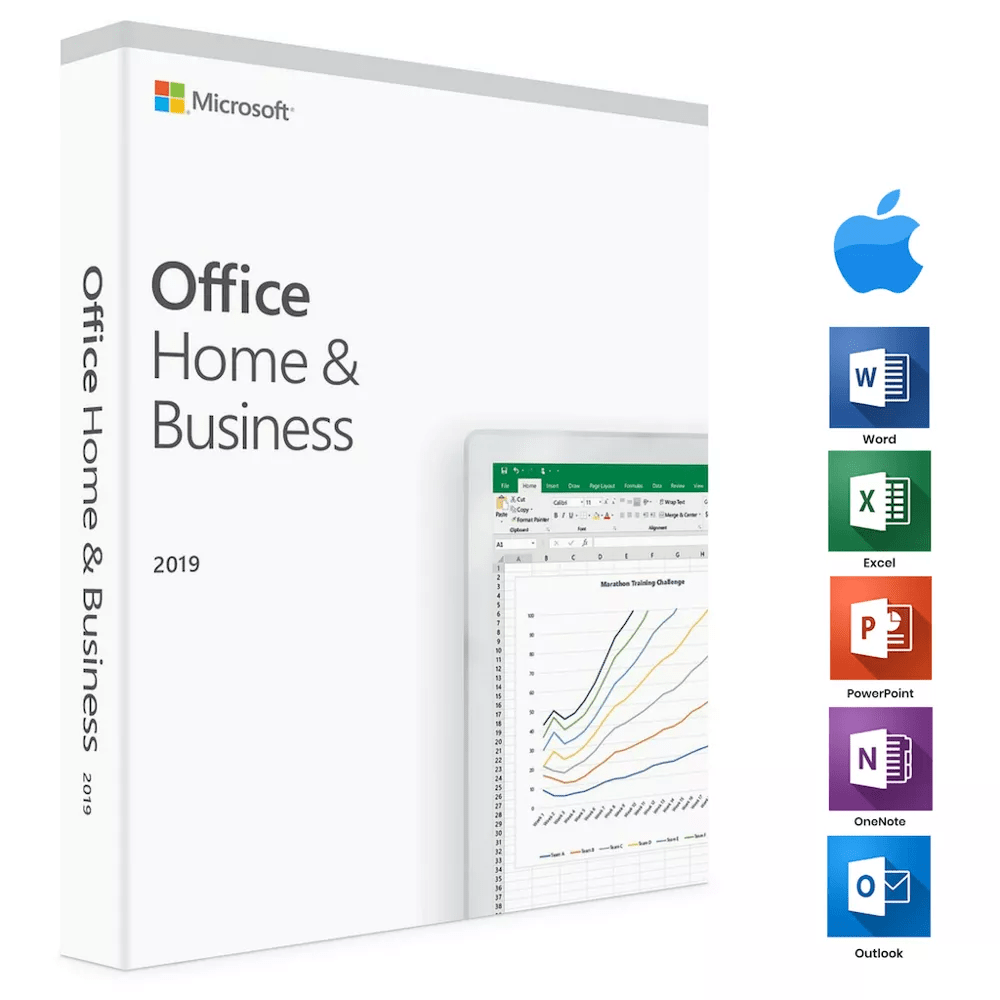
Microsoft Office Home & Student 2019 for Mac provides professional productivity software with Word, Excel, PowerPoint, and OneNote. This single-use digital license provides one-time access to classic Office applications optimized for MacBook and iMac computers. The 2019 edition includes enhanced functionality over Office 2016, offering improved learning tools, new chart types, and advanced presentation features for home and student use.
Key features
✔Word 2019 with learning tools
Create documents with text-to-speech, improved inking, and accessibility enhancements
✔Excel 2019 with new chart types
Analyze data using funnel charts, 2-D maps, and enhanced formulas
✔PowerPoint 2019 with Morph and Zoom
Build dynamic presentations with cinematic motions and 3-D model support
✔OneNote integration
Organize notes and collaborate across all your Mac devices
✔EU Multilingual support
Switch between languages and install additional language packs separately
System requirements
| OS |
macOS |
| Processor |
1.0 GHz minimum |
| RAM |
1 GB (32-bit) / 2 GB (64-bit) |
| Storage |
3 GB available disk space |
How to Activate Microsoft Office 2019
- 1Your activation code is sent by email, available on your account page, and shown on the order confirmation screen.
- 2Go to setup.office.com and sign in with your Microsoft account (or create a free one if needed).
- 3Click Redeem a product key and enter your 25-character activation code.
- 4Follow the on-screen instructions to download and install Microsoft Office on your device.
- 5Launch any Office application — it activates automatically through your signed-in Microsoft account.
Frequently asked questions — Office 2019 for mac
How will I receive my license?
Your license is delivered after purchase — by email, on your account page, and on the order confirmation screen.
Is this a valid license?
Yes. You receive a license that activates the full version of the software directly through the publisher’s activation system.
Is payment secure?
Yes. All payments are processed through secure, encrypted checkout — we never store your payment details.
Can I get an invoice?
Yes. An invoice is available on your account page and sent by email after purchase.
What applications are included in Office Home & Student 2019 for Mac?
This edition includes Word, Excel, PowerPoint, and OneNote. Unlike other versions, it does not include Outlook, making it specifically designed for home and student use rather than business applications.
Can I use this license for both home and business purposes?
Yes, this license supports both home and business use on your Mac device. The single-use digital license provides one-time access without subscription fees or renewal requirements.
💬
Any technical question or hesitation?
Speak with our team via live chat — an expert will guide you and help you resolve any issue before or after your purchase. Our chat is available at the bottom right of every page.
How to Install Office 2019 for Mac (Lifetime)
Activation Instructions
Product: Office 2019 for Mac (Lifetime)
Download Link: https://setup.office.com
License Key: Sent to your email immediately after purchase
Step-by-Step Installation
- Visit setup.office.com on your Mac.
- Sign in with your Microsoft account (or create a new one).
- Enter the product key sent to your email.
- Select your region and language.
- Download the Office installer for Mac.
- Open the downloaded file and follow the on-screen instructions.
- After installation, sign in again to activate your Office apps.
Need Help?
If you experience any activation or installation issues, simply reply to your order email.
Our support team is available 24/7, and we can also assist you remotely via AnyDesk for quick resolution.
Why Buy From Instant-Key?
Choosing Instant-Key.com means choosing a trusted global
platform for fast, secure, and affordable digital software licenses.
Every purchase is backed by verified products and reliable customer support.
Instant Digital License Keys
All license keys are verified and sourced from trusted suppliers.
No cracks, no illegal activations — only legitimate, secure software.
Instant Delivery
After successful payment, your license key and download link are delivered
instantly to your email and user dashboard so you can start installing right away.
Multiple Payment Methods
We support a wide range of payment options including
Skrill, Mollie, MasterCard, Visa, Apple Pay, Google Pay, Stripe
and other major cards and wallets for a smooth and secure checkout.
Reliable Customer Support
Our team is available through WhatsApp, Email, and Live Chat
to assist with installation, activation, or any questions you may have.
Affordable Pricing
Get premium software like Microsoft Office, Windows OS, Adobe,
Autodesk, CorelDRAW, antivirus tools, servers and more at
competitive prices to help you save on essential digital tools.
Easy Installation Guides
Every order includes a clear step-by-step PDF installation guide
so even first-time users can install and activate their software with ease.
Warranty and Replacement Guarantee
All keys come with an activation warranty. In case of any activation issue,
we provide a quick replacement, ensuring a smooth and worry-free experience.
Trusted by Customers Worldwide
Individuals, businesses, students, and professionals around the world rely on
Instant-Key.com for digital licenses that support
productivity, creativity, and business growth.
" tracking="option-product-tab-block"]






Everything worked so smoothly
Very good, easy to install
It works.
free student account no longer worked as i graduated last year but didn’t want to spend a shit ton of money buying microsoft word. i was hesitant on downloading from a 3rd party source but honestly this was so quick. during the set up i learned that before downloading this you need to sign out from microsoft on your computer & also close the application or else it wont work to install this. once i did that first, THEN installed it, i opened up word document and BAM there it was. saved myself $100 by getting it from here instead of microsoft itself.
Hi Ashley, Thank you very much for your review It’s encouraging
This experience was perfect! My 2016 Word was giving me problems and I needed to upgrade it fast. I found your website and was able to purchase, download, and install my new 2019 Word, on my Mac, with no problems. Definitely recommend!