Descripción
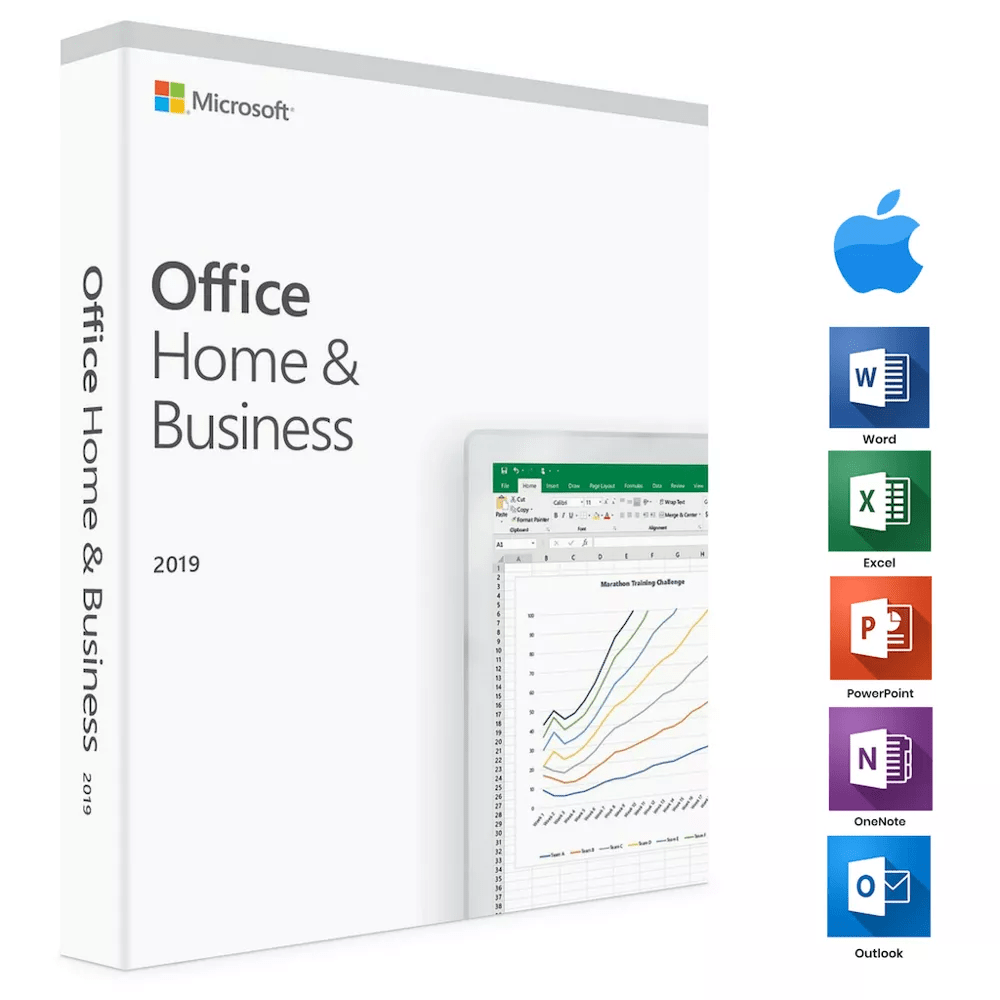
Microsoft Office Home & Student 2019 para Mac reúne Word, Excel, PowerPoint y OneNote. Es una licencia digital para un solo equipo, con un único pago, pensada para MacBook e iMac. La edición 2019 mejora lo que ofrecía Office 2016: herramientas de lectura y escritura, nuevos tipos de gráfico y funciones de presentación más completas, para el uso doméstico y el estudio.
Tipo de licencia
Pago único
Entrega
Por correo electrónico
Características principales
✔Word 2019 con herramientas de lectura
Redacte documentos con lectura en voz alta, mejor entintado y más accesibilidad
✔Excel 2019 con nuevos gráficos
Analice datos con gráficos de embudo, mapas en 2D y fórmulas mejoradas
✔PowerPoint 2019 con Morph y Zoom
Construya presentaciones con movimientos de aire cinematográfico y modelos en 3D
✔Integración con OneNote
Ordene sus notas y trabaje con ellas en todos sus equipos Mac
✔Varios idiomas
Cambie de idioma e instale paquetes de idioma adicionales por separado
Requisitos del sistema
| Sistema |
macOS |
| Procesador |
De 1,0 GHz como mínimo |
| Memoria |
1 GB en 32 bits, 2 GB en 64 bits |
| Almacenamiento |
3 GB libres en disco |
Cómo activar Microsoft Office 2019
- 1El código de activación se envía por correo electrónico, y aparece en su cuenta y en la confirmación del pedido.
- 2Vaya a setup.office.com e inicie sesión con su cuenta Microsoft, o cree una gratuita si no la tiene.
- 3Pulse Redeem a product key e introduzca el código de activación de 25 caracteres.
- 4Siga las indicaciones en pantalla para descargar e instalar Microsoft Office en su equipo.
- 5Abra cualquier aplicación de Office: se activa automáticamente con la cuenta Microsoft con la que ha iniciado sesión.
Preguntas frecuentes sobre Office 2019 para Mac
¿Cómo recibiré mi licencia?
La licencia se entrega tras la compra: por correo electrónico, en su cuenta y en la confirmación del pedido.
¿Es una licencia válida?
Sí. Recibe una licencia que activa la versión completa del programa a través del sistema de activación del editor.
¿El pago es seguro?
Sí. Todos los pagos pasan por una caja cifrada y no guardamos sus datos de pago.
¿Puedo obtener una factura?
Sí. La factura está en su cuenta y se envía por correo electrónico tras la compra.
¿Qué aplicaciones incluye Office Home & Student 2019 para Mac?
Esta edición incluye Word, Excel, PowerPoint y OneNote. A diferencia de otras versiones, no incluye Outlook: está pensada para el uso doméstico y el estudio, no para la empresa.
¿Puedo usar esta licencia tanto en casa como en el trabajo?
Sí. La licencia vale para el uso doméstico y para el profesional en su Mac. Es una licencia digital para un solo equipo, con un único pago, sin cuotas ni renovaciones.
💬
¿Alguna duda técnica o alguna indecisión?
Hable con nuestro equipo por chat en directo: le acompañamos y resolvemos su caso, antes y después de la compra. El chat está abajo a la derecha en todas las páginas.
Cómo instalar Office 2019 para Mac (compra única)
Instrucciones de activación
Producto: Office 2019 para Mac (compra única)
Enlace de descarga: https://setup.office.com
Clave de licencia: se envía a su correo justo después de la compra
Instalación paso a paso
- Vaya a setup.office.com desde su Mac.
- Inicie sesión con su cuenta Microsoft, o cree una nueva.
- Introduzca la clave de producto que ha recibido por correo.
- Elija su región y su idioma.
- Descargue el instalador de Office para Mac.
- Abra el archivo descargado y siga las instrucciones en pantalla.
- Terminada la instalación, vuelva a iniciar sesión para activar las aplicaciones de Office.
¿Necesita ayuda?
Si tiene algún problema de activación o instalación, responda al correo de su pedido.
Nuestro equipo de soporte está disponible 24/7 y también puede ayudarle en remoto con AnyDesk.
¿Por qué comprar en Instant-Key?
Instant-Key.com es un revendedor independiente de software. Entregamos las claves de licencia de forma digital, con ayuda en la activación en cada pedido.
Claves de licencia digitales
Cada clave se entrega por correo electrónico después del pago, junto con el enlace de descarga del sitio del fabricante.
Entrega inmediata
Tras el pago, su clave de licencia y el enlace de descarga llegan
al momento a su correo y a su cuenta de cliente, para que pueda empezar la instalación enseguida.
Pago con tarjeta
Aceptamos Visa, MasterCard y American Express para una compra sencilla y segura.
Atención al cliente
Nuestro equipo está disponible por WhatsApp, correo electrónico y chat en directo
para ayudarle con la instalación, la activación o cualquier duda.
Precios razonables
Software como Microsoft Office, Windows, Adobe,
Autodesk, CorelDRAW, antivirus y servidores y más a
precios razonables, para que ahorre en sus herramientas digitales.
Guías de instalación claras
Cada pedido incluye una guía de instalación en PDF paso a paso,
para que incluso quien lo hace por primera vez pueda instalar y activar su software.
Ayuda con la activación
Si una clave no se activa, nuestro equipo le ayuda y, previa verificación, puede ofrecer un reemplazo.
Clientes en todo el mundo
Particulares, empresas, estudiantes y profesionales de todo el mundo confían en
Instant-Key.com para licencias digitales que apoyan
la productividad, la creatividad y el crecimiento.


Valoraciones
Aún no hay reseñas