

How to Reduce Software Costs for Your Business
Software is one of the largest recurring expenses for businesses of all sizes. Between operating systems, productivity suites, design tools, and security software, licensing costs add up quickly. The good news: there are several straightforward strategies to reduce what you spend on software without compromising on quality or compliance.
1. Buy From Authorised Digital Resellers
One of the most effective ways to cut software costs is to purchase license keys from authorised digital resellers rather than directly from publishers. Resellers like instant-key.com offer the same activation codes at significantly lower prices — often 30 to 70% below the publisher retail price — with instant digital delivery and full activation support.
This approach is fully legal: you receive a valid license key that activates the software on the publisher servers, just as a direct purchase would. The savings come from lower overheads and volume purchasing, not from any compromise in quality.
2. Audit Your Current Licenses
Many businesses overspend simply because they are paying for licenses they no longer need. A periodic software audit helps identify:
- Unused or rarely used licenses that can be cancelled
- Duplicate tools that perform the same function
- Subscriptions that auto-renewed without review
- Employees who have left but whose accounts remain active
Running a quarterly audit typically uncovers 10 to 20% in recoverable spend for most small to mid-sized businesses.
3. Choose Perpetual Licenses Over Subscriptions When It Makes Sense
Not every tool needs to be on a subscription. For software you use consistently and do not need to update frequently — such as Microsoft Office or Windows — a one-time perpetual license key often works out cheaper over a three to five year horizon than annual subscription fees.
Subscriptions make more sense for tools that receive frequent feature updates or require cloud infrastructure (like Adobe Creative Cloud or Microsoft 365). For everything else, evaluate whether a perpetual license delivers better long-term value.
4. Consolidate With Bundles and Multi-Product Licenses
Publishers often offer significant discounts when you buy multiple products together. Microsoft 365 bundles Word, Excel, PowerPoint, Outlook, and Teams for less than buying each separately. Autodesk Industry Collections bundle AutoCAD, Revit, 3ds Max, and other tools at a fraction of individual license costs.
Review what software your team actually uses and check whether a bundle covers most of those needs at a lower combined cost.
5. Take Advantage of Multi-Seat Pricing
If you need the same software for multiple employees, buying individual licenses one at a time is the most expensive approach. Many publishers and resellers offer volume discounts starting from as few as three or five seats. Contact instant-key.com directly to discuss pricing for team or business purchases.
6. Plan Renewals in Advance
Auto-renewing a subscription at the last minute — especially directly through the publisher — is consistently the most expensive option. Planning renewals 30 to 60 days in advance gives you time to compare prices across resellers and negotiate better terms.
Setting calendar reminders for all major software renewal dates takes less than an hour and can save hundreds of euros or dollars per year.
Browse Affordable Software License Keys
instant-key.com offers competitive pricing on Windows, Microsoft Office, Adobe Creative Cloud, Autodesk, antivirus, and more — with instant delivery and activation support included.
-
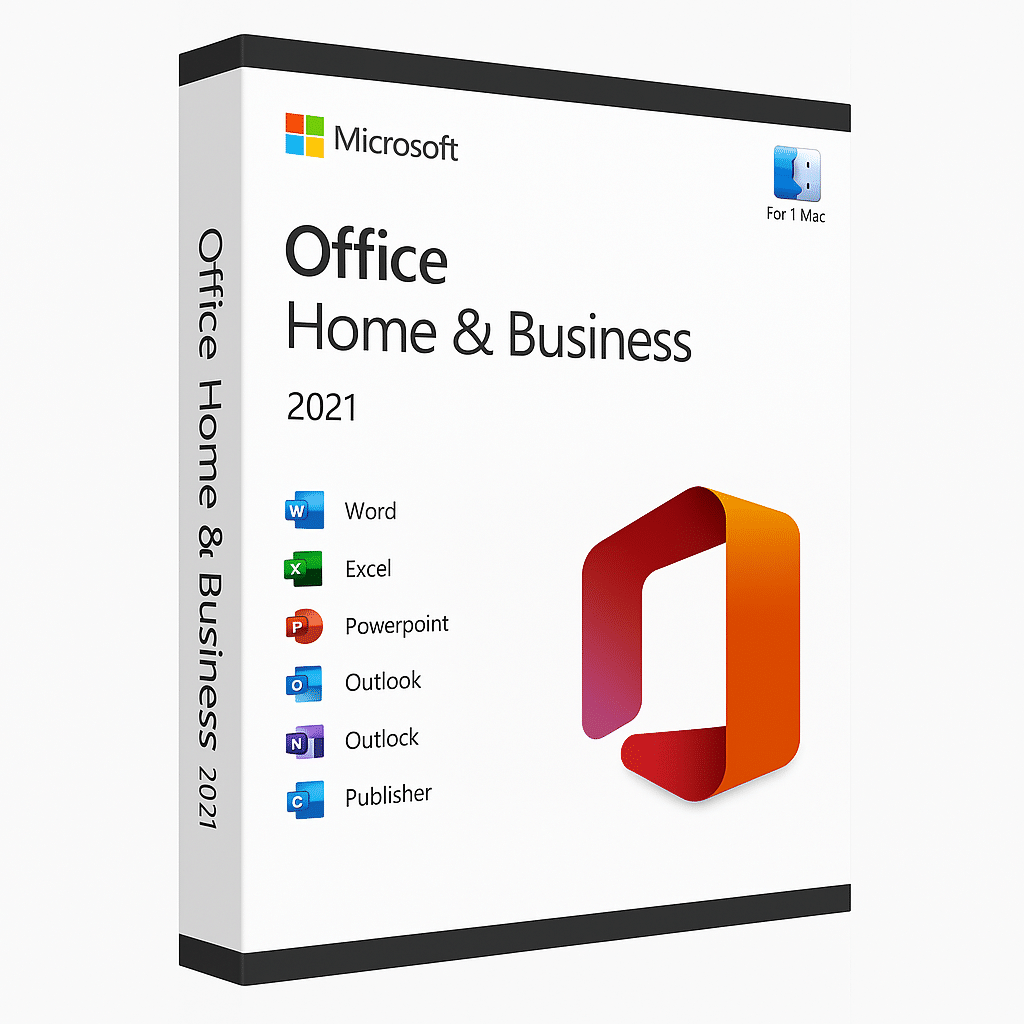
Office 2021 Home & Business For Mac
149.00 $ -
Microsoft Office 2021 – One-time Purchase
Price range: 39.00 $ through 60.00 $ -
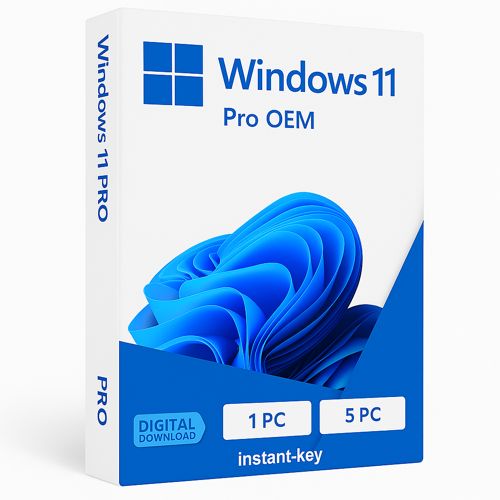
Windows 11 Professional 32/64 bits
Price range: 29.00 $ through 79.00 $ -
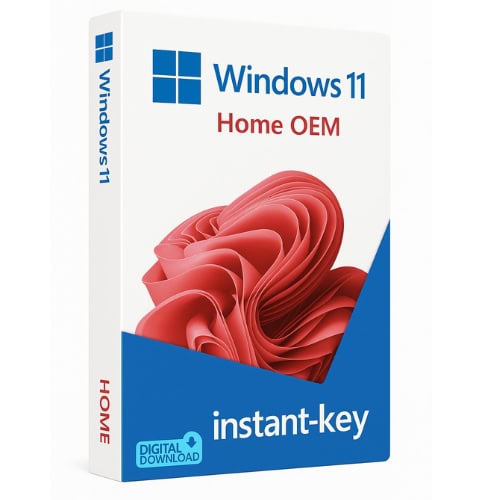
Windows 11 Home 32/64 bits
32.00 $
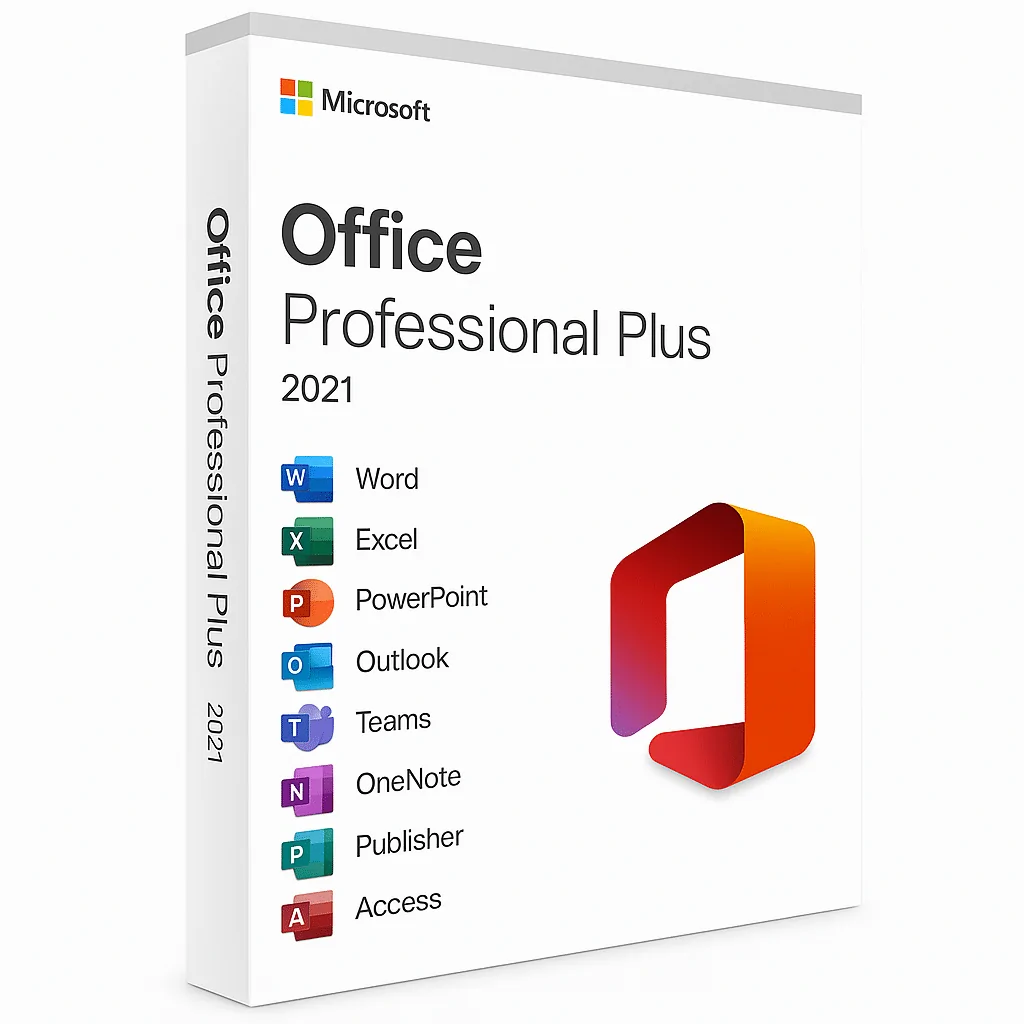
Products in this article
Digital delivery by email · Secure payment by card, Apple Pay and Google Pay





Leave a Reply