


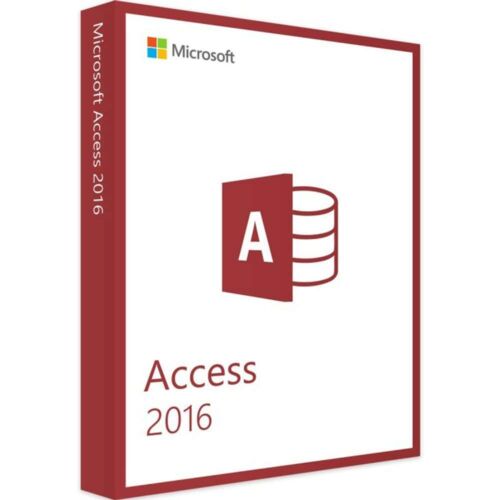
Microsoft Access 2016 (2 PCs) - One-time Purchase
35.00 $
- ✔one-time purchase license — pay once
- ✔Works on Windows · 2 PCs
- ✔All languages included
- ✔Sent by email after checkout
- ✔Free setup support
- Description
- Reviews (0)
- How to activate:
- Why buy from instant-key.com ?
Description
Microsoft Access 2016 provides a one-time purchase license for database management across 2 PCs. This version introduces the new Tell Me search box for quick feature discovery, 11 new chart types including line, column, and bar charts with Modern Charts aesthetic design. Access 2016 enables users to create business applications from templates or scratch with comprehensive design tools for data management, manipulation, and sharing.
Key features
System requirements
| OS | Windows 7 or later |
| Processor | 1.6 GHz, 2-core processor |
| RAM | 4 GB (64-bit), 2 GB (32-bit) |
| Storage | 4 GB available disk space |
| Graphics | DirectX 10 graphics card for hardware acceleration |
How to activate Microsoft Access 2016 (2 PCs) — One-time Purchase
- 1Receive your product key after purchase — by email, on your account page, and on the order confirmation screen.
- 2Go to the official Microsoft setup page (office.com/setup for Office products, or microsoft.com/setup for Windows).
- 3Sign in with your Microsoft account, or create a free one if you don’t have one.
- 4Enter your 25-character product key when prompted.
- 5Download and install — your license is automatically linked to your Microsoft account.
Frequently asked questions: Microsoft Access 2016 (2 PCs) — One-time Purchase
How will I receive my license?
Is this a valid license?
Is payment secure?
Can I get an invoice?
Can I use this Access 2016 license on multiple computers?
What database file formats does Access 2016 support?
 Microsoft Access 2016 (2 PCs) - One-time Purchase
How to activate:
- Download software from this link.
- Install and apply given key
Microsoft Access is a database management system (DBMS) from Microsoft that combines the relational Microsoft Jet Database Engine with a graphical user interface and software-development tools.
Microsoft Access stores data in its own format based on the Access Jet Database Engine. It can also import or link directly to data stored in other applications and databases.
Users can create tables, queries, forms and reports, and connect them together with macros. Advanced users can use VBA to write rich solutions with advanced data manipulation and user control. Access also has report creation features that can work with any data source that Access can access.
Reviews
There are no reviews yet