





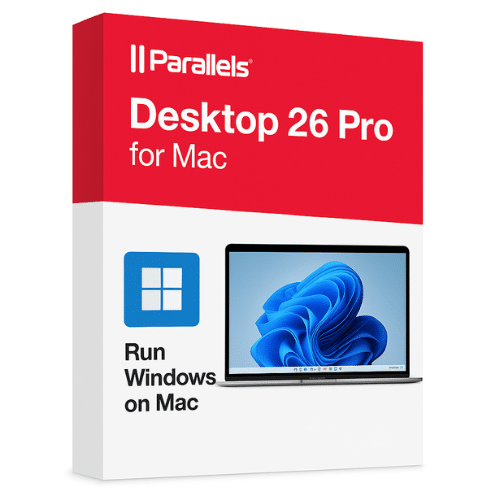
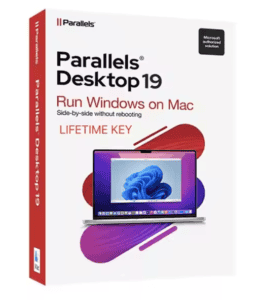
Parallels Desktop 26 Pro for Mac
80.00$
✔️ 100% Genuine (Retail Version).
✔️ Both 32/64 bit version support
✔️ Online update support.
✔️ Lifetime effective
- Description
- Reviews (0)
- Q & A
- Why buy from instant-key.com ?
Description
Parallels Desktop 26 Pro – Run Windows on Mac Seamlessly
For developers, designers, and power users who require the ideal balance of macOS adaptability and Windows application power, Parallels Desktop 26 Pro Edition was created specifically for them. With features of a professional caliber, it offers outstanding performance, virtual machines that are optimized, and smooth integration with necessary development and testing tools.
Parallels Desktop 26 Pro is a dependable and secure option for people who need to test applications across various operating systems, depend on Windows-only software, or need high-resource applications. With this essential tool, you can improve your workflow and achieve the highest levels of productivity and efficiency.
🔑 Key Features of Parallels Desktop 26 Pro
- Run Windows and macOS side by side without rebooting
- Optimized for Apple Silicon (M1/M2/M3 chips) and Intel-based Macs
- Up to 128 GB virtual RAM & 32 vCPUs per virtual machine
- Professional tools integration (Docker, Vagrant, Visual Studio)
- Enhanced graphics support with DirectX and OpenGL improvements
- One-click VM cloning, linked clones, and snapshots
- Debugging and testing tools for IT and developers
- Premium support with priority response
📊 Parallels Desktop 26 Comparison Table
| Feature | Standard Edition | Pro Edition (26) |
| Run Windows & macOS apps side by side | ✅ | ✅ |
| Optimized for Apple Silicon & Intel | ✅ | ✅ |
| Max Virtual RAM per VM | 8 GB | 128 GB |
| Max vCPUs per VM | 4 | 32 |
| Advanced Network Tools | ❌ | ✅ |
| Linked Clones & Snapshots | ❌ | ✅ |
| Visual Studio Plugin Support | ❌ | ✅ |
| Docker & Vagrant Integration | ❌ | ✅ |
| Premium Technical Support | ❌ | ✅ |
| Designed for Developers & IT Pros | ❌ | ✅ |
🖥️ Host System Requirements (Mac)
🖥️ Virtual Machine / Guest System Requirements
These depend on what OS you install (Windows, Linux, etc.), and how much resource you allocate. Parallels 26 offers high resource ceilings, especially in Pro.
Parallels Desktop 26 for Mac – FAQs
Can Parallels Desktop 26 Pro run on Apple Silicon Macs?
Yes. It fully supports Apple Silicon (M1/M2/M3 chips) as well as Intel-based Macs, ensuring smooth performance across all modern Macs.
Do I need a Windows license to use Parallels Desktop 26 Pro?
Yes. Parallels provides the virtualization software, but you’ll need a valid Windows license to install and activate Windows inside your VM.
Can I run Linux or other operating systems with Parallels Desktop 26 Pro?
Absolutely. You can install and run Linux, macOS (for testing), and other operating systems alongside Windows.
Can I transfer my existing virtual machines to Parallels Desktop 26 Pro?
Yes. You can easily import existing VMs from previous versions of Parallels Desktop or from other virtualization platforms.






Reviews
There are no reviews yet