


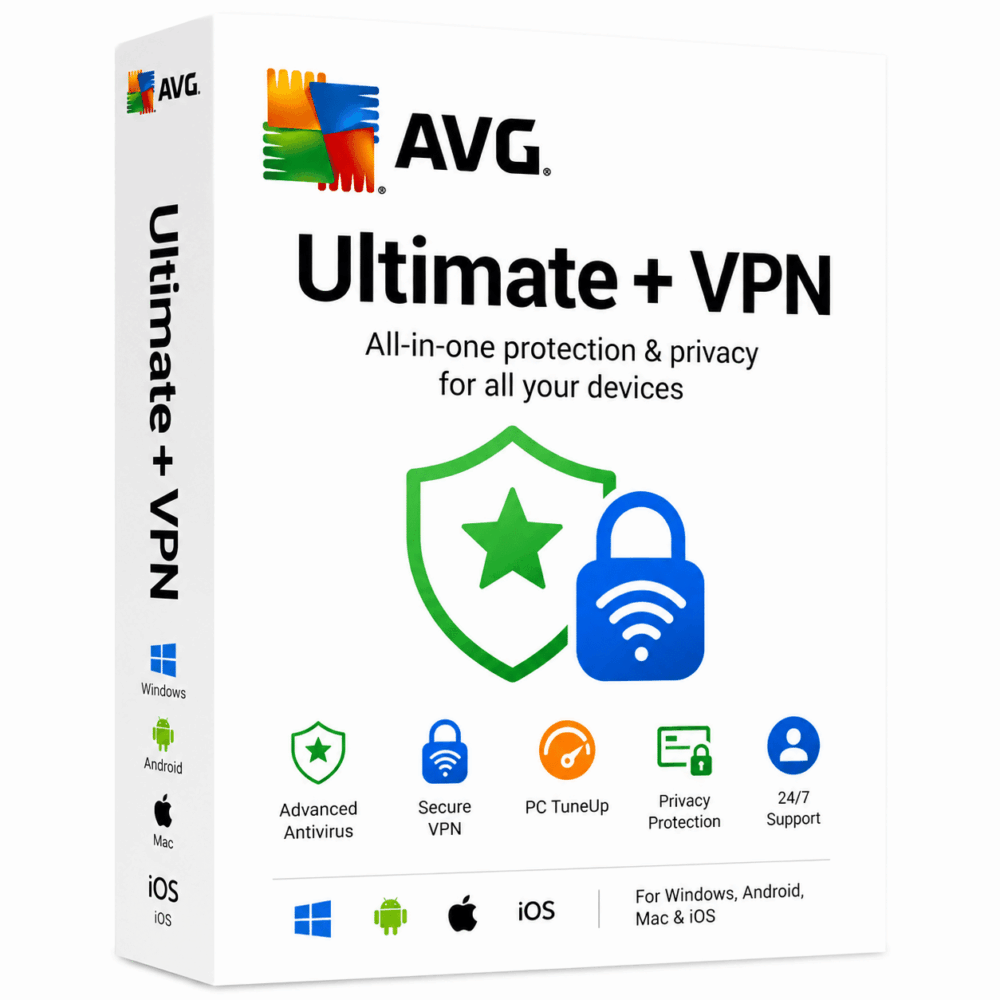
AVG Ultimate + VPN - 1 Device for 3 Year
20.00 $
- ✔3 years subscription · Renewable
- ✔Works on Windows, macOS, Android & iOS · 1 device
- ✔All-in-one protection
- ✔Sent by email after checkout
- ✔Free setup support
- Description
- Reviews (0)
- Why buy from instant-key.com ?
Description
AVG Ultimate is our best all-in- one antivirus, antimalware, tune up and cleanup pack for you and your entire family. You get our best security and performance products for unlimited Windows PCs and tablets, Mac computers, and Android smartphones and tablets.
AVG Ultimate gives you unlimited installs of the following packages:
■ AVG Internet Security for Windows
■ AVG AntiVirus for Android
■ AVG AntiVirus PRO for Mac
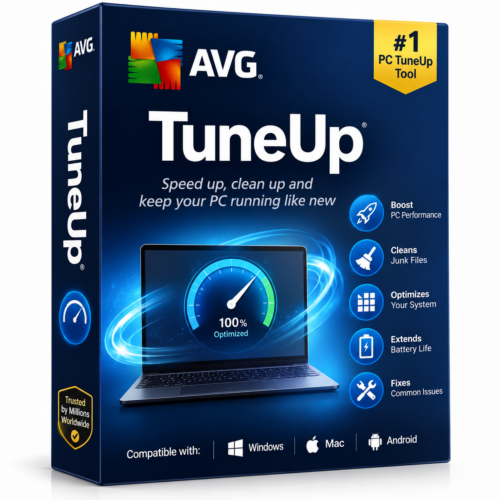
■ AVG PC TuneUp for Windows
■ AVG Cleaner PRO for Android
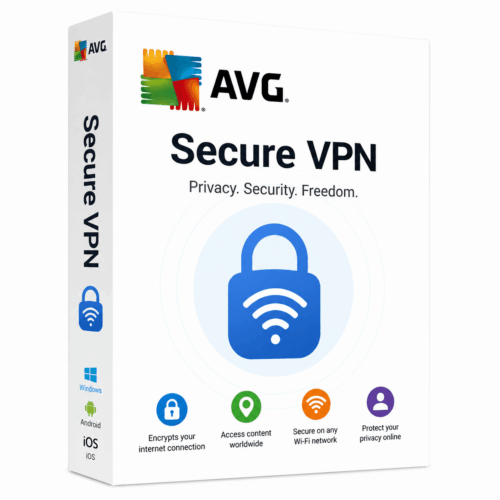
■ AVG AVG Secureline VPN
AVG Secureline VPN License File Key Features: Open-Source & excellent Privacy Protection Also, Top-notch online security 256-Bit Encryption protocols Apple approved VPN software Also, Better performance All Content Unblocking Only one shared an IP address Public Hotspot Safety DNS Leak Protection Gaming &Streaming Capabil
- Open-Source & excellent Privacy Protection
- Also, Top-notch online security
- 256-Bit Encryption protocols
- Apple approved VPN software
- Also, Better performance
- All Content Unblocking
- Only one shared an IP address
- Public Hotspot Safety
- DNS Leak Protection
- Gaming &Streaming Capabilities
- Peer to Peer Support
- Compatible with all famous platforms
- High performance &super fast bank-grade encryption
- Work on open source technology for Android and Windows
- Finally, Compatible with all devices
- User-friendly & intuitive design
- Hide your activities from your employers, advertiser and even your ISP
- A real-time solution that comes with kill switches feature
- Lighting fast 27 servers located in 19 countries
Here’s how to install AVG Ultimate Multi-Device (10-Users 1-Years)
1. Download the product by copying the following link in your browser: avg.com/activate
2. Under “Choose your product”, select “Ultimate (Multi-Device)“.
3. Under “Choose your platform”, select “Choose as per your preference“.
4. Click Download and follow the on-screen instructions on ‘See Installation Instructions’ to complete the installation process.
5. Top right click on My Avg, then select My Subscription.
6. Click on Enter a valid activation code
7. Enter your activation code, then click on Enter.
8. Your subscription is now active.
How to Activate AVG Ultimate
- Complete your purchase — your activation code is sent by email and displayed on the confirmation screen.
- Visit the vendor’s official website (avg.com).
- Sign in to your existing account or create a new one if needed.
- Enter your activation code in the account dashboard to activate your subscription.
- Download and install the latest available version on your device.





Reviews
There are no reviews yet