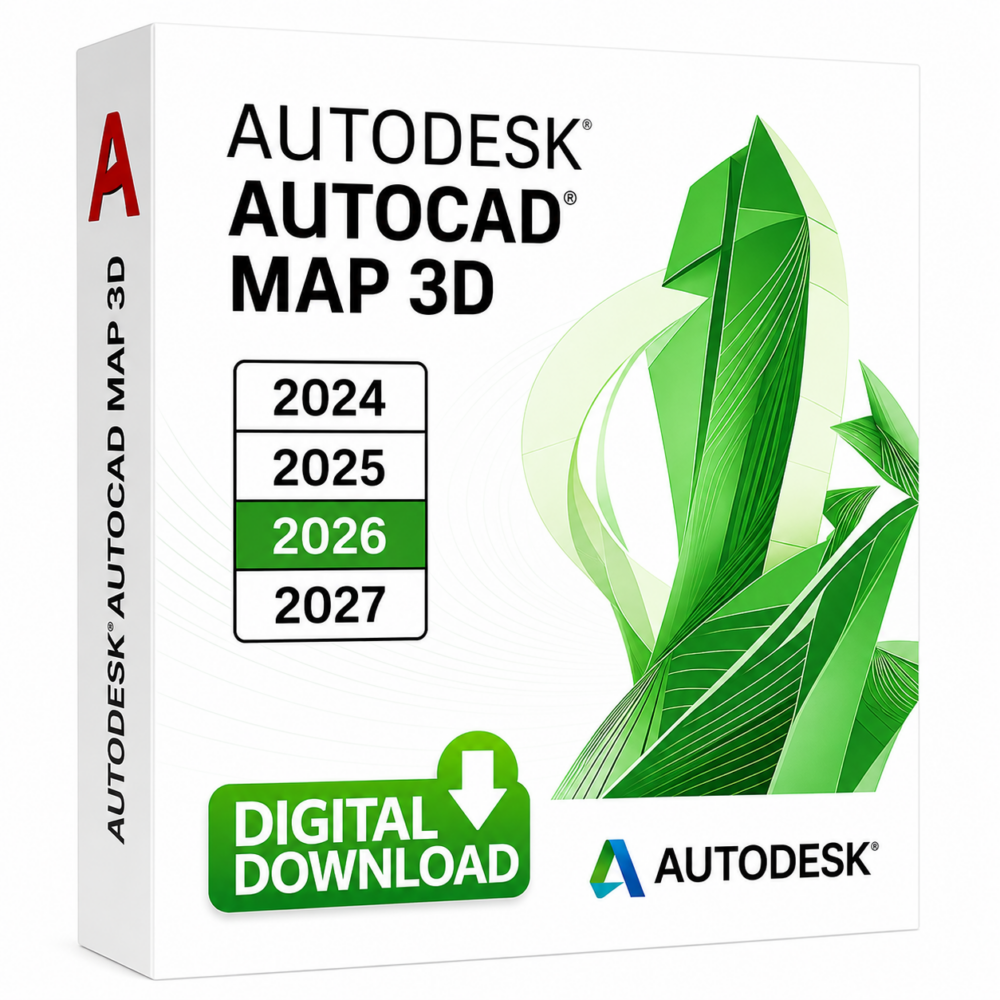
Autodesk AutoCAD Map 3D (Windows / Mac)

Autodesk AutoCAD Map 3D (Windows / Mac)
Price range: 99.00$ through 159.00$

In stock

Price range: 99.00$ through 159.00$

100% Genuine version.
✔️Runs On Windows pc and Mac
✔️Download product(s) from the official website
✔️All the available versions of Autodesk AutoCAD Map 3D (2023-2024-2025-2026)


Categories: ,

Description

Autodesk AutoCAD Map 3D Overview

We are thrilled to introduce Autodesk AutoCAD Map 3D, a powerful software application that helps you effortlessly create, manage, and analyze geospatial data for mapping and GIS tasks.
Whether you’re in infrastructure planning, engineering or data management, this member of the AutoCAD product family is perfect for you. Discover how this powerful tool can help you excel in your work and achieve your goals with ease.

Key features and functionalities of AutoCAD Map 3D:

  1. Geospatial Data Integration: AutoCAD Map 3D is a crucial tool for working with various types of geospatial data. It enables the seamless combination of data from different sources, such as GIS, CAD, and satellite imagery, allowing for improved data analysis and visualization.
  2. Data Visualization and Cartography: This amazing software provides an array of powerful tools for visualizing geospatial data in both 2D and 3D formats. Users can easily craft maps, thematic representations, and high-quality cartographic outputs, fostering clear interpretation and effective communication of complex geospatial information.
  3. Analysis and Querying: AutoCAD Map 3D provides spatial analysis capabilities such as buffering, overlay analysis, proximity analysis, and more. Users can conduct queries to extract specific information from large datasets and gain valuable insights.
  4. Data Management: The application efficiently manages geospatial data through layer organization, supports attribute data storage, and enables seamless creation, editing, and management of GIS data.
  5. Coordinate Systems and Transformation: AutoCAD Map 3D fully supports a wide range of coordinate systems, and it also provides essential tools for seamlessly converting data between different coordinate systems. As a result, it becomes indispensable for effectively working with geospatial data from various sources.
  6. Geospatial Workflows and Automation: The software allows users to create custom workflows and automate repetitive tasks through APIs, enhancing productivity by streamlining processes and reducing manual effort.engineering, utility management, transportation, environmental management, and urban planning. In addition, it offers specialized tools tailored to the specific needs of these industries.
  7. Collaboration and Data Sharing: The application supports collaboration among team members, allowing them to work on geospatial projects simultaneously. It also facilitates data sharing with stakeholders by exporting data in common GIS formats.

Buy License Autodesk AutoCAD map 3d

Features of Autodesk AutoCAD Map 3D

1. Data Acquisition and Workflows
2. Data Visualization and Cartography
3. Analysis and Querying
4. Coordinate Systems and Transformations
5. Geospatial Editing and Data Management
6. Industry-Specific Tools
7. Topological Data Analysis
8. Raster Data Management
9. Data Linking and Dynamic Annotation
10. Data Exchange and Collaboration
11. Customization and Automation

System Requirements 

  • Operating System: To ensure the best possible performance, it is highly recommended to utilize Microsoft® Windows® 10 (64-bit), Microsoft Windows 8.1 with Update KB2919355 (64-bit), or Microsoft Windows 7 SP1 (64-bit) operating systems. Moreover, these systems are optimized to provide the smoothest user experience and highest level of compatibility with modern software and hardware.
  • Processor: To achieve the best possible results, use a processor with a clock speed of 3+ GHz. While a minimum clock speed of 2.5 GHz is acceptable, a higher clock speed is preferable.
  • Memory:  8 GB of RAM (16 GB or more recommended)
  • Display Resolution: To fully experience high-quality visuals, we suggest using a graphics card that supports DirectX® 9 or 11. For optimal results, aim for a resolution of at least 3840 x 2160.
  • Graphics Card: For basic graphics performance, a GPU with at least 1 GB of memory and 29 GB/s bandwidth (DirectX 11 compatible) is necessary. For better results, aim for a minimum of 2 GB memory and 106 GB/s bandwidth. For optimal performance, consider NVIDIA® GeForce® RTX™ 30 Series or AMD® Radeon™ RX 6000 Series graphics hardware.
  • Disk Space: Before installing the software, ensure that your disk has a minimum of 10 gigabytes of free space. If you want to enhance the software’s performance, it is recommended that you use a Solid State Drive (SSD).
  • Pointing Device: MS-Mouse compliant device
  • Browser: Google Chrome™ (for AutoCAD web app)
  • .NET Framework: .NET Framework version 4.8 or later
  • Optional connection: Optional connection for license registration and subscription accessnal Software:

Additional information

EDITION

2023, 2024, 2025, 2026

Reviews

There are no reviews yet

Add a review
You must be logged in to post a review Log In
Q & A

Ask a question
There are no questions yet

Why Buy From Instant-Key?

Choosing Instant-Key.com means choosing a trusted global platform for fast, secure, and affordable digital software licenses. Every purchase is backed by genuine products and reliable customer support.

100% Genuine Software Keys

All license keys are authentic, verified, and sourced from trusted suppliers. No cracks, no illegal activations — only legitimate, secure software.

Instant Delivery

After successful payment, your license key and download link are delivered instantly to your email and user dashboard so you can start installing right away.

Multiple Payment Methods

We support a wide range of payment options including Skrill, Mollie, MasterCard, Visa, Apple Pay, Google Pay, Stripe and other major cards and wallets for a smooth and secure checkout.

Reliable Customer Support

Our team is available through WhatsApp, Email, and Live Chat to assist with installation, activation, or any questions you may have.

Affordable Pricing

Get premium software like Microsoft Office, Windows OS, Adobe, Autodesk, CorelDRAW, antivirus tools, servers and more at competitive prices to help you save on essential digital tools.

Easy Installation Guides

Every order includes a clear step-by-step PDF installation guide so even first-time users can install and activate their software with ease.

Warranty and Replacement Guarantee

All keys come with an activation warranty. In case of any activation issue, we provide a quick replacement, ensuring a smooth and worry-free experience.

Trusted by Customers Worldwide

Individuals, businesses, students, and professionals around the world rely on Instant-Key.com for genuine digital licenses that support productivity, creativity, and business growth.
" tracking="option-product-tab-block"]