


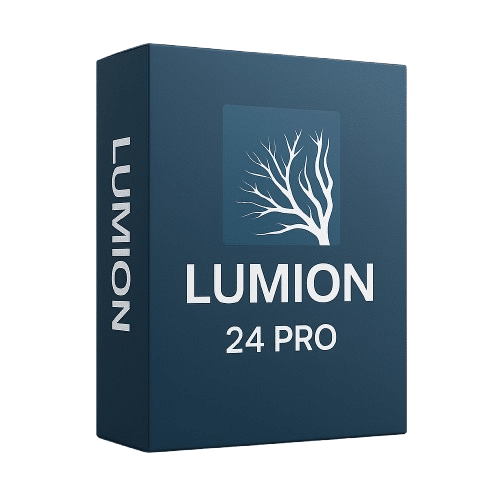
Lumion 24 Pro - 1 Device, 1 Year
80.00 $
✔ Software: Lumion 24 Pro
✔ License: 1-Year Subscription (Renewable)
✔ Devices: 1 Windows PC
✔ Platform: Windows 10/11 (64-bit)
✔ Format: Digital License Key
✔ Delivery: Instant email (15 min – 1 hour)
✔ Support: Free setup assistance included
- Description
- Reviews (0)
- Why buy from instant-key.com ?
Description
Who Uses Lumion 24 Pro?
- Architects — Present building designs with photorealistic exterior and interior visualizations.
- Interior Designers — Showcase material choices, lighting schemes, and spatial layouts to clients.
- Urban Planners — Create large-scale city and landscape visualizations with environmental context.
- Real Estate Developers — Generate marketing-ready renders and VR walkthroughs before construction.
- Architecture Students — Produce professional portfolio-quality presentations for academic projects.
Lumion 24 Pro is architectural visualization software that transforms CAD and BIM models into photorealistic renderings, animations, and virtual reality presentations. The software features real-time rendering capabilities with AI-driven lighting systems and extensive material libraries containing over 2,500 textures. It integrates directly with major CAD platforms including Revit, SketchUp, ArchiCAD, and Rhino through native plugins. Users can generate high-resolution output up to 8K UHD quality, create 360-degree panoramas, and utilize cloud rendering for enhanced processing performance. This 1-year annual subscription license covers one device installation.
Key Features
Real-time AI Rendering
Generate photorealistic visualizations instantly with AI-enhanced lighting and atmospheric effects.
CAD Integration Plugins
Direct workflow connection with Revit, SketchUp, ArchiCAD, and Rhino software.
8K UHD Output
Export ultra-high resolution images and animations for professional presentation quality.
VR Panorama Creation
Build immersive 360-degree virtual reality experiences for client presentations.
Cloud Rendering Service
Process complex scenes remotely to reduce local hardware processing requirements.
System Requirements
| OS | Windows 10/11 (64-bit) |
| Processor | 64-bit multicore processor (Intel/AMD) |
| RAM | 32 GB |
| Storage | 100 GB available (SSD recommended) |
| Graphics | NVIDIA RTX 3070 or equivalent (8 GB VRAM min) |
How to Activate Lumion 24 Pro
- After purchase, your activation code is sent by email, typically within 15 minutes to 1 hour.
- Download the official Lumion installer from lumion3d.com.
- Install Lumion on your Windows device.
- Launch Lumion, click Activate, and enter your activation code.
- Your licence is machine-bound — contact Lumion support to transfer to another device if needed.
Frequently Asked Questions
Need help? Our support team is available 7 days a week — contact us via live chat or email and we’ll get you set up quickly.





Reviews
There are no reviews yet