


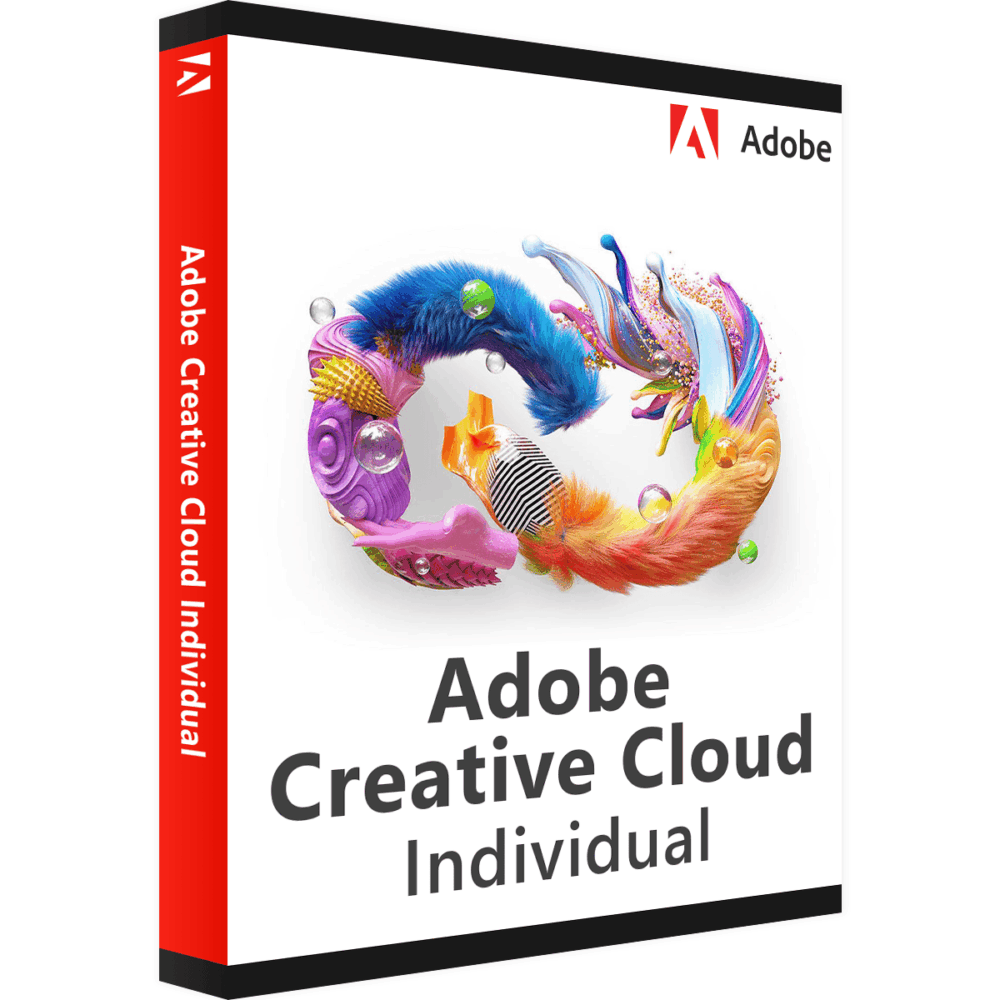

Adobe Creative Cloud – All Apps
Price range: 35.00 $ through 349.00 $
- ✔1 year subscription · Renewable
- ✔Compatible with Windows & macOS · 1 user / 2 devices
- ✔Full Creative Cloud suite access
- ✔Activation code by email — access on your Adobe account
- ✔Free setup support
Typically activated within 1-2 hours
- Description
- Reviews (7)
- Why buy from instant-key.com ?
Description
Adobe Creative Cloud – All Apps provides access to the complete suite of Adobe’s creative applications through a one-year subscription. This comprehensive package includes over 20 professional apps including Photoshop, Illustrator, and Adobe Express, plus 100GB of cloud storage. Perfect for designers, photographers, videographers, and creative professionals who need access to industry-standard tools for photo editing, graphic design, video production, and digital content creation across multiple creative disciplines. Not sure which tier fits? Adobe Creative Cloud plans.
Key Features
Complete App Suite
Access to 20+ creative applications including Photoshop for photo editing, Illustrator for vector graphics, and Adobe Express for social media content
AI-Powered Content Creation
Adobe Firefly integration brings artificial intelligence tools for enhanced content creation and design workflows
100GB Cloud Storage
Store and sync large creative projects across devices with file access from anywhere via web browser or direct sync
Redesigned Interface
Modern interface with updated fonts, icons, and color schemes, plus light and dark mode options for comfortable work sessions
Automatic Updates
Receive the latest app versions and features automatically installed directly to your computer
Cross-Platform Compatibility
Install desktop applications on Windows or Mac, with web-based tools accessible from any browser with internet connection
System Requirements
| Operating System | Windows & macOS |
| Processor | 1.5 GHz or faster processor |
| RAM | 1 GB RAM minimum |
| Storage | 2.5 GB available disk space plus space for individual applications |
How to Activate Adobe Creative Cloud
- Complete your purchase — your activation code is sent by email and displayed on the confirmation screen.
- Visit adobe.com and sign in to your Adobe account (or create a free account).
- Navigate to Plans & Payment → Manage Plan → Redeem a code.
- Enter your activation code to activate your subscription immediately.
- Download and install the application via the Creative Cloud desktop app or directly from adobe.com.
Frequently Asked Questions
How will I receive my activation code?
Is payment secure?
Can I get an invoice?
How many devices can I install Creative Cloud on?
What happens when my 1-year Creative Cloud subscription expires?
Need help? Our support team is available 7 days a week. Contact us via live chat or email for activation assistance, compatibility questions, or any other inquiry.
7 reviews for Adobe Creative Cloud – All Apps
1-5 of 7 reviews
Add a review
You must be logged in to post a review
Log In





You just saved my life! Everything works perfectly!
Great i like it
The code worked and I was very happy. This was my first time purchasing anything with this company.
Paid and delivered promptly. Great value. Up and running no issues
worked like a charm, cheap and smooth. Chat was very responsive, very fast service.