


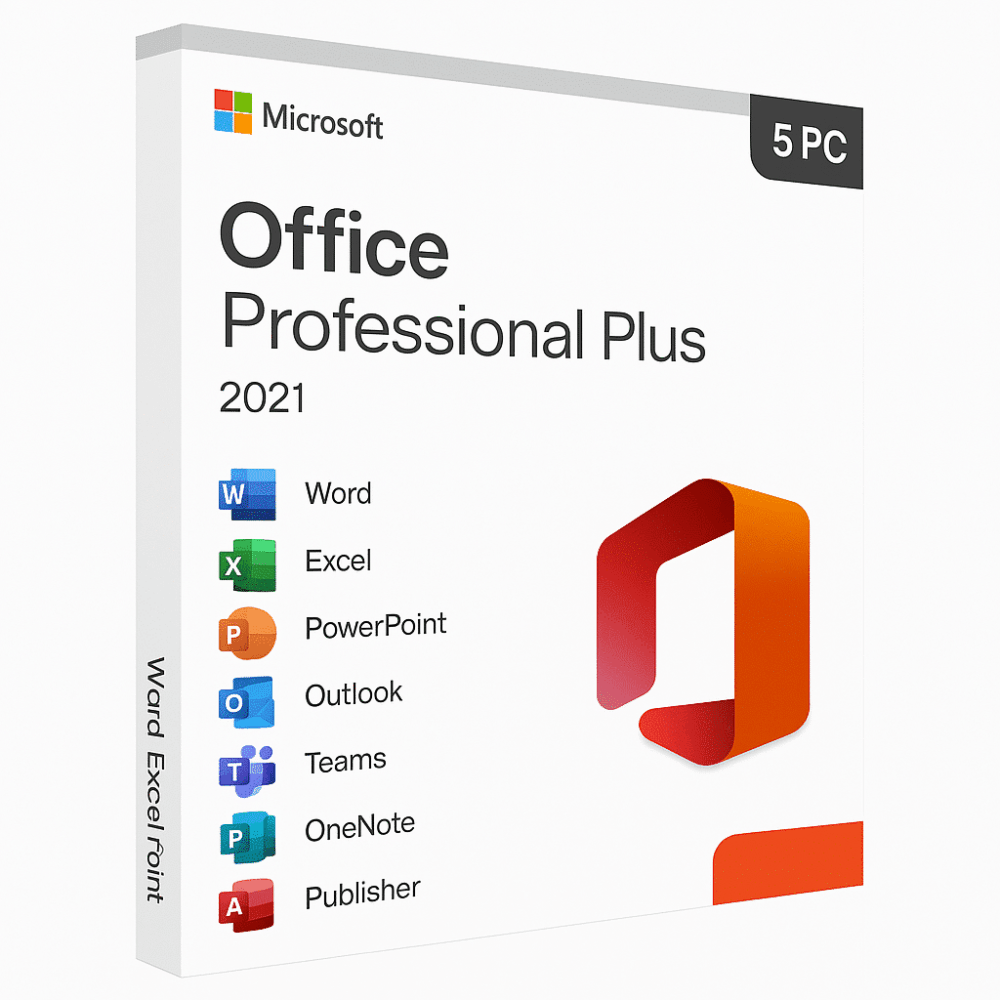
Office 2021 Professional Plus (5user)
Ursprünglicher Preis war: 180,00 €109,00 €Aktueller Preis ist: 109,00 €.
- ✔one-time purchase license — pay once
- ✔Works on Windows PC · 5 PCs
- ✔All languages included
- ✔Sent by email after checkout
- ✔Free setup support
- Beschreibung
- Rezensionen (11)
- Installation Guide
- Why buy from instant-key.com ?
Beschreibung
Important: Microsoft Office 2021 reached its end of support on October 13, 2026. It may continue to function, but Microsoft no longer provides security updates or technical support.
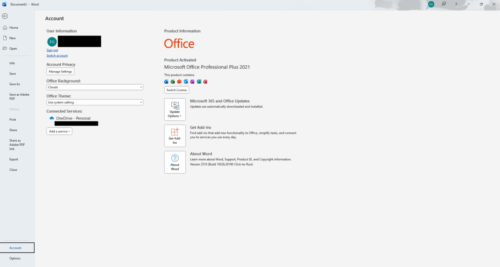
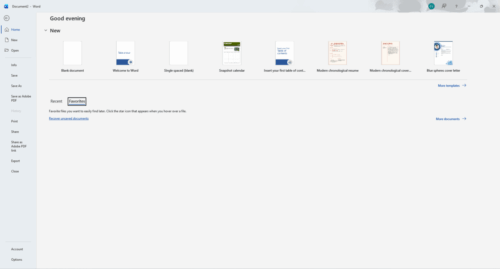
Office 2021 Professional Plus provides a comprehensive suite of productivity applications through a one-time purchase licence for five users, with no ongoing subscription costs for small teams and businesses. This standalone version includes Word, Excel, PowerPoint, Outlook, Access, and OneNote with advanced security features, compliance tools, and collaboration capabilities specifically designed for professional environments. Comparing with the latest version? Read Office 2021 vs Office 2024. The software supports up to five installations across compatible Windows devices, offering long-term value for organizations seeking traditional licensing models over cloud-based subscriptions.
Key features
System requirements
| OS | Windows 10 or later |
| Processor | 1.6 GHz or faster, 2-core processor |
| RAM | 4 GB RAM |
| Storage | 4 GB available disk space |
How to Activate Microsoft Office 2021
- 1Your activation code is sent by email, available on your account page, and shown on the order confirmation screen.
- 2Go to setup.office.com and sign in with your Microsoft account (or create a free one if needed).
- 3Click Redeem a product key and enter your 25-character activation code.
- 4Follow the on-screen instructions to download and install Microsoft Office on your device.
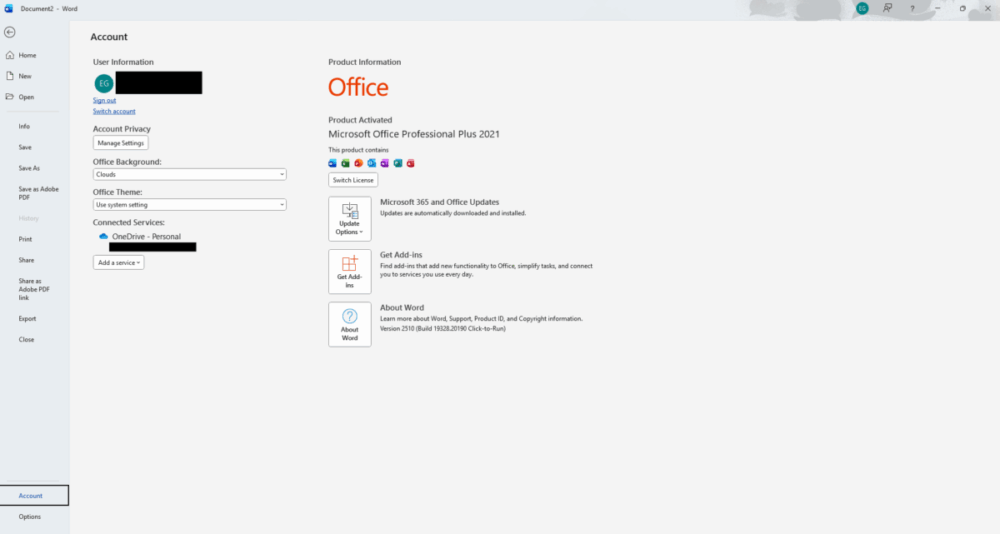
- 5Launch any Office application — it activates automatically through your signed-in Microsoft account.
Frequently asked questions — Office 2021 Professional Plus (5user)
How will I receive my license?
Is this a valid license?
Is payment secure?
Can I get an invoice?
What is the difference between Office 2021 and Microsoft 365?
Can I upgrade from an older Office version to Office 2021 Professional Plus?
How to Install Microsoft Office 2021 Professional Plus (5 PC)
Activation Instruction:
Product: Microsoft Office 2021 Professional Plus (PC)
Download Link:
Click here to download
License Key: You will receive your activation key immediately after purchase.
Installation Steps
- Download the Office 2021 setup file using the link above.
- After download, right-click the .img file and select “Mount”.
- Open the mounted folder and run setup.exe.
- Wait for Microsoft Office to finish installing.
- Launch any Office app (Word, Excel, etc.).
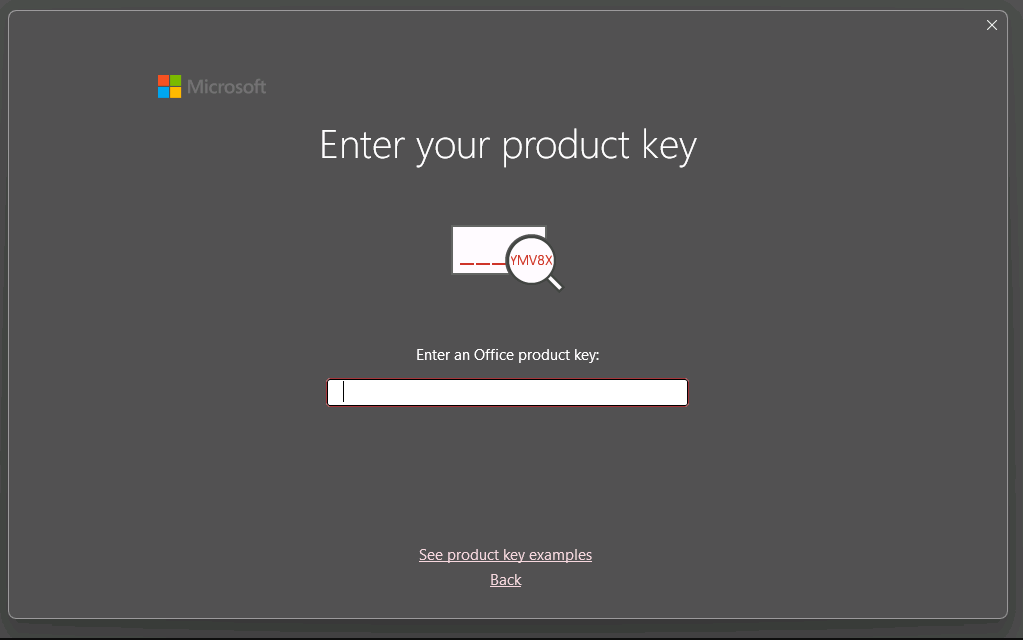
- Enter the activation key received after purchase.

- Sign in with your Microsoft account if prompted.
- Office will automatically activate once the key is validated.
Need Help?
If you experience any installation or activation issues, simply reply to your order email.
Our support team is available and can assist you remotely via AnyDesk for quick problem resolution.



Rezensionen
Es gibt noch keine Rezensionen