


Most sold
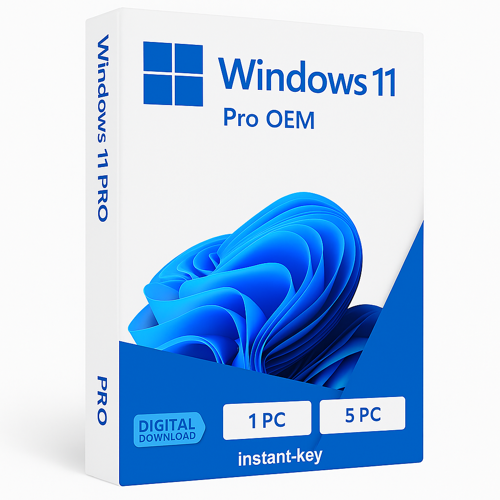
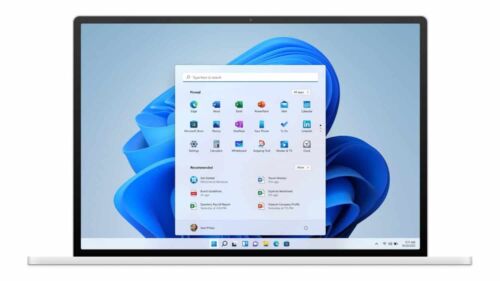
Windows 11 Professional 32/64 bits
Plage de prix : 29.00 $ à 79.00 $
- ✔one-time purchase license — pay once
- ✔Works on Windows PC · 1 PC
- ✔All languages included
- ✔Sent by email after checkout
- ✔Free setup support
Delivered in minutes by email
- Description
- Avis (19)
- Why buy from instant-key.com ?
Description
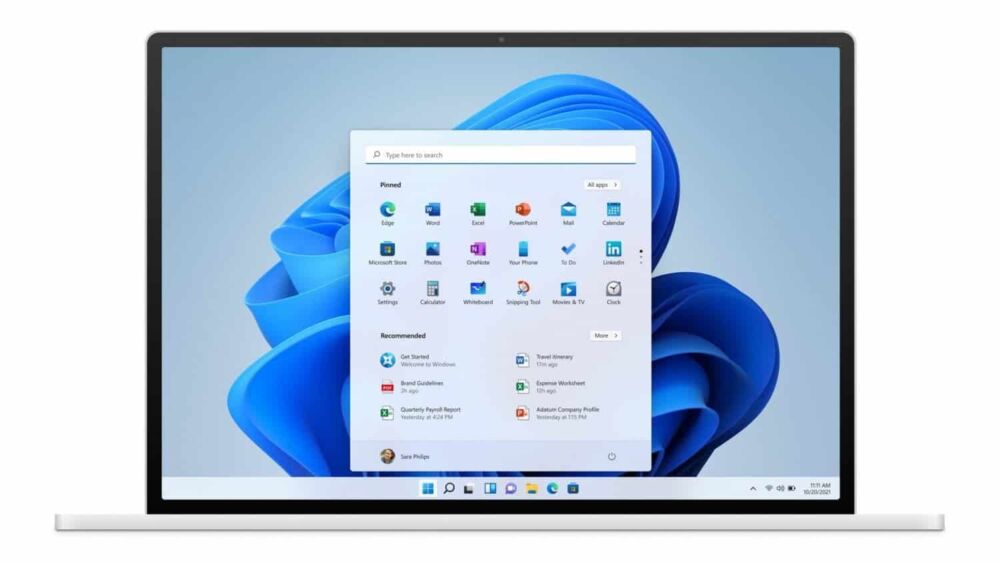
Windows 11 Professional brings advanced security and management tools designed for small businesses and IT professionals. This edition includes enterprise-grade features like BitLocker encryption, Remote Desktop host capabilities, and Hyper-V virtualization. Built with modern hardware requirements including TPM 2.0 and Secure Boot, Windows 11 Pro offers enhanced protection against cyber threats while maintaining compatibility with business applications. The redesigned interface optimizes productivity workflows for professional environments.
License
One-time purchase
Duration
One-time
Platforms
Windows 11 (64-bit)
Devices
1 PC
Delivery
By email
Key features
✔BitLocker Drive Encryption
Protects sensitive business data with full disk encryption technology
✔Remote Desktop Host
Allows secure remote access to your computer from anywhere
✔Hyper-V Virtualization
Run multiple operating systems simultaneously for testing and development
✔Azure AD Domain Join
Integrates with Microsoft cloud services for centralized user management
✔Windows Hello for Business
Biometric authentication eliminates passwords for faster secure login
System requirements
| OS | UEFI firmware with Secure Boot capability |
| Processor | 1 GHz 64-bit processor with 2+ cores |
| RAM | 4 GB minimum |
| Storage | 64 GB available disk space, TPM 2.0 chip required |
How to Activate Windows 11
- 1Your product key is sent by email, available on your account page, and shown on the order confirmation screen.
- 2If you need to install or reinstall Windows, download the official ISO from microsoft.com/software-download/windows11.
- 3Install Windows on your PC, or skip this step if Windows is already installed on your device.
- 4Go to Settings → System → Activation and click Change product key, then enter your 25-character key.
- 5Click Activate to complete online activation. No Microsoft account required.
Frequently asked questions — Windows 11 Professional 32/64 bits
What are the minimum requirements to install Windows 11 Pro?
Microsoft asks for a 1 GHz or faster processor with two or more cores on a compatible 64 bit processor or System on a Chip, 4 GB of RAM, a 64 GB or larger storage device, UEFI firmware that is Secure Boot capable, TPM version 2.0, a graphics card compatible with DirectX 12 or later with a WDDM 2.0 driver, and a high definition 720p display greater than 9 inches diagonally.
Is there a 32 bit version of Windows 11?
No. Microsoft requires a compatible 64 bit processor or System on a Chip, and Windows 11 is not released in a 32 bit edition. It still runs 32 bit applications.
Can I upgrade an existing Windows 10 PC with this license?
Microsoft states that the device must be running Windows 10 version 2004 or later to upgrade, and the hardware requirements above still apply. The PC Health Check app reports whether a given machine qualifies.
Do I need an internet connection and a Microsoft account to set it up?
Microsoft states that Windows 11 Pro for personal use requires internet connectivity and a Microsoft account during initial device setup. Internet access is also needed to perform updates and to download some features.
Is 64 GB of storage enough over time?
64 GB is Microsoft's minimum for installing Windows 11, and Microsoft notes that additional free space is needed to keep the system up to date. A larger drive leaves room for updates and applications.
Is this a valid license?
Yes. You receive a license that activates the full version of the software directly through the publisher’s activation system.
What are the main differences between Windows 11 Pro and Home editions?
Pro includes BitLocker encryption, Remote Desktop host, Hyper-V virtualization, Azure AD join, and advanced Group Policy management tools that Home edition lacks.
Will this work on older computers without TPM 2.0?
No, Windows 11 requires TPM 2.0 chip, Secure Boot, and UEFI firmware. Older systems may need hardware upgrades or should consider Windows 10.
Any technical question or hesitation?
Speak with our team via live chat — an expert will guide you and help you resolve any issue before or after your purchase. Our chat is available at the bottom right of every page.
Ajouter un avis
Vous devez être connecté·e pour laisser un avis.
Se connecter
Avis
Il n’y a encore aucun avis