


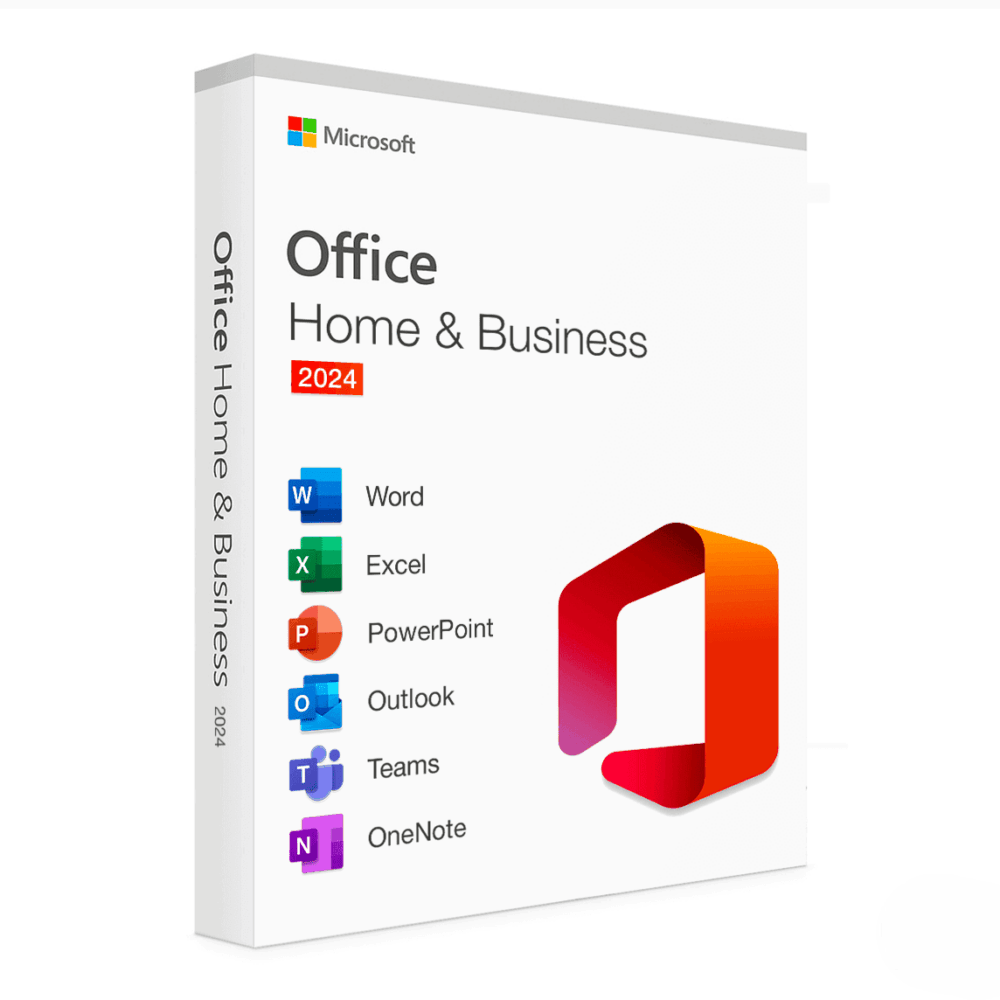
Microsoft Office 2024 Home & Business For Mac
150.00 $
- ✔One-Time License — pay once
- ✔Works on macOS 14 Sonoma or later · 1 Mac
- ✔All languages included
- ✔Sent by email after checkout
- ✔Free setup support
- Description
- Avis (0)
- Why buy from instant-key.com ?
Description
Microsoft Office 2024: Buy License key
Available on the official Microsoft website, Microsoft Office Home & Business 2024 for Mac comes equipped with all the necessary tools for the effective organization of both work and personal issues. This version is a one-time purchase single-device license with no need for a purchase subscription. Hesitating between editions? Compare them in our Office 2024 vs Office 2021 guide.
The suite consists of components that put together four classic Microsoft Windows applications that are designed for increased productivity and enhanced communication namely Word, Excel, PowerPoint, and Outlook. Time-saving features, a contemporary feel, and collaboration capabilities built into Office 2024 encourage fast and efficient work.
This version is great for managers and home users who use a Mac and are looking for advanced work applications and email-handling capabilities.
Applications Included in the Package:
Microsoft Word 2024
- Designed for creating, altering, and preparing documents with advanced capabilities.
- It is possible to work with other people in real – time using cloud integrations.
- The application has been improved for macOS, utilizing features such as Dark Mode which are native to macOS.
- All-inclusive resources for data interpretation, graphical representation, and administration of the spreadsheets.
- New data types and analysis tools, which includes advanced pivot tables.
- Other advanced formulae and features dominated by the use of “XLOOKUP” function.
- Improved design and presentation making tools for enhancing the creation of presentation.
- Team members can edit the presentation simultaneously through OneDrive integration, enabling collaboration features.
- Microsoft has added new templates, animations, and transitions.
- Better e-mail service with a clean look and easier functions.
- Facilitated calendar and scheduling of tasks.
- Synchronized with other devices and services like Google, iCloud and many others.
Microsoft OneNote 2024
- An application that mimics a notebook where you can take notes, arrange your content or share it with other people.
- It offers the users conversion of handwritten text into digital text, provides the ability to annotate images and works on a cloud environment for multi-device use.

Primary Benefits of Office 2024 Home & Business
- one-time purchase license: Make a single payment to own the applications, allowing you to use them for a one-time on a single Mac machine.
- macOS Support: Completely macOS compliant and works with the current and latest macOS features, including the M1 and M2 chip.
- Advanced Protection: Protective measures embedded in the application against hitches such as phishing, loss of sensitive information and malware threats.
- Support for Cloud – Connects with apps including One Drive for sharing of files in an Instant, working on documents at the same time and being able to access the files in all locations.
- No renewals: CSS3 only features an initial entry cost with zero periodic listings like that of Microsoft 365 the subscriptions.
For Who Is It Suitable?
✯ Small Businesses: Designed for business owners in need of rudimentary Office applications like documentation, presentation, and emailing.
✯ Families: Best for household purposes a, s managing personal finances, schoolwork, and planning family events.
✯ Mac Users: Mac users who are looking for a suitable office tools package designed for macOS environment.
System Requirements for Office 2024 Home & Business
- Supported Operating Systems: macOS 14 Sonoma or later.
- Processor: M1, M2, Apple Silicon or Intel processors.
- RAM: A minimum of 4 GB.
- Disk Space: Minimum 10 GB of free hard disk space.
- Display: Minimum 1280 x 800 pixel screen resolution.
FAQ’s
How will I receive the product key?
– You will receive the product key and download instructions instantly via email after your purchase.
Can I use this license on multiple devices?
– No, this license is valid for installation and use on one Mac only.
Is an internet connection required?
– Yes, an internet connection is required for activation and downloading the installer. After setup, you can use Office offline.
Does this include access to OneDrive cloud storage?
– No, OneDrive storage is not included. This is a standalone product and not part of a Microsoft 365 subscription.
How to Activate Microsoft Office 2024
- 1Your activation code is sent by email, available on your account page, and shown on the order confirmation screen.
- 2Go to setup.office.com and sign in with your Microsoft account (or create a free one if needed).
- 3Click Redeem a product key and enter your 25-character activation code.
- 4Follow the on-screen instructions to download and install Microsoft Office on your device.
- 5Launch any Office application — it activates automatically through your signed-in Microsoft account.
Avis
Il n’y a encore aucun avis