Description
Ashampoo Photo Commander 17 is a Windows photo management application available as a one-time purchase license — a single one-time purchase for use on one PC. It covers viewing, browsing, and organising photos alongside practical editing tools including red-eye correction, cropping, rotating, colour correction, and filters. Additional features include RAW file support, batch renaming and processing, EXIF metadata viewing and editing, watermarking, slideshow creation, a photo calendar creator, and a print layout designer. Your license key is sent by email.
License
One-Time Purchase
Delivery
Digital / Instant
Key Features
RAW File Format Support
Allows photographers to open and work with uncompressed RAW files straight from their camera without needing separate conversion software.
Batch Renaming and Processing
Saves time by letting you apply renaming rules or edits to multiple photos at once rather than handling each file individually.
EXIF Metadata Viewer and Editor
Lets you view and edit embedded camera data such as date, location, and exposure settings directly within the application.
Photo Calendar Creator
Enables you to turn your own photos into personalised printable calendars without requiring any additional design software.
Watermarking Tool
Helps you protect your images by adding text or logo watermarks before sharing or publishing them online.
Print Layout Designer
Gives you control over how photos are arranged and sized on a printed page, reducing paper and ink waste.
System Requirements
| Operating System |
Windows 10 / Windows 11 |
| Processor |
1 GHz or faster |
| RAM |
512 MB |
| Storage |
200 MB free disk space |
What platform does Ashampoo Photo Commander 17 run on?
Ashampoo Photo Commander 17 runs on Windows only. It is not compatible with macOS or Linux.
Is this a subscription or a one-time purchase?
This is a one-time purchase license, meaning you pay once and own the software outright with no recurring subscription fees.
How many devices can I use with this license?
This license covers installation on one PC only. A separate license is required for each additional computer.
How to Activate Ashampoo Photo Commander 17
- 1Your license key is delivered by email and available on your order confirmation page.
- 2Download the software from ashampoo.com using the link in your confirmation email.
- 3Install and launch the application.
- 4Open Help → Enter License Key and enter your key.
- 5Your software is now fully activated.
Pourquoi acheter chez Instant-Key ?
Instant-Key.com est un revendeur indépendant de logiciels. Nous livrons les clés de licence par voie numérique, avec les instructions d'activation incluses à chaque commande.
Clés de licence numériques
Chaque clé est livrée par courrier électronique après le paiement, avec le lien de téléchargement vers le site de l'éditeur.
Livraison immédiate
Après confirmation du paiement, votre clé de licence et le lien de téléchargement arrivent aussitôt par courrier électronique et dans votre compte client, pour installer sans attendre.
Paiement par carte
Nous acceptons Visa, MasterCard et American Express dans un règlement par carte chiffré.
Assistance fiable
Notre équipe est joignable par WhatsApp, courrier électronique et discussion en direct
pour l'installation, l'activation ou toute autre question.
Prix abordables
Des logiciels comme Microsoft Office, Windows, Adobe,
Autodesk, CorelDRAW, les antivirus et les serveurs à des prix
compétitifs, pour économiser sur vos outils numériques.
Guides d'installation clairs
Chaque commande comprend un guide d'installation PDF, étape par étape,
pour qu'un premier achat s'installe et s'active sans difficulté.
Aide à l'activation
Si une clé ne s'active pas, notre équipe vous accompagne et peut proposer un remplacement après vérification.
Des clients dans le monde entier
Particuliers, entreprises, étudiants et professionnels du monde entier font appel à
Instant-Key.com pour des licences numériques qui soutiennent
la productivité, la création et la croissance.


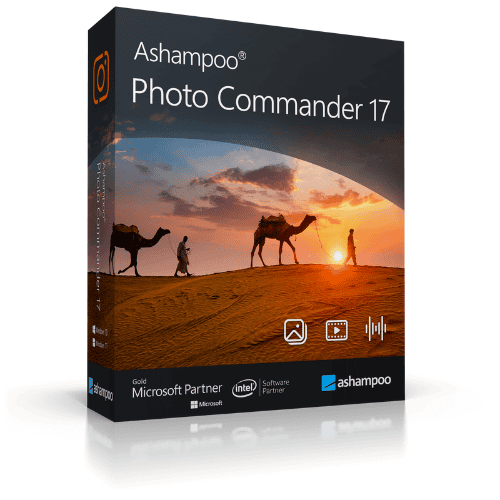
 Ashampoo Photo Commander 17
Avis
Il n’y a encore aucun avis