


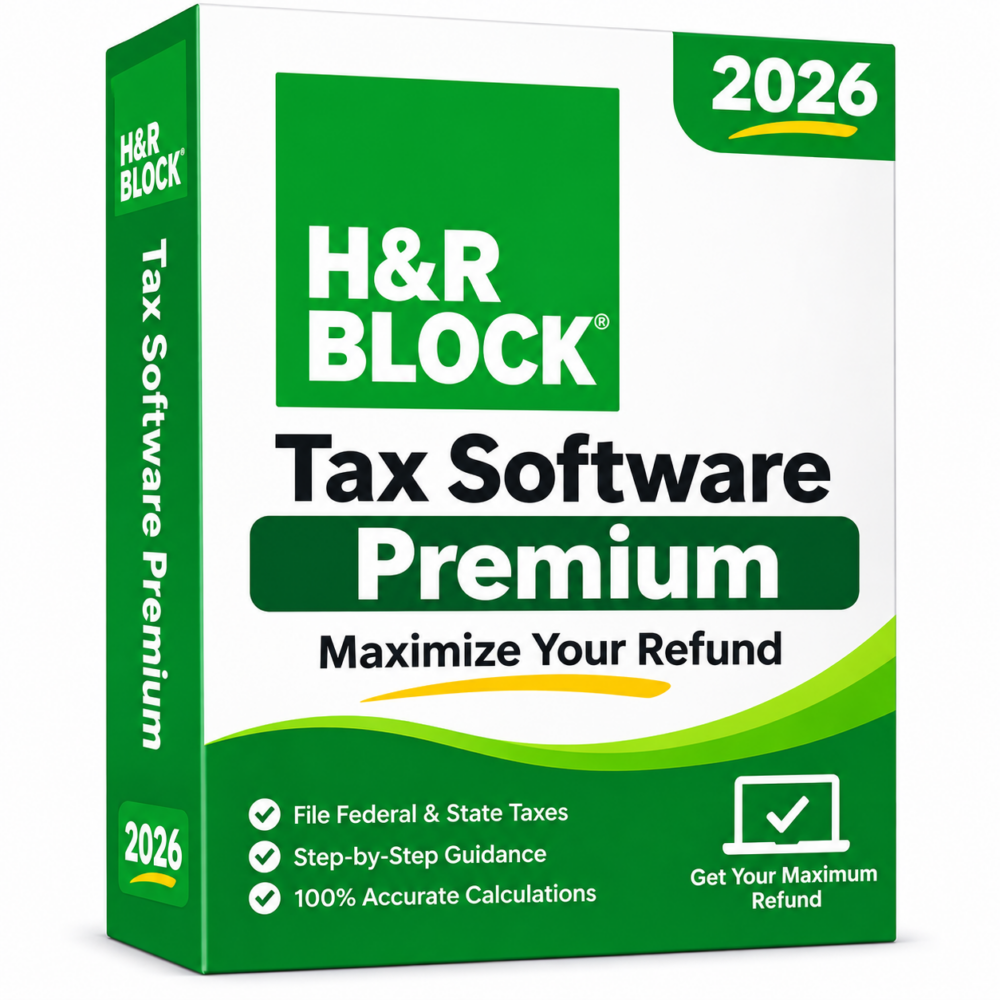
H&R Block Tax Software Premium {{TAX_YEAR}} (Win/Mac)
Preisspanne: 52,00 € bis 58,00 €
- ✔one-time purchase license · Files {{TAX_YEAR}} tax returns
- ✔Works on Windows & macOS · 1 device
- ✔Federal & State filing · Rental, investment & self-employed income
- ✔Sent by email after checkout
- ✔Free setup support
- Beschreibung
- Rezensionen (0)
- Why buy from instant-key.com ?
Beschreibung
H&R Block Tax Software Premium {{TAX_YEAR}} covers the {{TAX_YEAR}} US tax year, supporting the preparation and filing of {{TAX_YEAR}} federal and state tax returns. The Premium edition handles investment income (Schedule D), rental income (Schedule E) and self-employment income (Schedule C), including 1099-NEC and freelance earnings. A deduction finder, W-2 import, prior year data import and audit support are included. Up to five federal e-files are included, along with one state return. Returns for companies, partnerships, estates and trusts are handled by the Premium & Business edition.
How many federal returns can I e-file with this software?
H&R Block Premium {{TAX_YEAR}} includes up to five federal e-files, making it suitable for households or self-employed filers preparing multiple {{TAX_YEAR}} federal returns.
Does H&R Block Premium include state filing?
Yes, one state return is included with the software. Additional state returns may be purchased separately if required. State programs are released later than the federal software, usually from January, and the date varies by state.
Which tax year does this version cover?
This version covers the {{TAX_YEAR}} tax year, meaning it is used to prepare and file {{TAX_YEAR}} US tax returns.
How to Activate H&R Block {{TAX_YEAR}} Premium
- 1Your activation code is sent by email, available on your account page, and shown on the order confirmation screen.
- 2Download H&R Block Tax Software from hrblock.com/software-download: log in to your H&R Block account or use the direct link in your confirmation email.
- 3Install the software on your Windows or Mac computer and follow the setup wizard.
- 4Launch the program and enter your activation code when prompted during setup.
- 5Sign in or create a free H&R Block account to complete activation and start filing your {{TAX_YEAR}} tax returns.
 H&R Block Tax Software Premium {{TAX_YEAR}} (Win/Mac)
Rezensionen
Es gibt noch keine Rezensionen