You will require a Serial key to use some of the products in this order.
This Serial Key will be sent to you by e-mail directly after a successful payment.
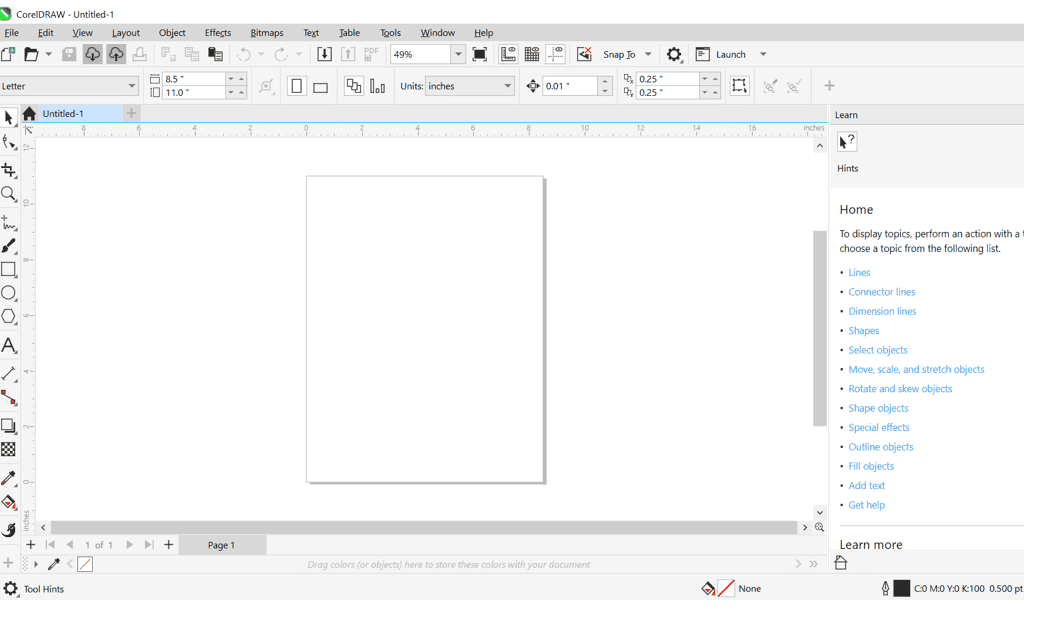
- Download the File
- Click on the download link provided. (After purchase, check your email for the official download link, which will be sent to you)
- Ensure you download the complete file.
- Open the Downloaded File
- After the download is complete, open the file.
- You will see folders: ” CorelDRAWGraphicsSuite2024Installer” click on it to process and “click x64”
- Start the Installation
- Click the “setup” folder, then double-click the “setup” application to begin the installation process.
- Agree to Terms
- Review and agree to the terms and conditions.
- Enter Serial Key
- Input the serial key sent to you.
- Sign In or Create a Corel Account
- Sign in to your Corel account or create a new one.
- Access CorelDRAW
- Enjoy lifetime access to CorelDRAW.
Contact us if you encounter any issues, and we will assist you remotely.